
Product updates · October 27, 2026 · 5 min read
What's New at DaVinci Market: October 2026
In-site payout setup, license keys, release history, Discord and Slack sale alerts, quick add, an improved Help Centre, and more. Here's the October update at DaVinci Market.
In this article
October was a big month at DaVinci Market. We shipped dozens of improvements for the people who buy tools for DaVinci Resolve and for the creators who make them.
Here are the highlights:
October at a glance
This October, we:
made it so buyers can add products to the cart from any card, get license keys with their order, and message a seller from their downloads.
updated Creator Studio so creators can set up payouts without leaving the site, see earnings for every order, deliver license keys, and publish new versions with full release history. We also made DaVinci Market buy buttons easier to add to your own website, and added sale alerts for Discord and Slack.
updated the Help Centre for everyone, with easier-to-follow guides, and made Resolve compatibility labels and cookie choices clearer.
For buyers
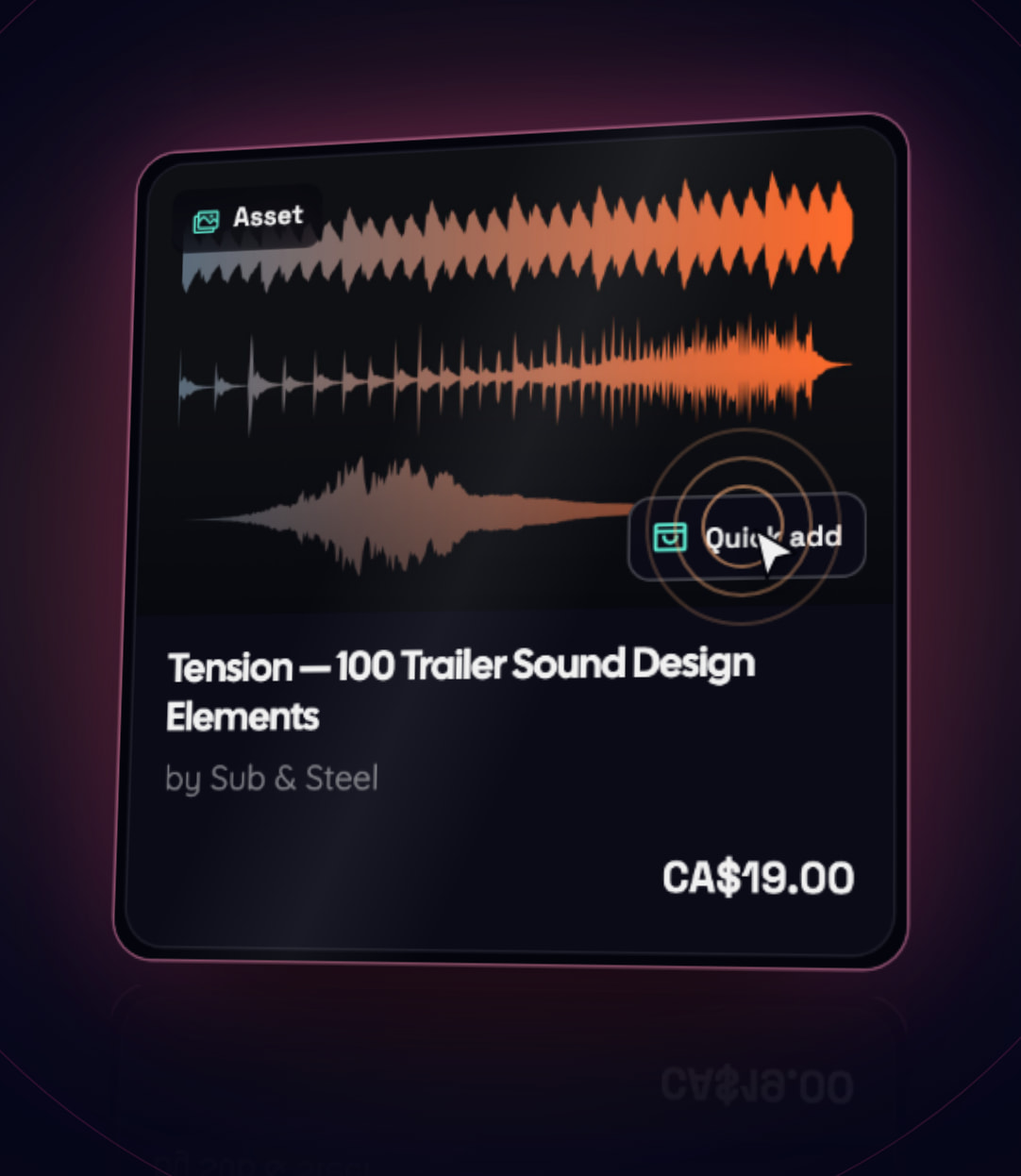
Quick add from any product card
Every product card now has a quick-add button: on the homepage, in the catalogue, in bundle contents and in recommendations. It adds the product with its default license and build. If it's already in your cart, the button opens the cart instead.
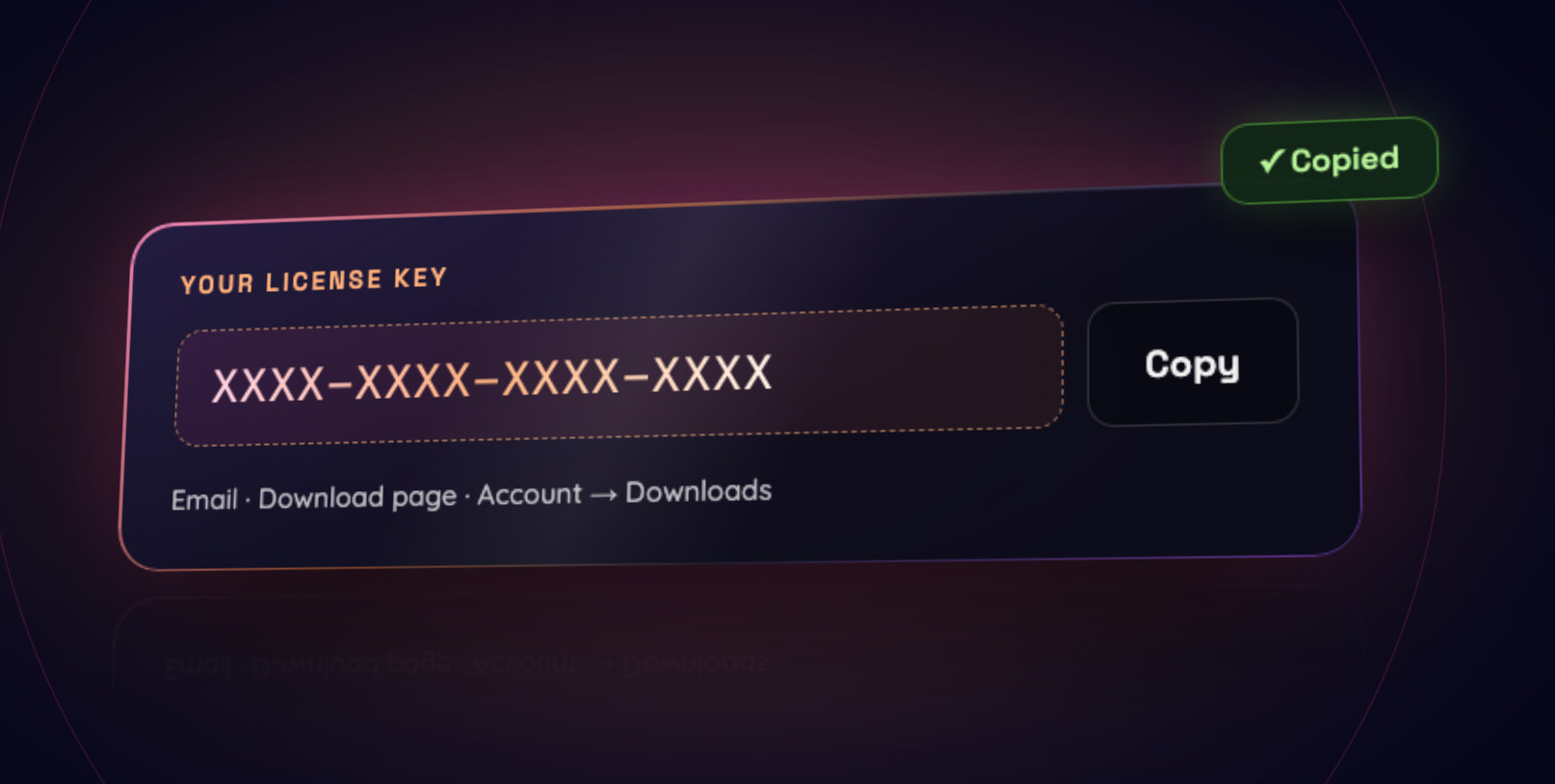
License keys delivered with your order
Some tools need a license key to activate. When a creator uses keys, yours now arrives with your order. It's in your confirmation email, on your download page (with a copy button), and in Account → Downloads. Free items get their keys too.
Message a seller from your downloads
Questions about a tool you own? Message its creator straight from your downloads. Replies go to your own email, so the conversation continues in your inbox.
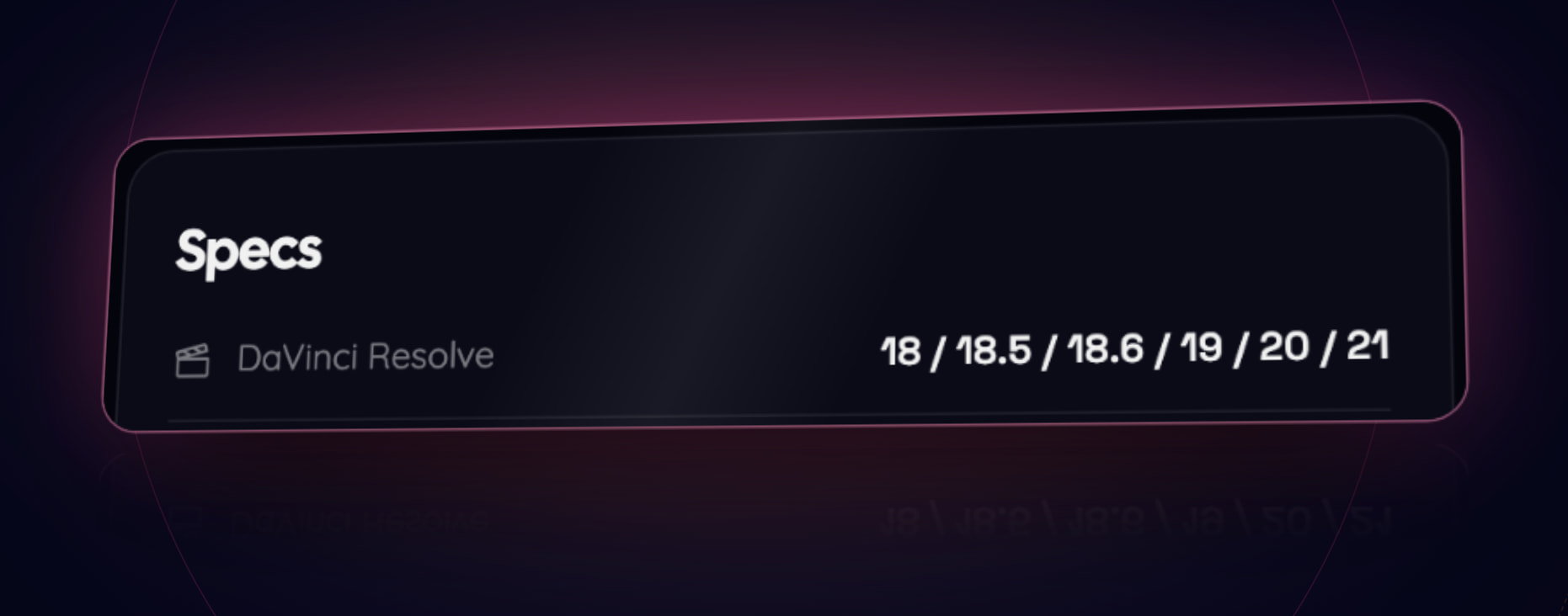
Compatibility specs
Product specs now list the exact DaVinci Resolve versions a tool supports, such as 20 / 21, with no ambiguous plus signs. DaVinci Resolve 21 is now one of the options creators can choose.
Guest orders
Bought something before creating an account? Sign in with the same verified email and the order joins your library. You can also add it from the order's access page.
For creators
Set up payouts without leaving DaVinci Market
Payout setup now happens in a short guided window on Studio → Payouts. Have your photo ID, your bank details and your phone ready, and it takes about five minutes. Stripe, our payments partner, verifies your identity and holds your bank details. DaVinci Market never sees them.
You keep 85% of every sale after discounts. DaVinci Market keeps 15% and covers card processing fees.
Earnings for every order
The Payouts page now lists your share of each order and where its transfer stands: sent, waiting for setup, retrying, refunded or reversed. If you have earnings waiting while setup is unfinished, a reminder shows the amount, and everything is sent automatically once you're connected.
License keys, however you want
Each listing has a License keys page with three ways to deliver keys. Add your own list (paste keys, upload a .txt or .csv file, or generate them in your format), let the DaVinci Market server issue a unique key for every purchase, or connect your own server with webhooks. If you use a list, we email you when it runs low, and orders waiting for a key can be completed in a click.
Webhooks for your own systems
Studio → Integrations lets you connect your own server. Get signed notifications when a sale completes, a sale is refunded, or a license key is needed. A signing secret, a test event, a delivery log and a ready-to-use verifier are included.
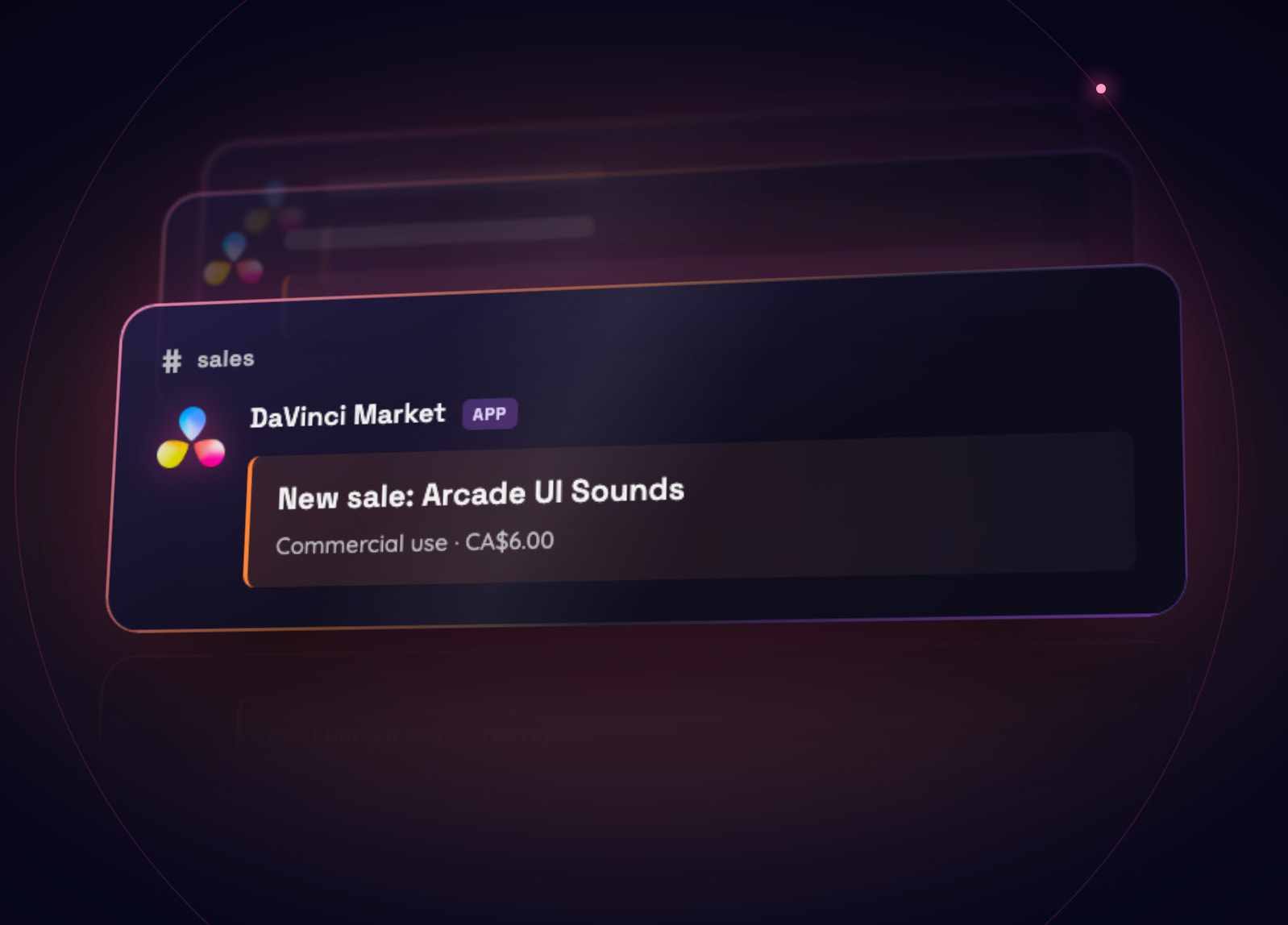
Sale alerts and buy buttons
Studio → Integrations can also post a short message to a Discord or Slack channel whenever something sells. Messages show the product, license and price, never the buyer's email.
Selling from your own website? The Buy buttons tab gives you a ready-made “Buy on DaVinci Market” link and button for each listing, for bios, newsletters, YouTube descriptions, website builders and GitHub READMEs. Checkout, delivery and license keys still happen on DaVinci Market.
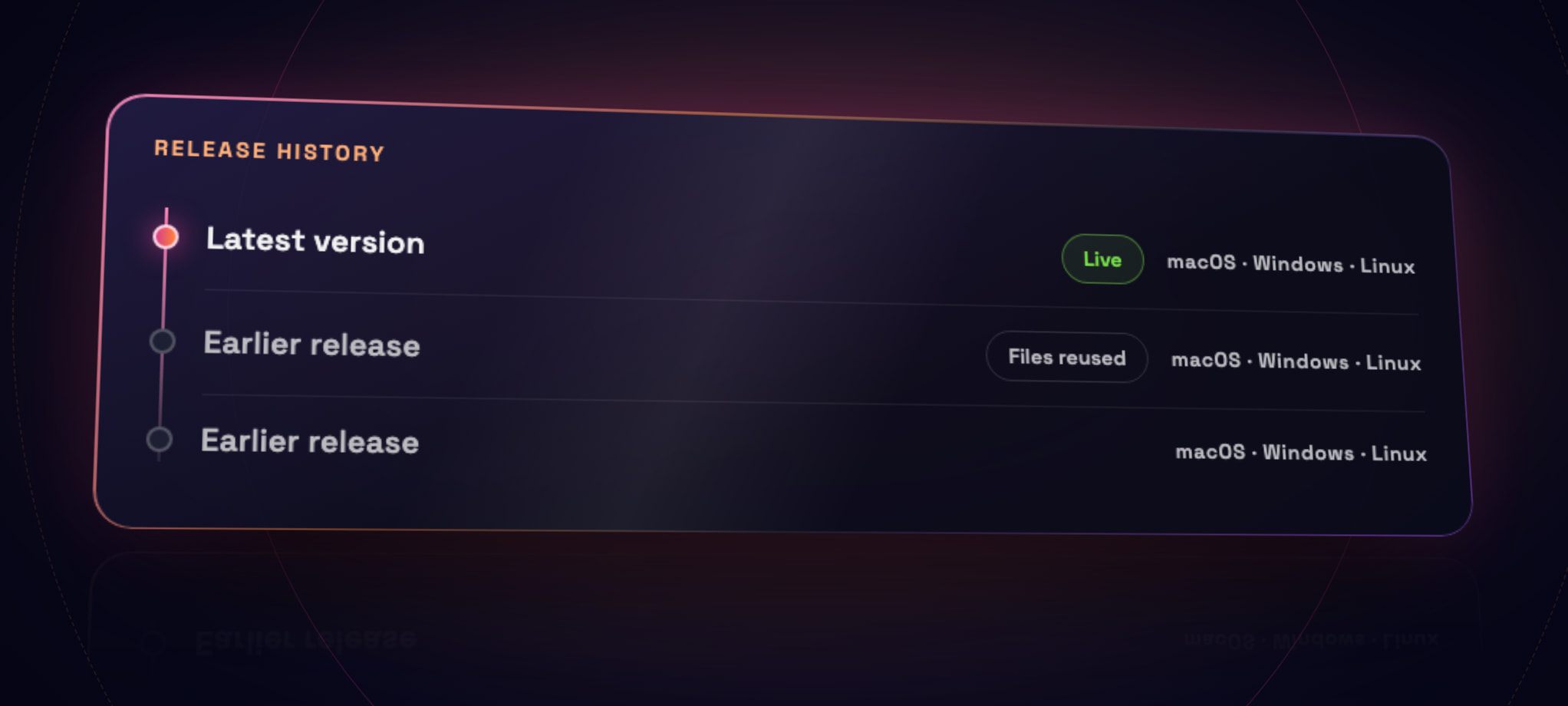
Versions and release history
Publishing an update is clearer. Add a new version and reuse specific files from earlier releases, such as a build for one operating system. Your listing shows its full release history, with downloads for each operating system.
Promo videos, embeds and discounts
Add a promo video (MP4 or WebM upload, or a YouTube or Vimeo link). It plays first in your product gallery.
Put a YouTube or Vimeo link on its own line in your description and it becomes a privacy-friendly embedded player.
Create percentage discount codes for your own listings. Buyers can apply them at checkout.
Resolve categories
Listings now name the Resolve pages they're for (Media, Cut, Edit, Fusion, Color, Fairlight, Deliver and more), so buyers find the right tool for the part of Resolve they're working in.
A clearer studio dashboard
Your dashboard shows purchases and downloads, with a Recent downloads list next to your recent sales. Switching between 7, 30 and 90 days is instant.
Around the marketplace
New sound packs arrived, including UI sounds, stings and holiday music from Low Shelf, and the free Line-Up pack from Signal Atlas.
The homepage now walks through every page of DaVinci Resolve, with matching tools for each.
Cookie choices are simpler. Outside Europe, a small notice explains our analytics. In Europe, nothing is measured until you choose, and Accept and Decline carry equal weight. You can change your mind any time from the footer.
Articles like this one now have a table of contents, so you can jump straight to what matters to you.
A Help Centre organised around you
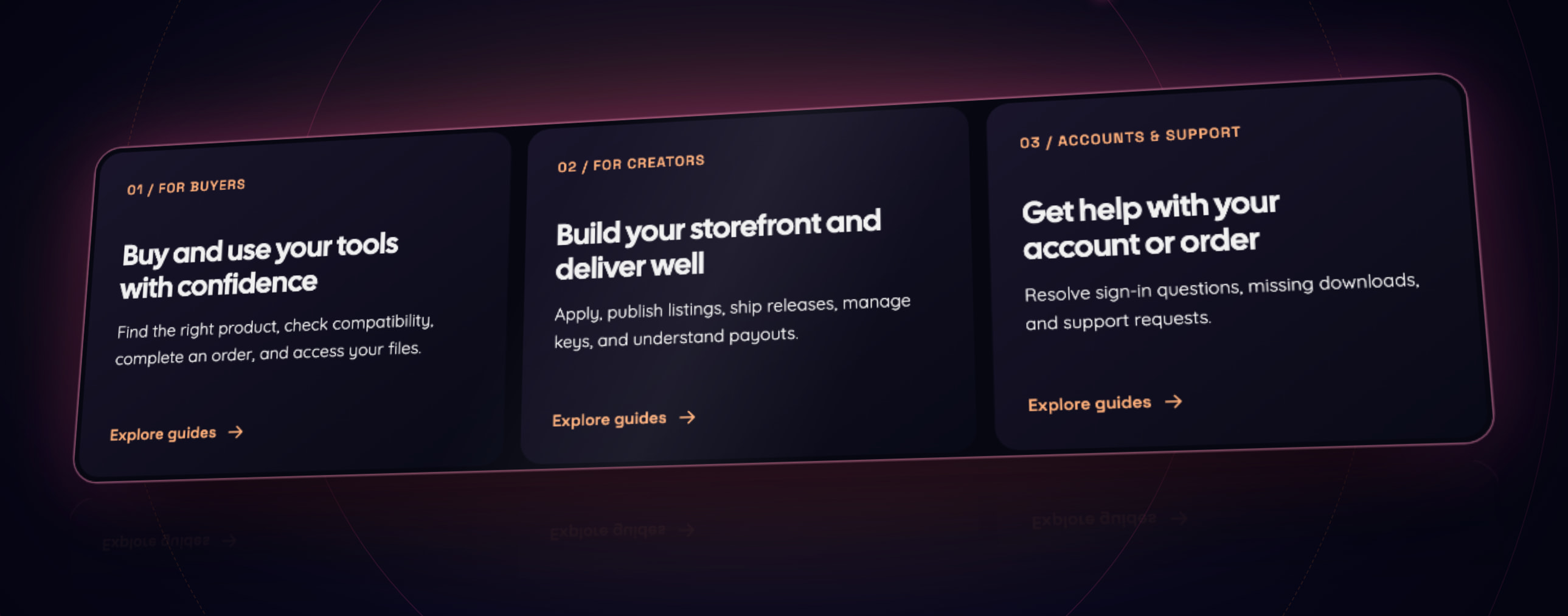
The Help Centre now starts with three paths: buying, selling, and your account. Each has its own guides in a sensible order. Creators will find new guides for payouts, license keys and webhooks.
Thank you
Everything here came from using the marketplace every day and from your feedback. If something could be better, or you'd like to start selling your own Resolve tools, visit the Help Centre to get in touch. See you in November.