
 Plugin
Notewise — Review Notes to Resolve Markers
by Cutroom Tools
 1 / 7
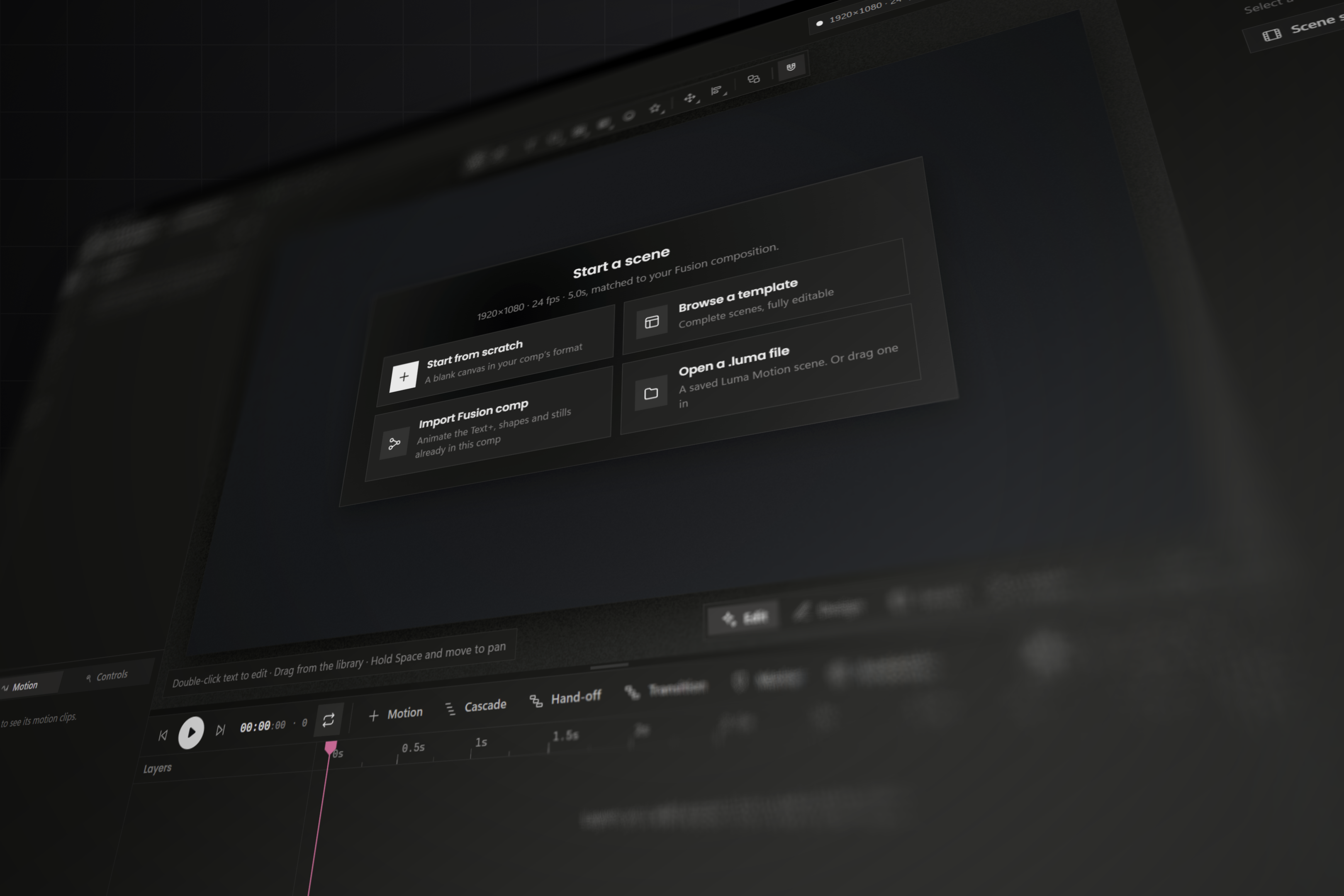
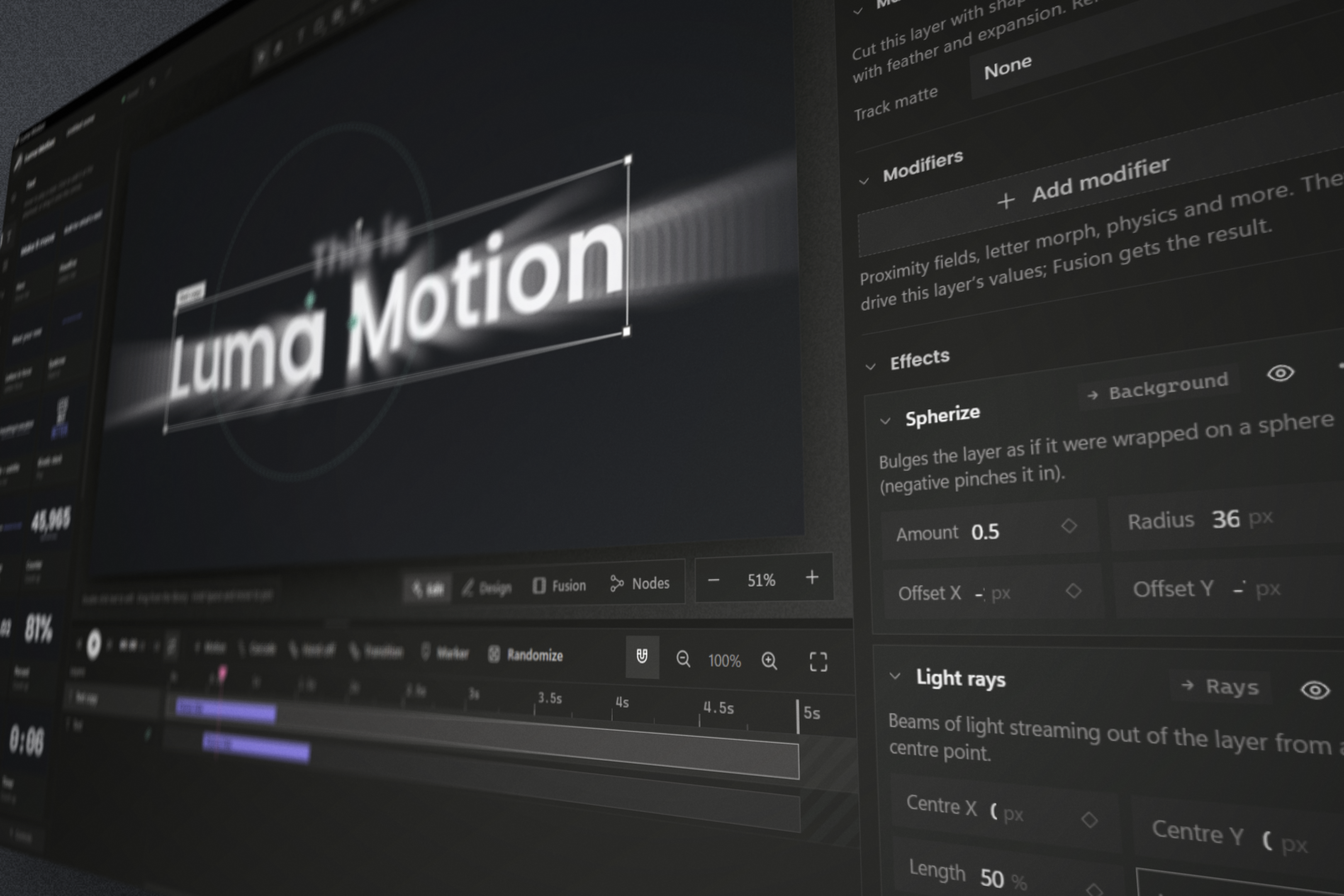
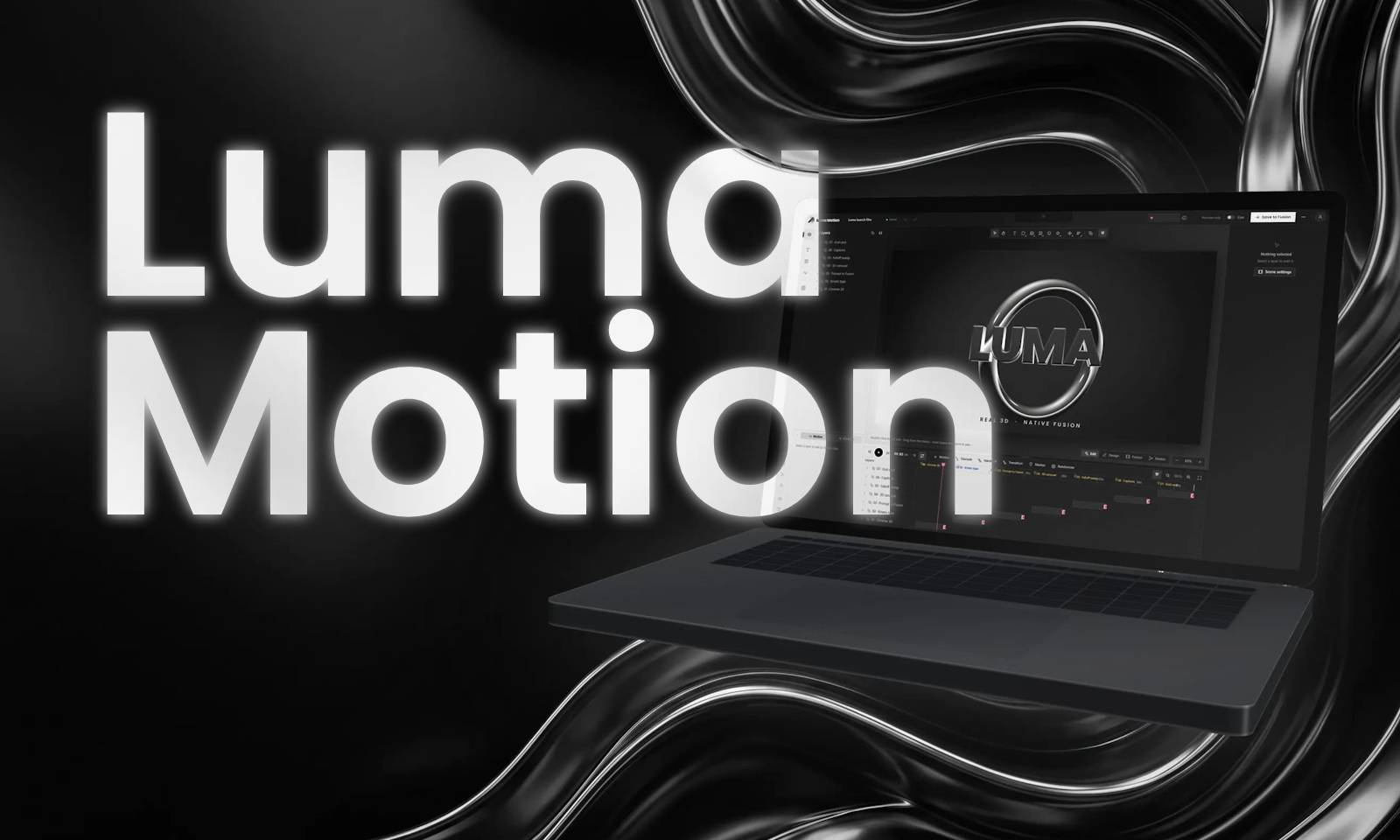
1 / 7Luma Motion is a motion graphics interface for DaVinci Resolve, designed to make creating and editing animations faster, simpler, and more accessible. Build motion graphics visually, customize animations, and produce editable Fusion compositions without manually constructing complex node graphs.
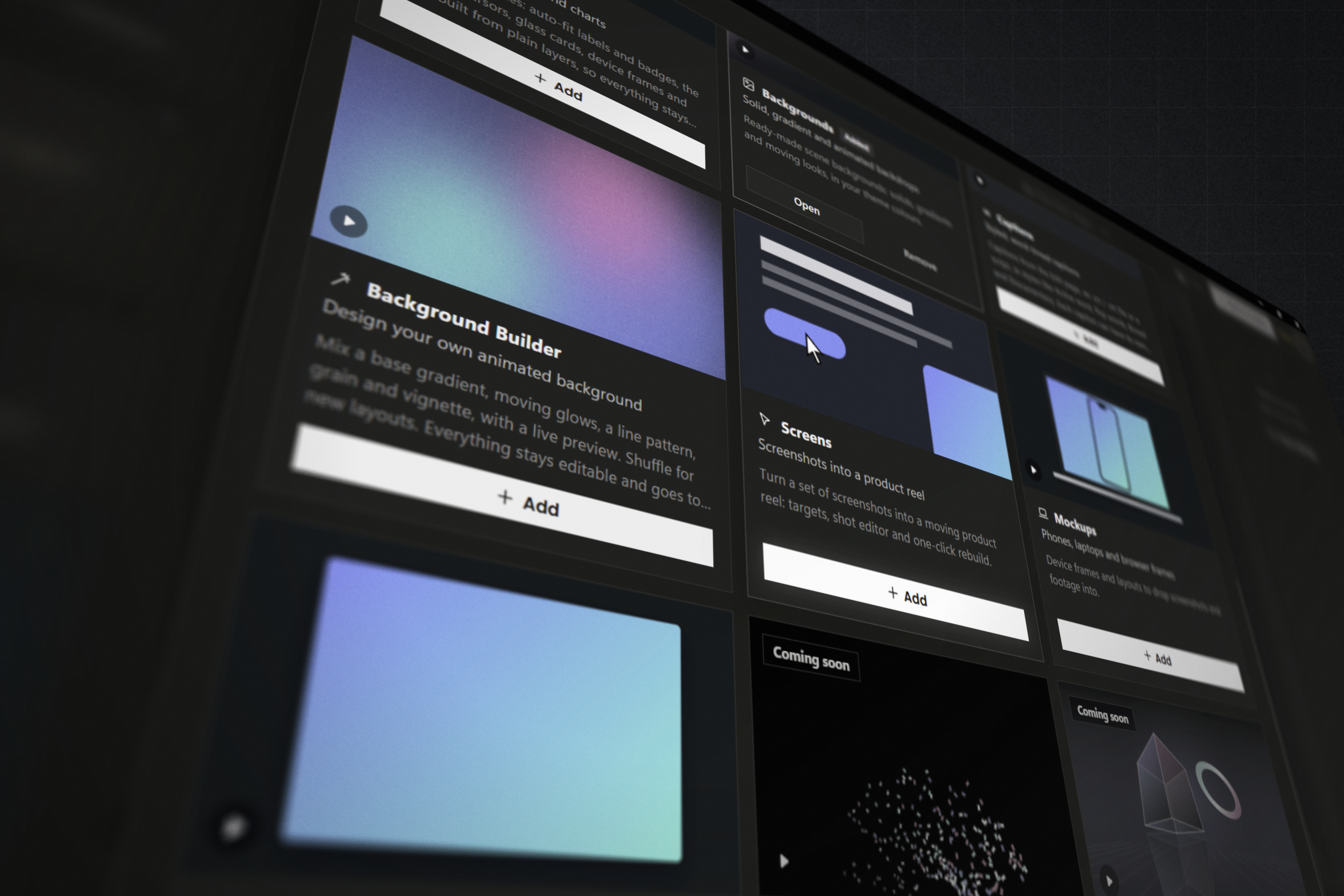
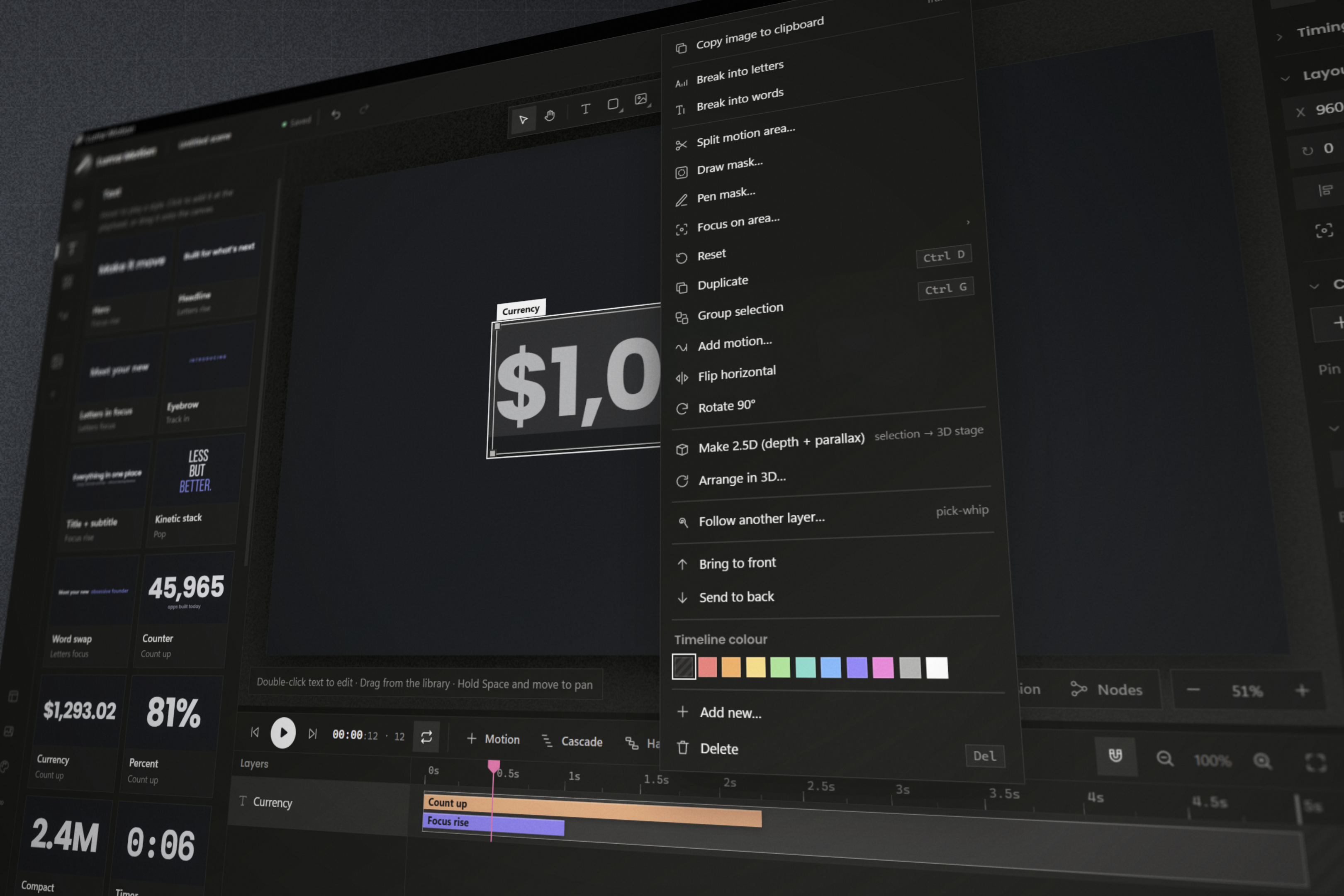
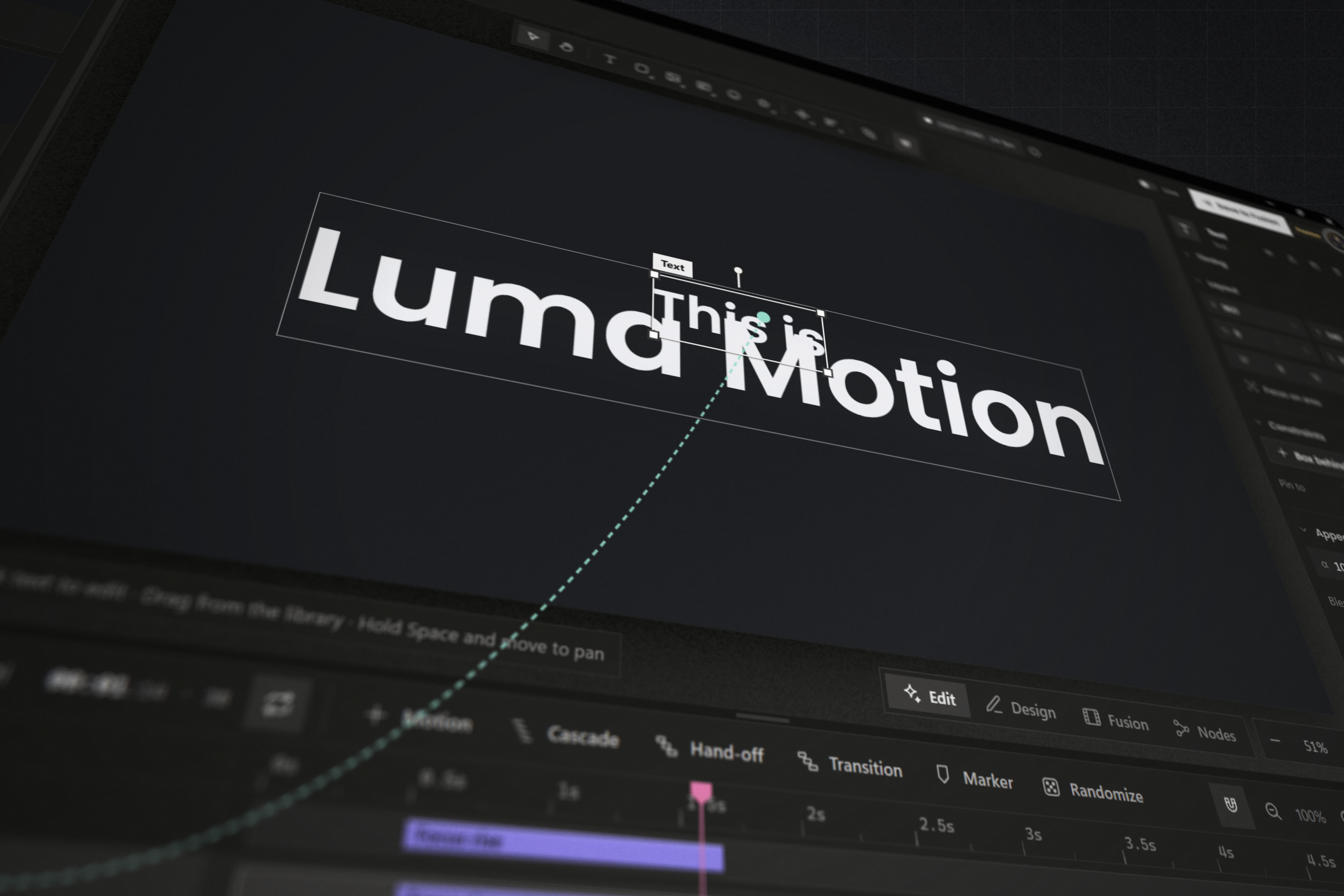
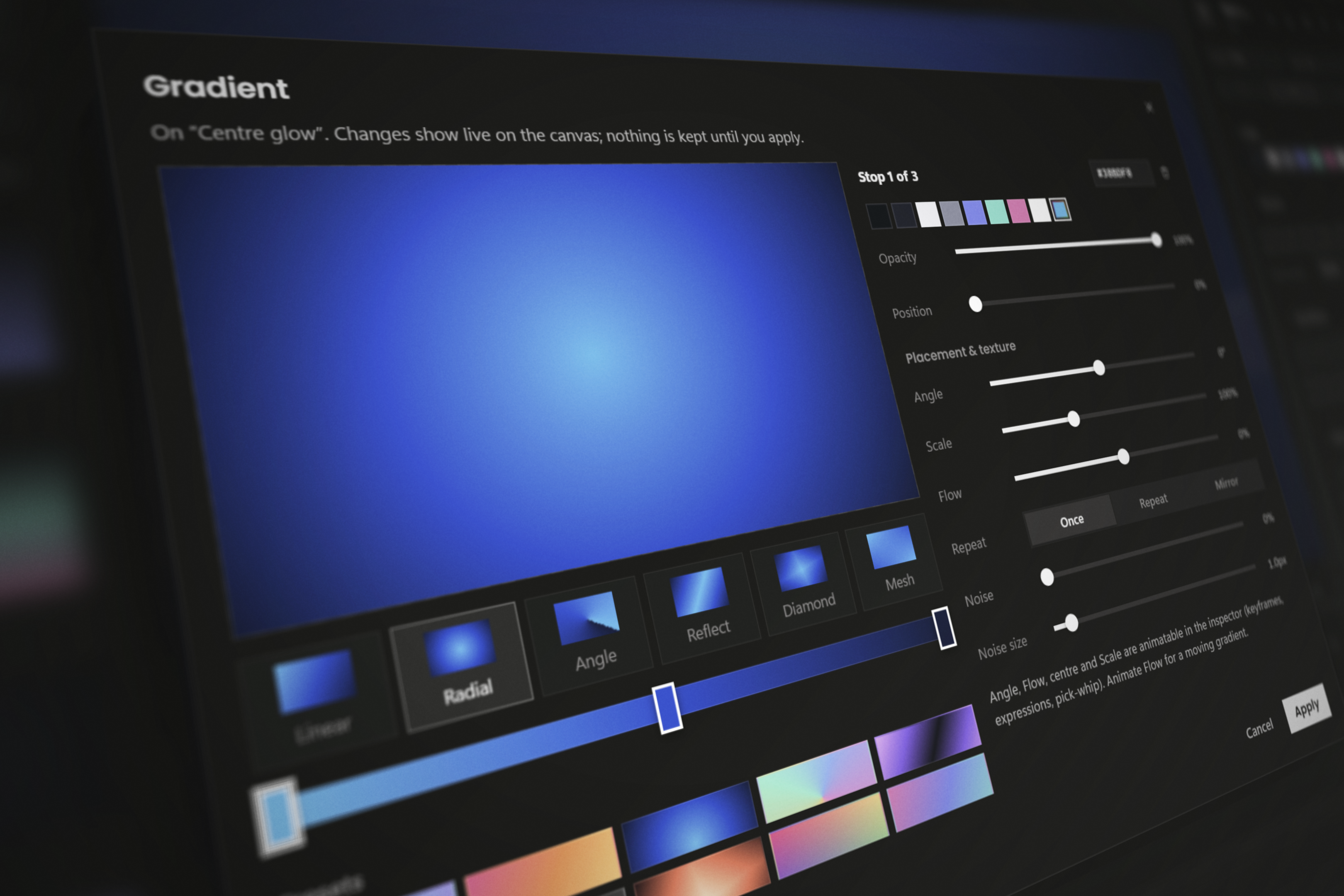
Inside Luma Motion, you'll find a dedicated animation workspace with a timeline, layers, animation controls, and tools for working with text, shapes, media, effects, and other motion graphics elements. Create compositions from scratch, refine their timing and appearance, and integrate the results into your DaVinci Resolve projects.
To get started, download the Luma Motion installer, follow the installation instructions included with the download, and launch the application from DaVinci Resolve's Fusion page - via the "Scripts" dropdown under "Fusion" in the menubar, or as an added node.
Important note: External Scripting must be enabled in Resolve for Luma Motion to be installed and run. To enable: Preferences › System › General › External scripting using: Local, then restart Resolve. You'll find Luma under Fusion page › Workspace › Scripts › Comp › Luma Motion.
Luma Motion is free to use, but includes three one-time purchase plans for Individuals, Teams, and Studio users, requiring advanced workflow features, shared assets, additional workflow-enhancing modules, and user-specific team/studio management features - available via the Luma Motion website or through Luma Motion's "Account" dropdown.
Create your first composition and bring it into DaVinci Resolve to continue editing in Fusion.
Support: contact Luma Motion support here.
Pluginby Cutroom Tools
 Plugin
by Click Theory
 Plugin
by Halide & Silver
 Plugin
by Prism & Pigment