
 DCTL
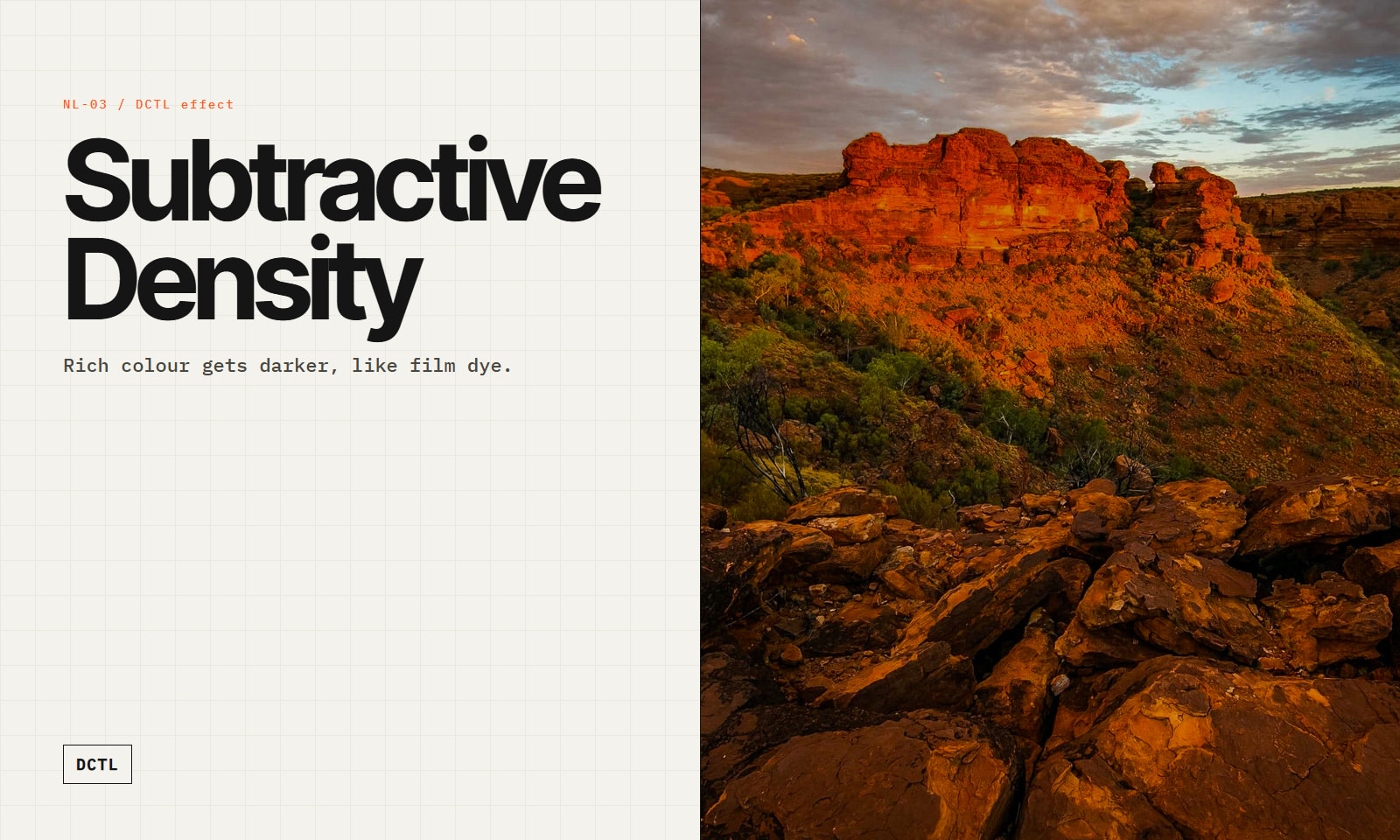
DCTLSubtractive Density — Film Colour Density DCTL
by Northlight Color ScienceStudio
 1 / 6
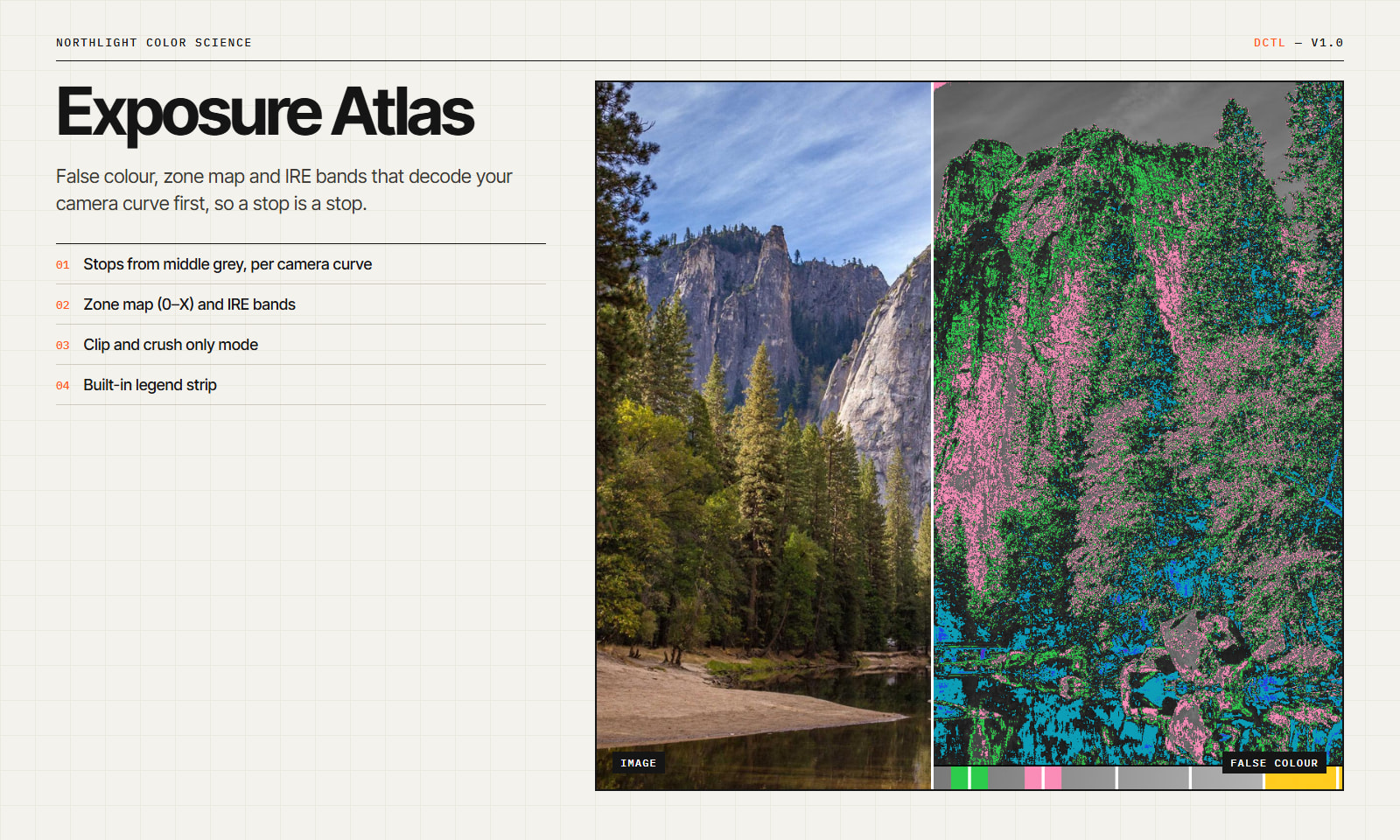
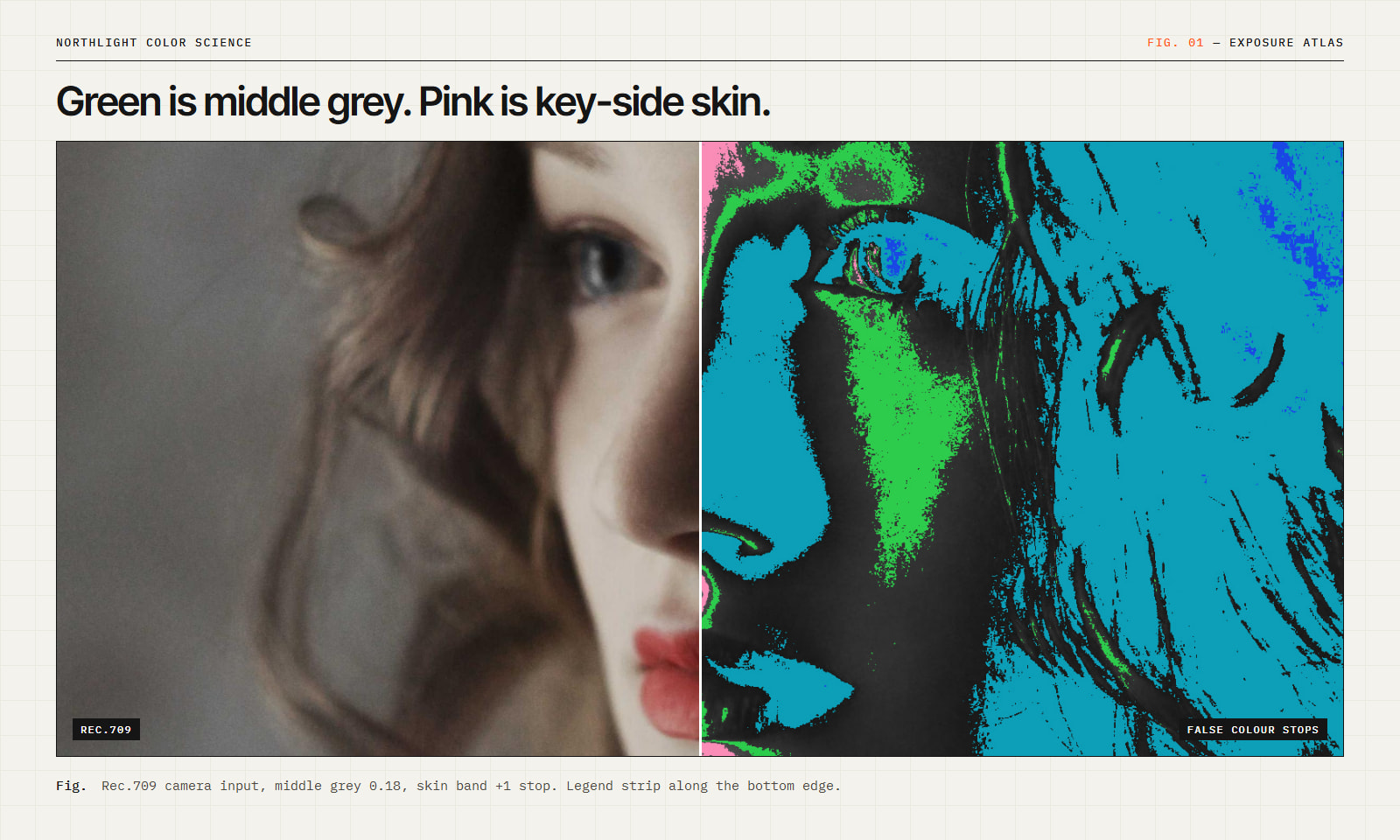
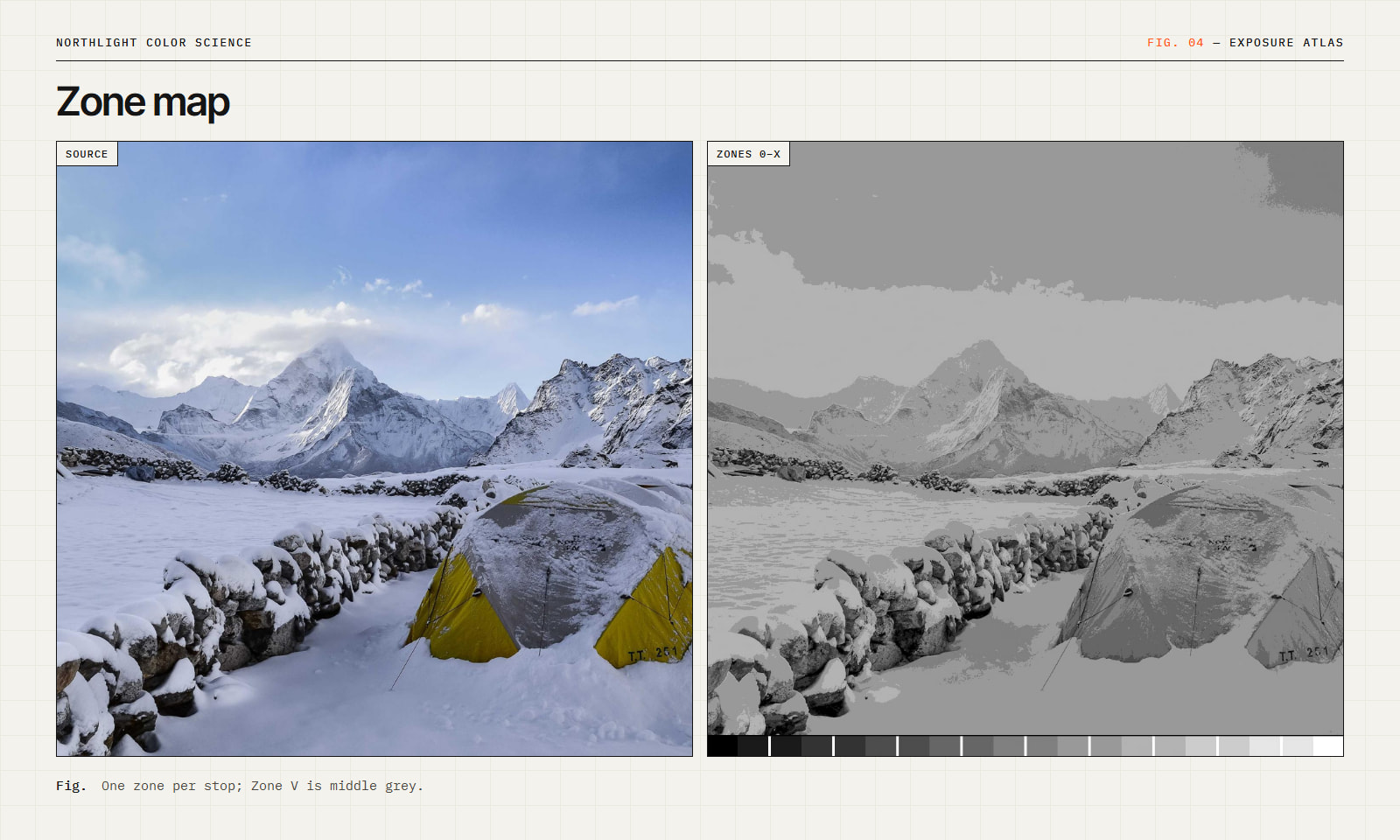
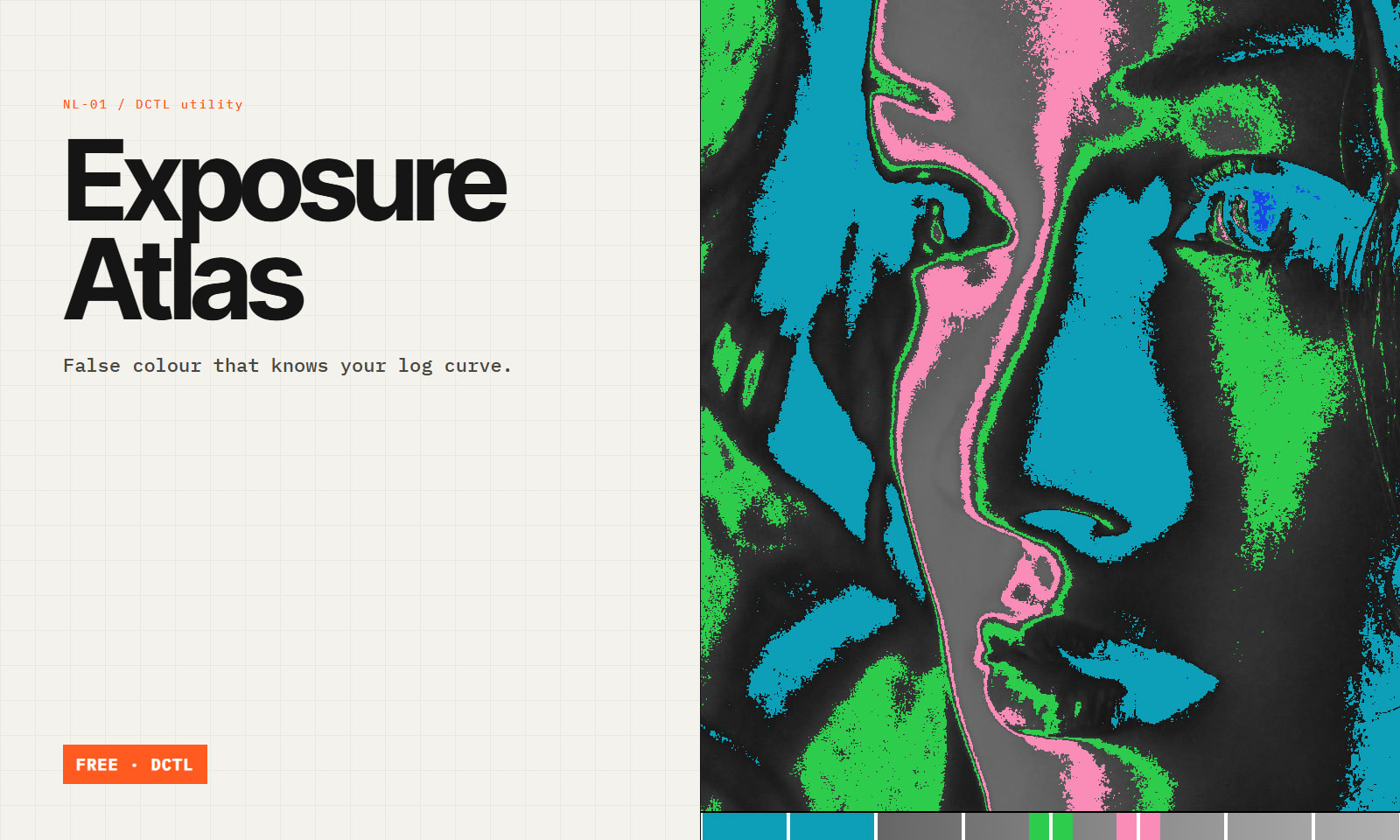
1 / 6A false-colour overlay is only as honest as its assumptions. Most assume Rec.709. Exposure Atlas decodes the camera's transfer function first, then measures exposure in stops relative to 18% grey. One stop on screen means one stop at the sensor.
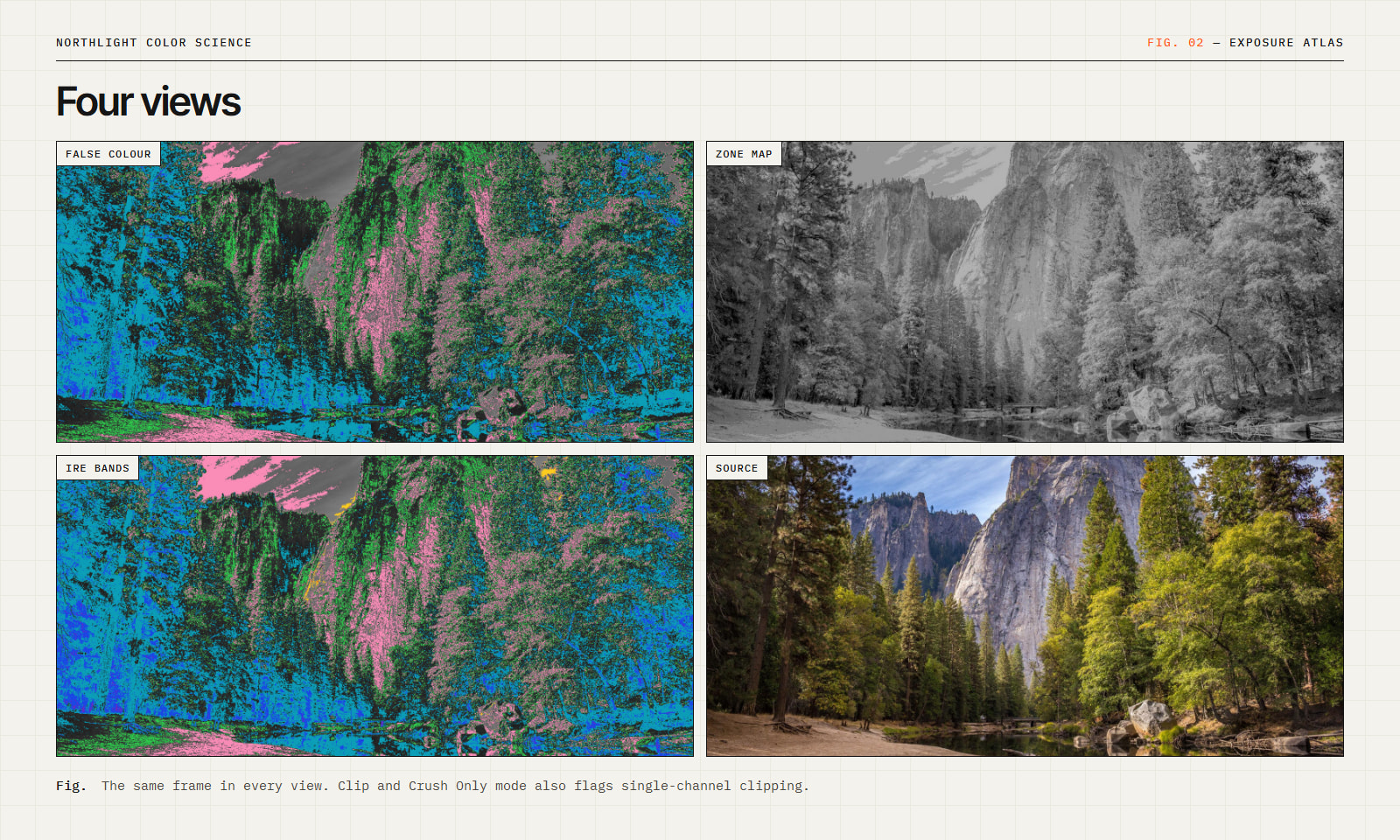
Views
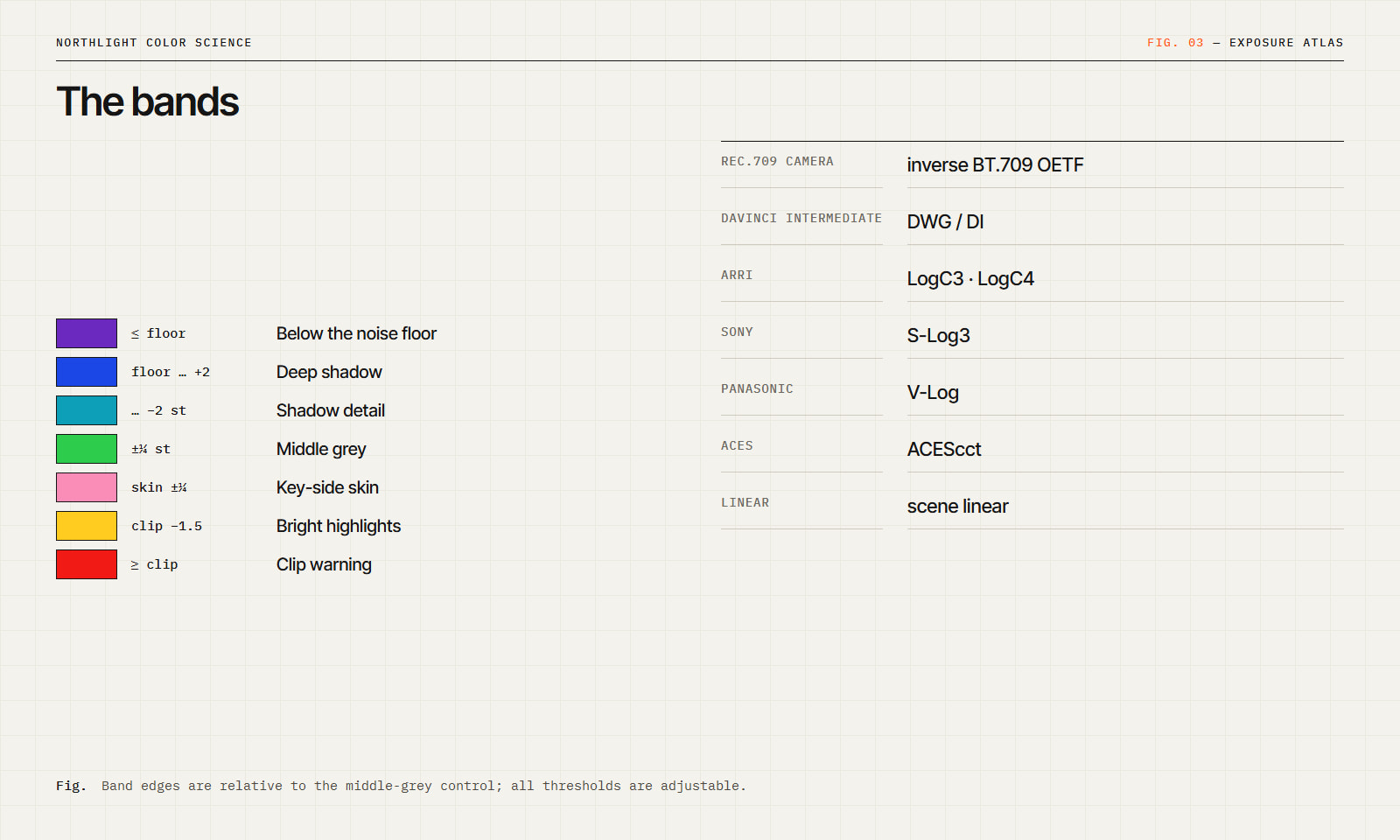
Decoded encodings Rec.709 (inverse BT.709 OETF), DaVinci Intermediate, ARRI LogC3, ARRI LogC4, Sony S-Log3, Panasonic V-Log, ACEScct, scene linear.
Parameters Middle grey (0.05–0.50), skin band offset, clip warning threshold, noise floor, image underlay level, and a legend strip showing exactly which colour maps to which value.
Place on the last node, or on a timeline node, and bypass before render. Free. Requires Resolve Studio (DCTL).
DCTLby Northlight Color ScienceStudio
 DCTL
DCTLby Northlight Color ScienceStudio
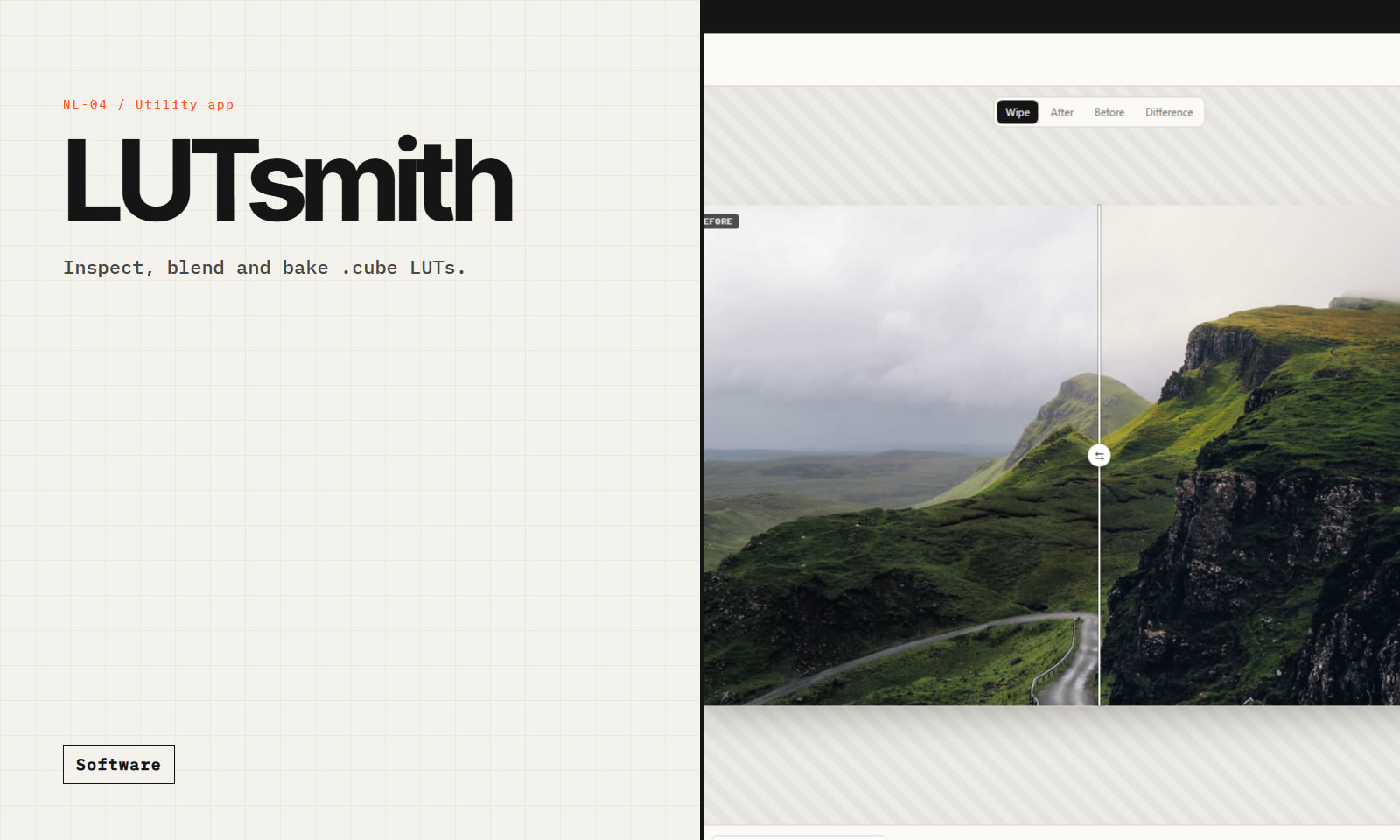 Plugin
by Northlight Color Science
 DCTL
DCTLby Vektor GradeStudio
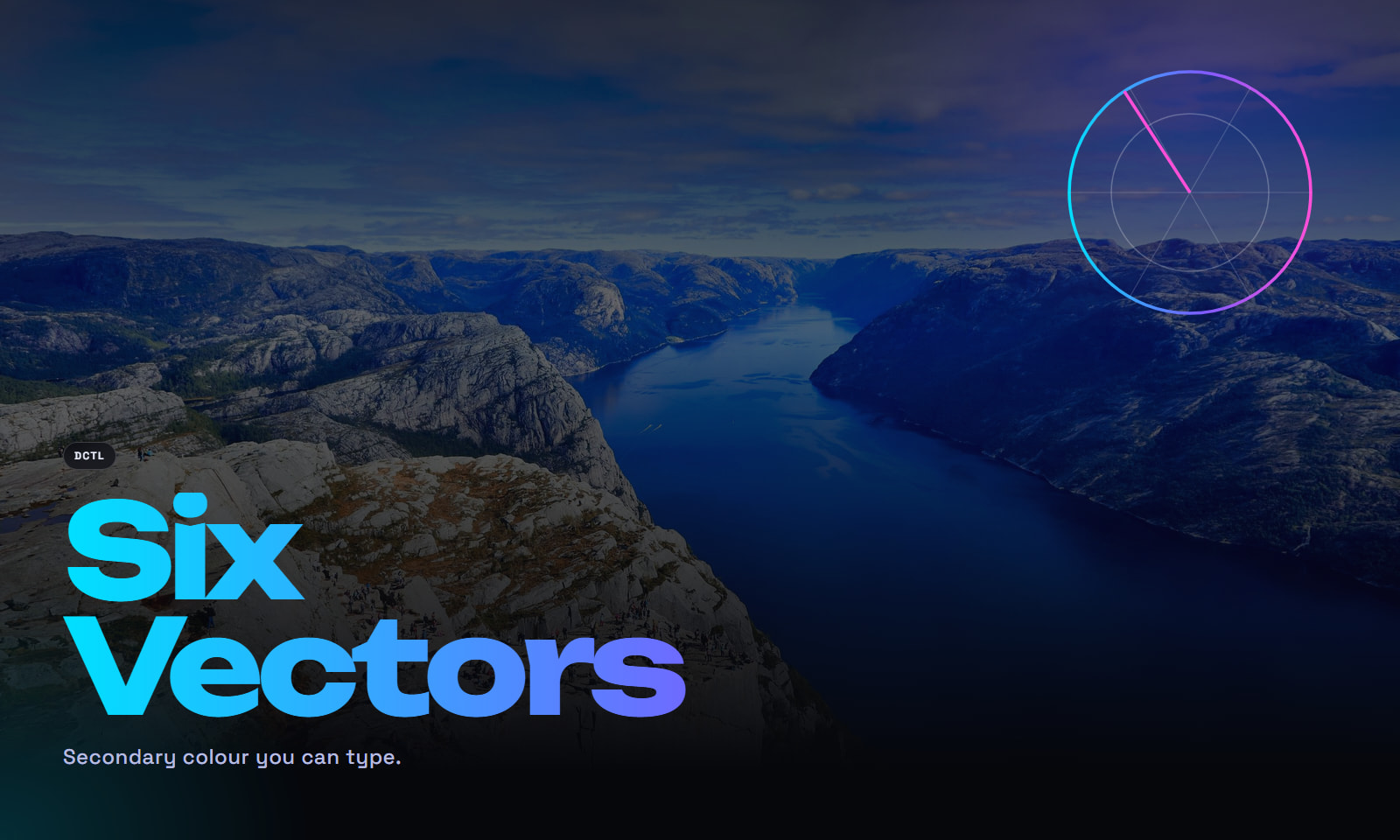 DCTLFree
by Vektor GradeStudio