

 DCTL
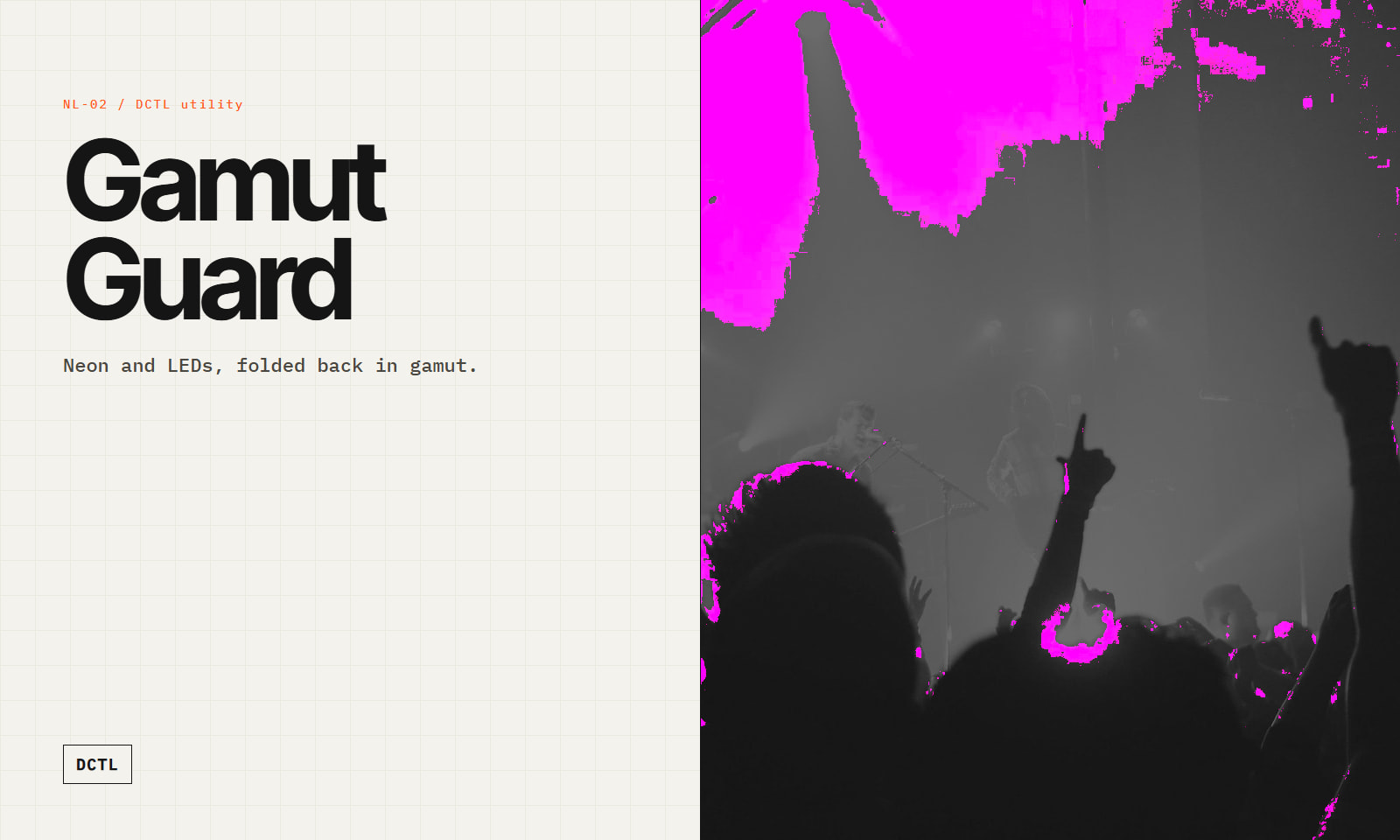
DCTLGamut Guard — Gamut Compression DCTL
by Northlight Color ScienceStudio
 1 / 5
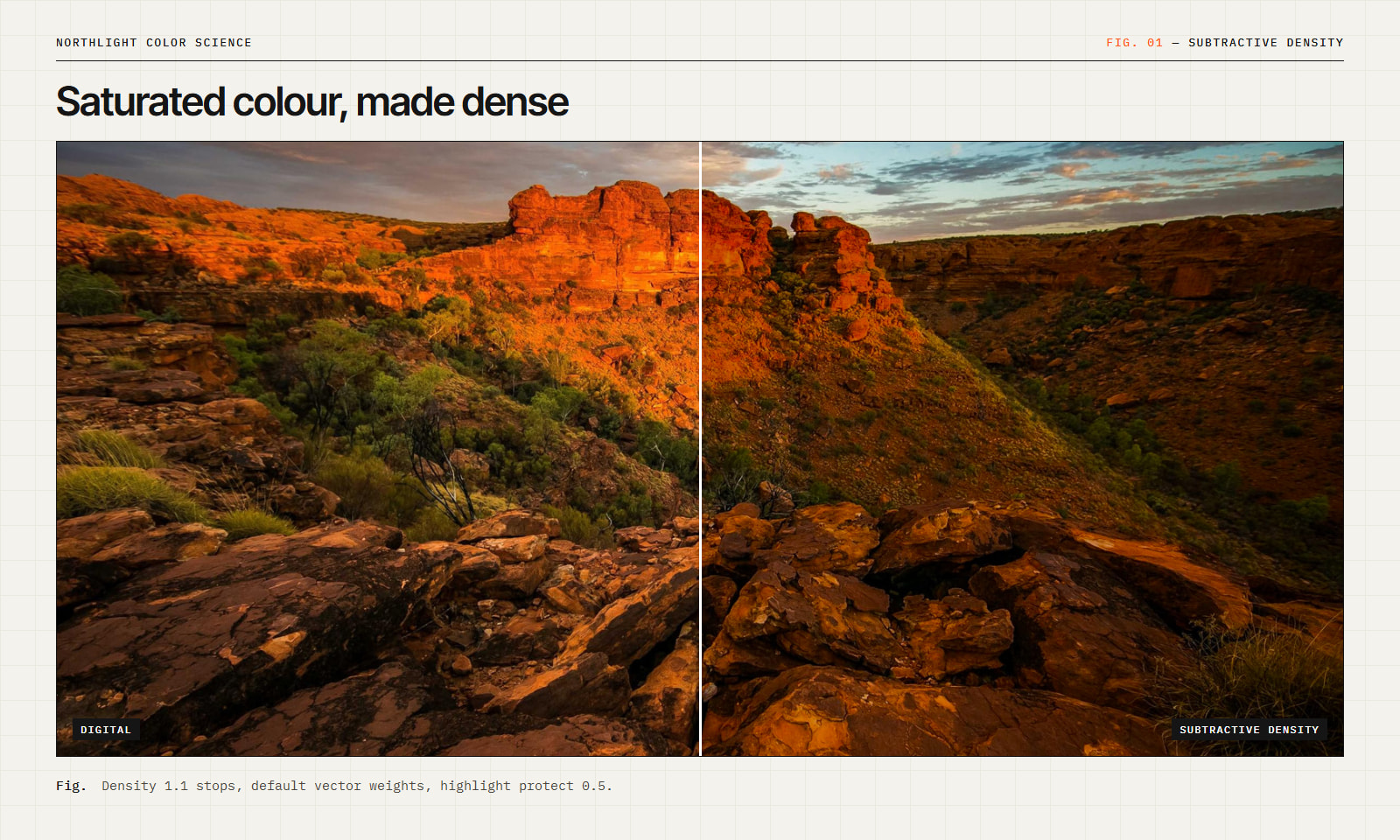
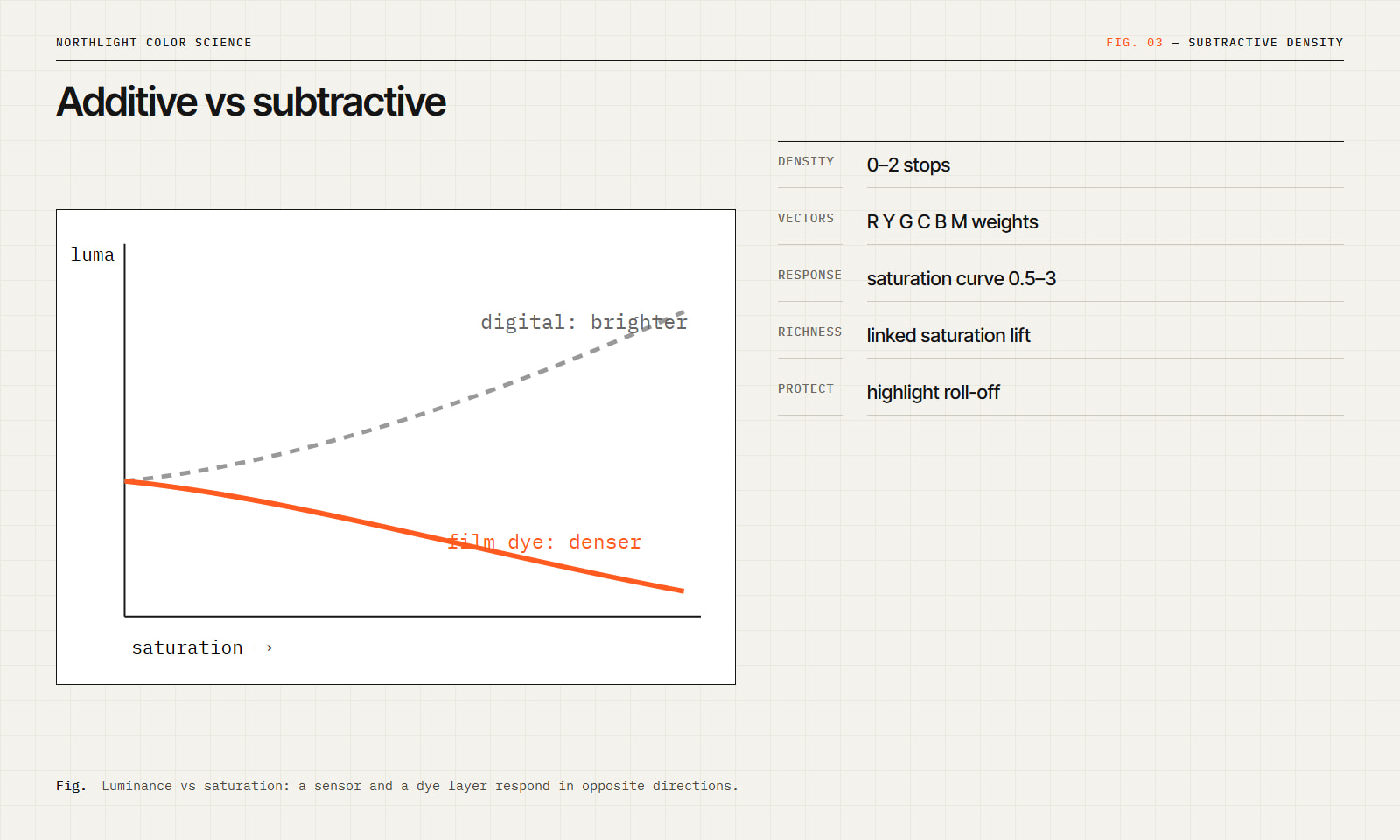
1 / 5Observation. In an additive system (a sensor, a display) increasing saturation raises at least one channel and increases luminance. In a subtractive system (dye layers on film) increasing colour concentration absorbs more light and decreases luminance. This difference explains much of the "heavier" colour of film.
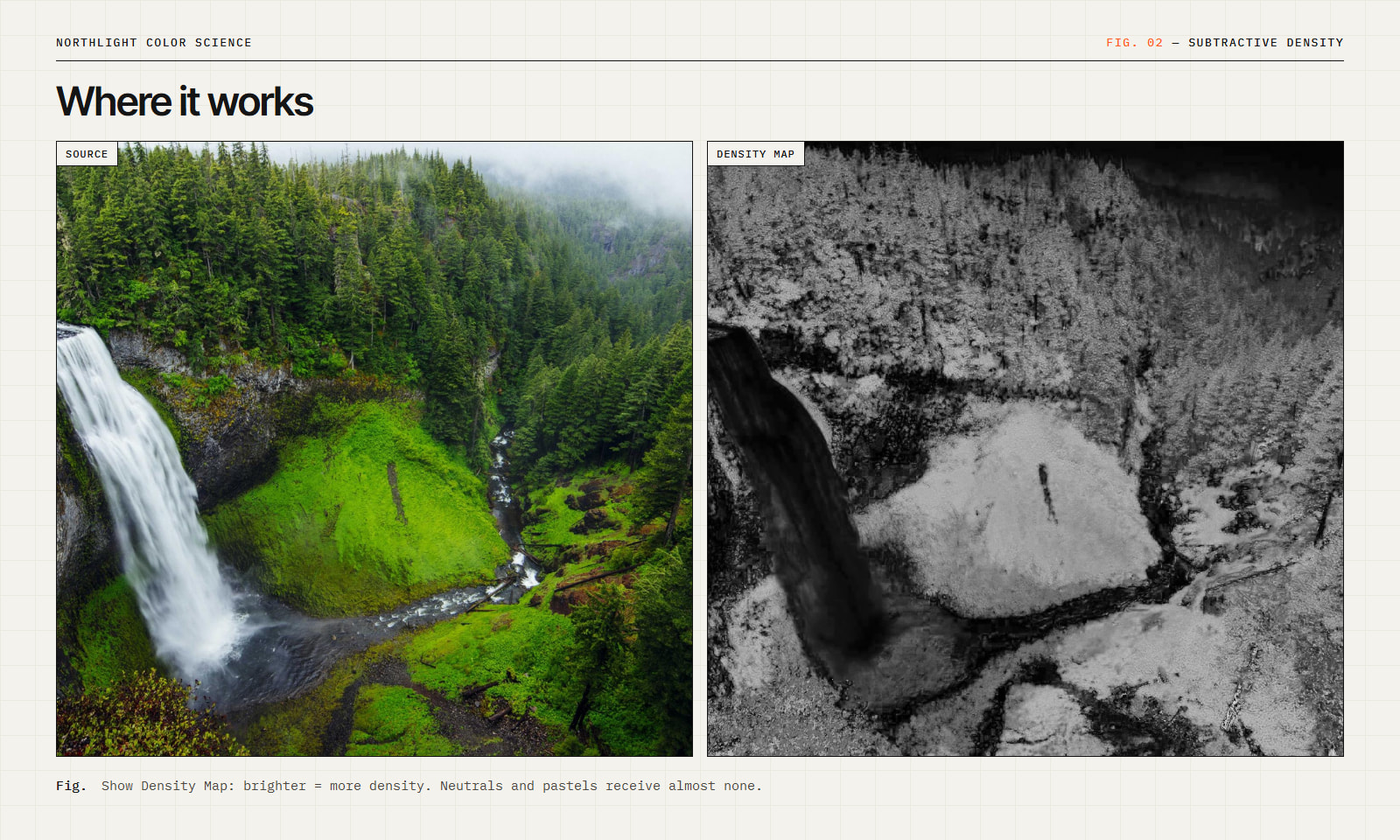
Implementation. Subtractive Density converts to scene linear, measures saturation (C / max) and hue per pixel, and applies an exposure reduction:
stops = Density × w(hue) × saturation^Response × (1 − Protect × brightness)
Applied as a pure gain, this preserves hue and chromaticity. An optional, small Richness term restores perceived saturation in proportion to the density applied.
Parameters
Working encodings: DaVinci Intermediate, ACEScct, linear. Requires Resolve Studio (DCTL).
DCTLby Northlight Color ScienceStudio
 DCTLFree
by Northlight Color ScienceStudio
 Plugin
by Northlight Color Science
 DCTL
DCTLby Vektor GradeStudio
 DCTLFree
by Vektor GradeStudio