Overview

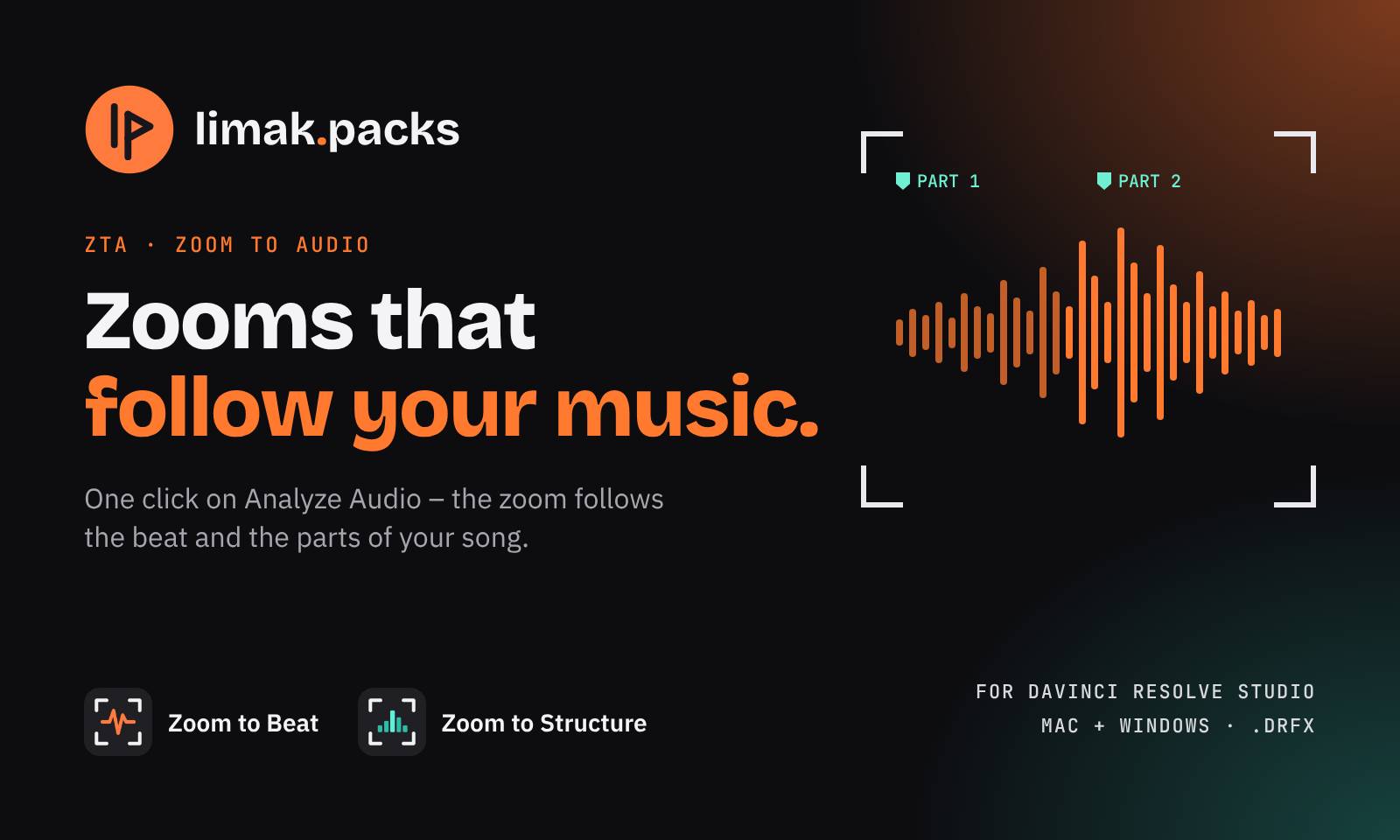
Zoom to Audio makes your footage move with the music – automatically. Pick the music track, click Analyze, and the zooms land where the song tells them to.

Two modes

  • Zoom to Beat: detects the BPM and punches in on every beat (or every 2nd beat). BPM can also be set by hand.
  • Zoom to Structure: finds the parts of the song (intro, build-up, drop, breakdown, outro) and sets a marker for each part. Every part gets its own zoom – move or add markers, click Update from Markers, done.

Works the way you edit

  • Apply it to a normal clip or to an adjustment clip (e.g. Structure on the clip, Beat on top).
  • Music can sit on any audio track as MP3 or WAV.
  • Only the part of the clip that is actually in your timeline is analyzed.

Requirements

  • DaVinci Resolve Studio (the free version is not supported)
  • macOS and Windows (tested on Windows 11)
  • One license key per purchase, valid on 2 computers
  • More videos and shorts: youtube.com/@limakpacks
All Plugins

Search by product, creator, or workflow.

In the catalogue0 tools

Search Resolve tools, categories, or creators.

Choose a category below or start typing to find a listing.

DaVinci Market

Welcome back

Log in to reach your library, wishlist and downloads.

or with email

New to DaVinci Market?