
 Plugin−50%
1 / 8
Overview
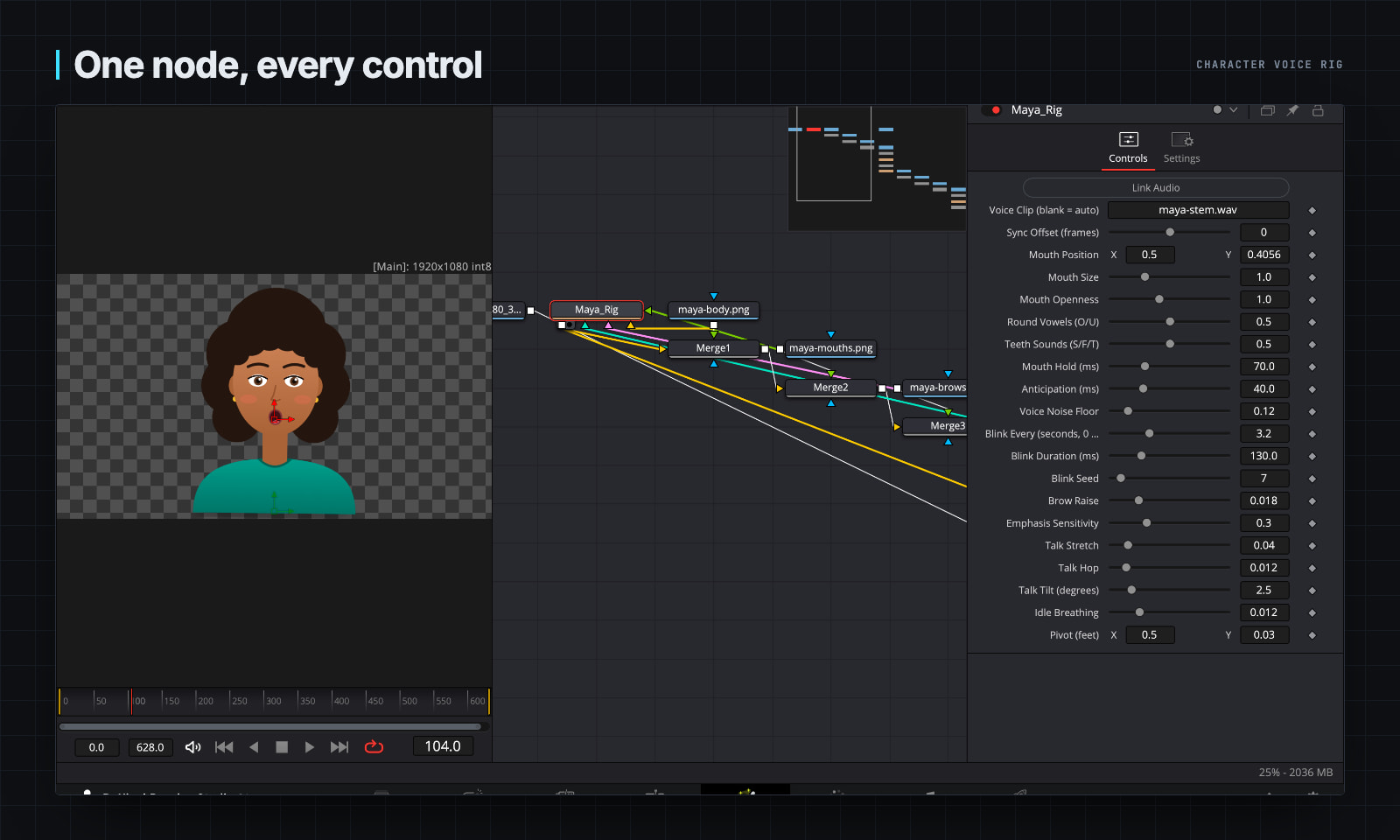
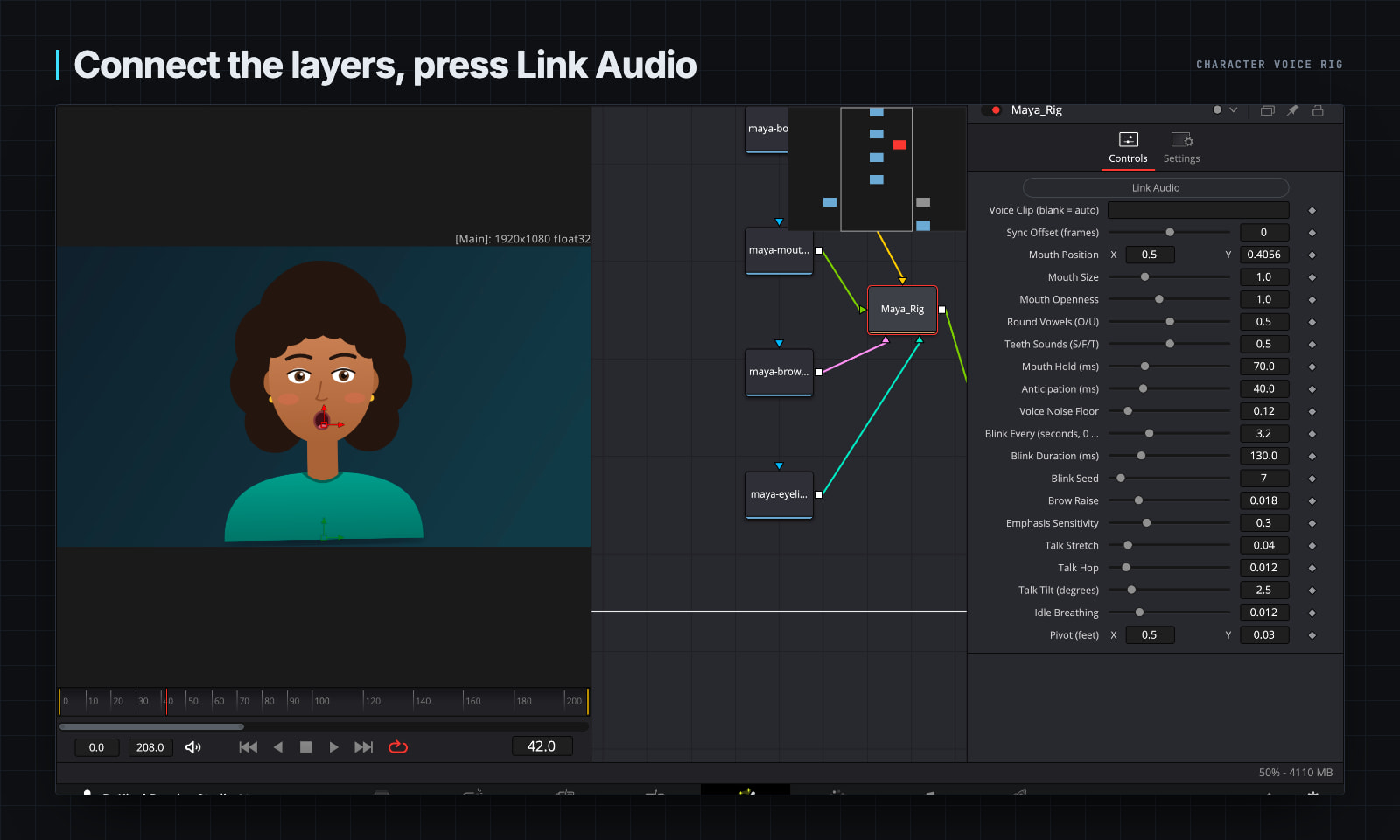
Put a voice on the timeline, press Link Audio, and your character talks. Character Voice Rig is one Fusion node that turns a layered character into a performer: lip sync, blinks, brow raises, head moves and idle breathing, all driven by the voice clip. No keyframes and no phoneme files.
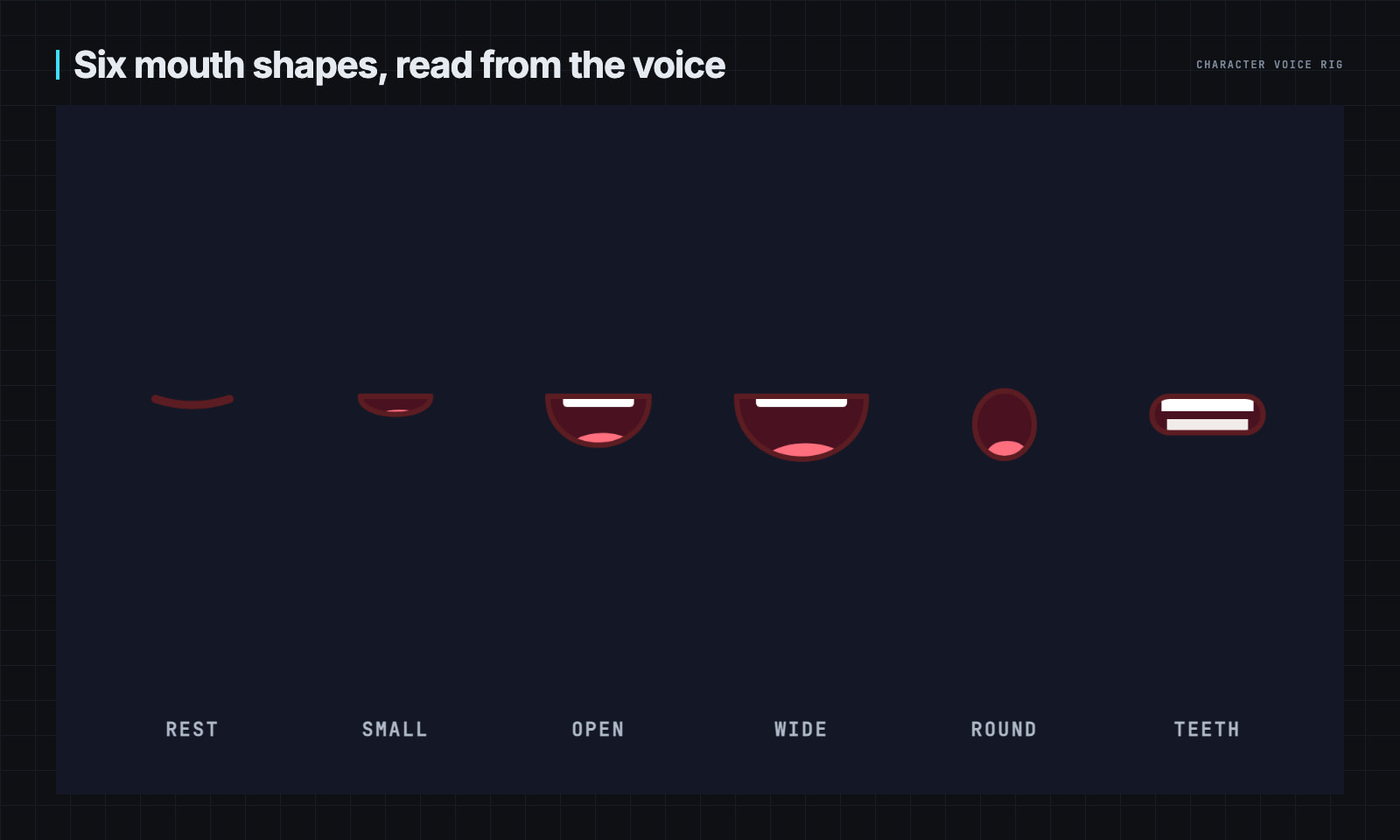
Lip sync read from the sound The rig reads the voice file and picks one of six mouth shapes per frame: Rest, Small, Open, Wide, Round (O/U) and Teeth (S/F/T). The mouth moves slightly ahead of the sound, like hand-animated 2D lip sync, and holds each shape long enough not to flicker. Measured on real renders, the mouth rests in 97–98 % of pauses and S/F/T sounds land on the Teeth shape most of the time.
A whole performance from one node
- Blinks at a natural, repeatable rhythm
- Brows lift on stressed words
- Head stretches, hops and tilts while talking, around a pivot you set
- Idle breathing when the character is quiet
Every timing is in seconds or milliseconds, so 24, 25, 30 and 60 fps projects behave the same.
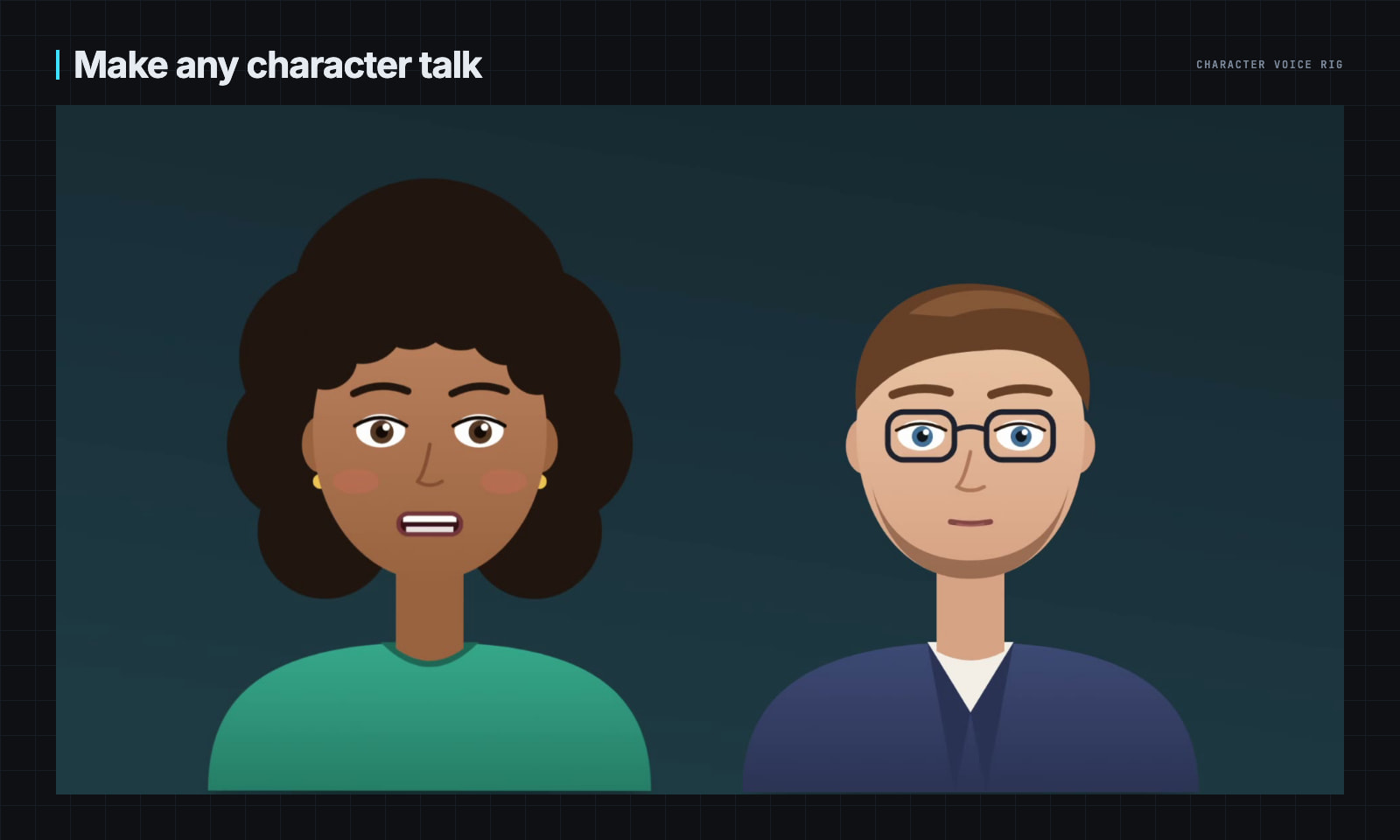
Dialogue, podcasts and explainers Add one rig per character and point each at its own voice clip. Each character follows only its own voice, in sync across the whole scene, whatever the clips' positions and trims.
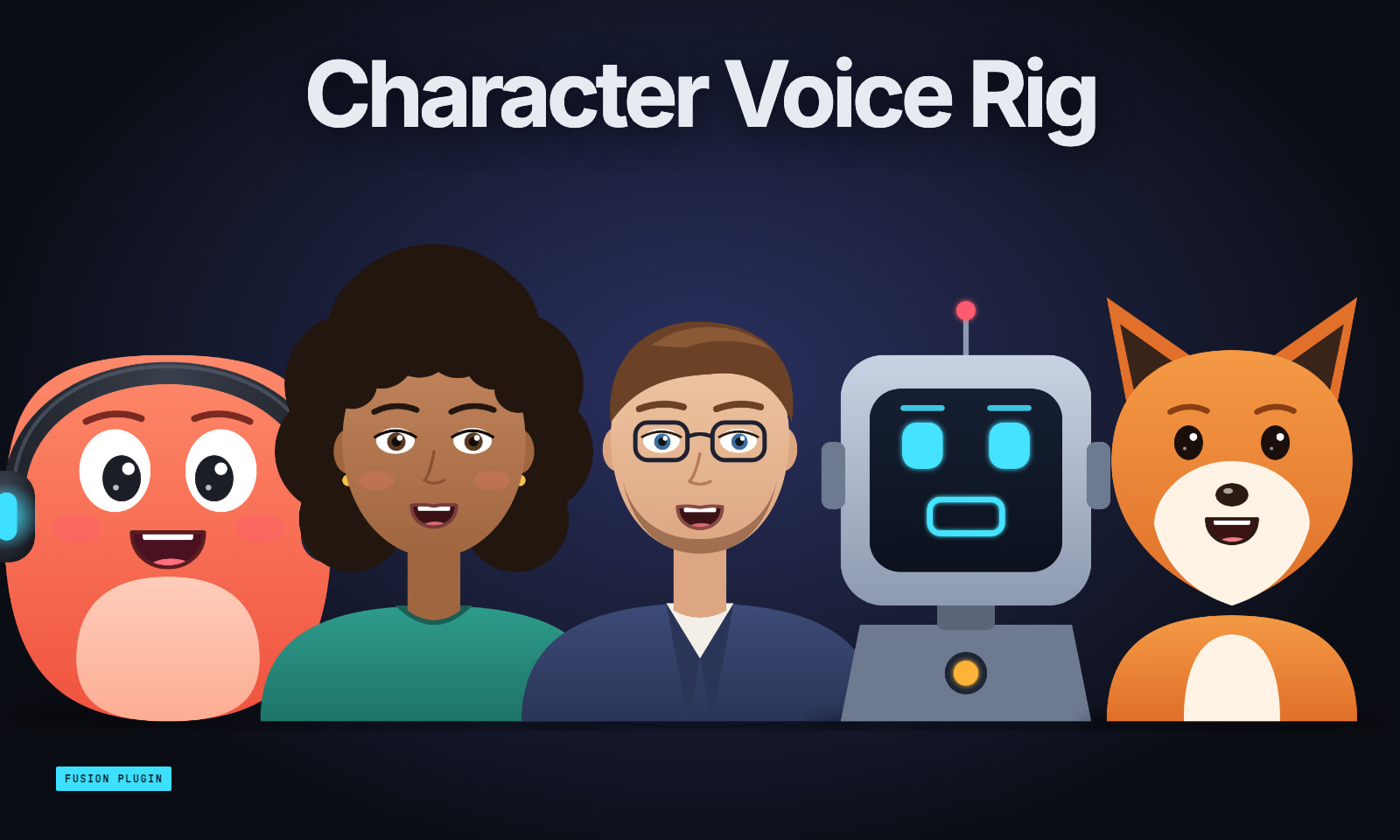
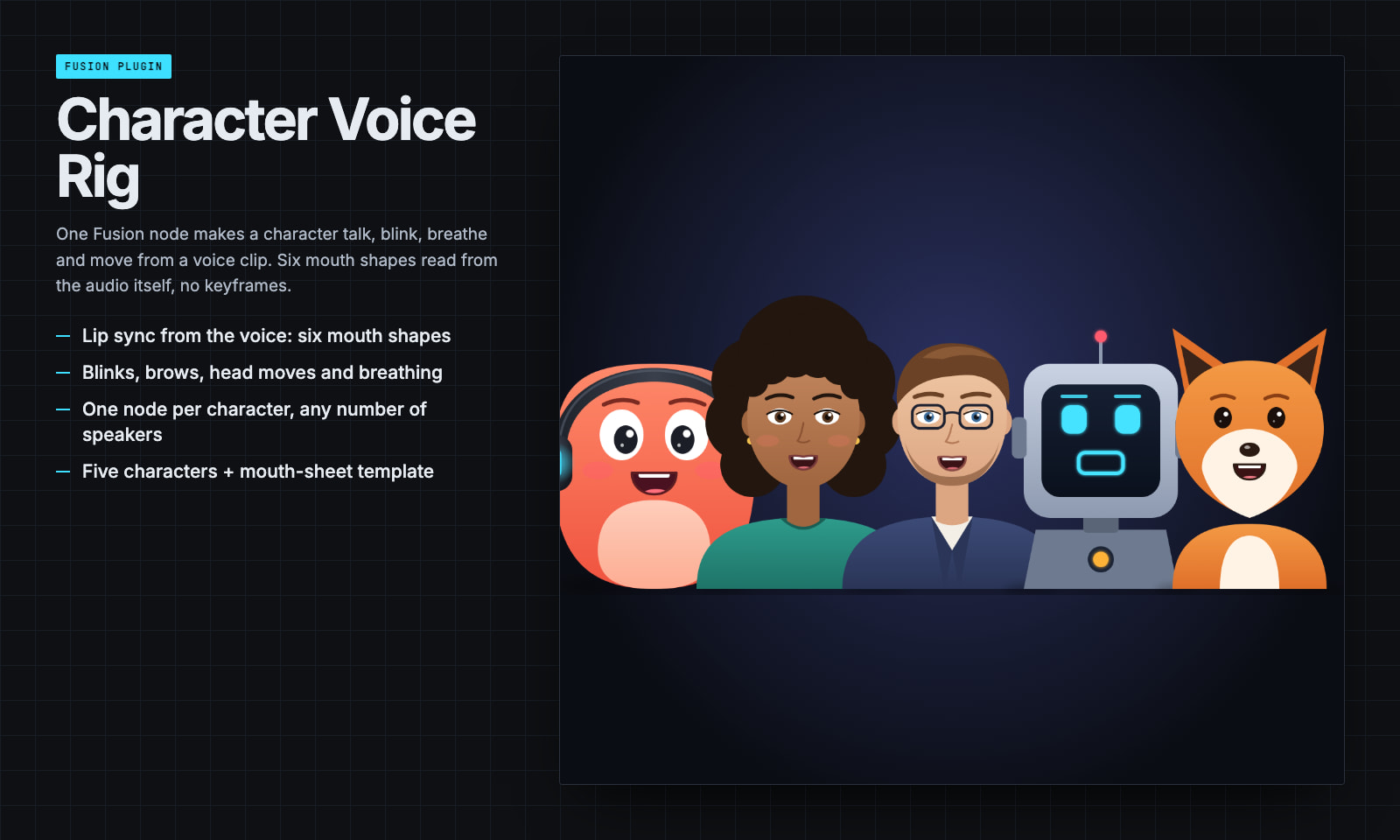
Five characters included Bop, Maya, Theo, Volt (a robot) and Pip (a fox), each as separate body, mouth-sheet, brow and eyelid layers, with a pre-set rig that already has the mouth position and pivot right. Bring your own character with the Mouth Sheet Template (six cells, any size).
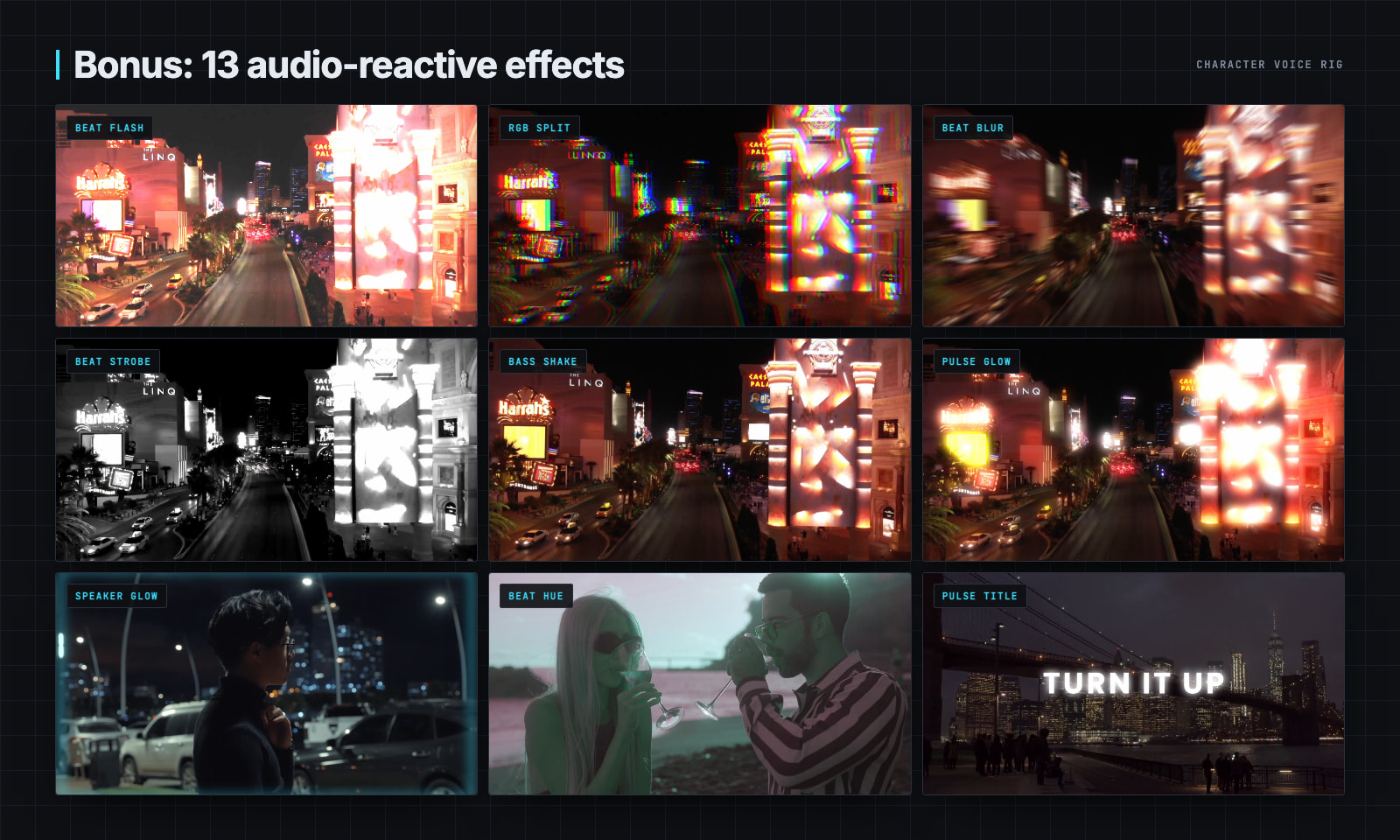
Bonus: audio-reactive effects The earlier Resonance pack is included: 13 Edit-page effects (Beat Flash, RGB Split, Bass Shake, Pulse Glow, Speaker Glow, Talk Bounce…), 6 titles with five audio visualizers, and a Link script. The READ ME shows where each one goes.
Built for real productions Audited twice in Resolve: repeat renders and partial-range renders match frame for frame; 24/60 fps, UHD and vertical timelines, shifted and trimmed clips, 16/24/32-bit and float WAVs, accented file paths, room tone and damaged files all pass. A 3-minute 1080p dialogue renders at about 0.6–0.8× real time on an 8 GB M1.
Good to know
- Use one voice file per character (bounce a speaker's lines to one stem). With MP3 or AAC the mouth still follows the loudness, but without the Teeth and Round shapes.
- The rig works on the Fusion page (or in a Fusion clip).
- Demo voices in the promo are AI-generated (Kokoro-82M, Apache-2.0).
Compatibility: DaVinci Resolve 21 or later. Tested in Resolve Studio 21.0.4 on macOS.
More from Nodeforge
Storefront- Plugin−50%
 Preset−25%
Tunnel — Infinite Perspective Tunnels and Zooms
by Nodeforge
 PresetFree
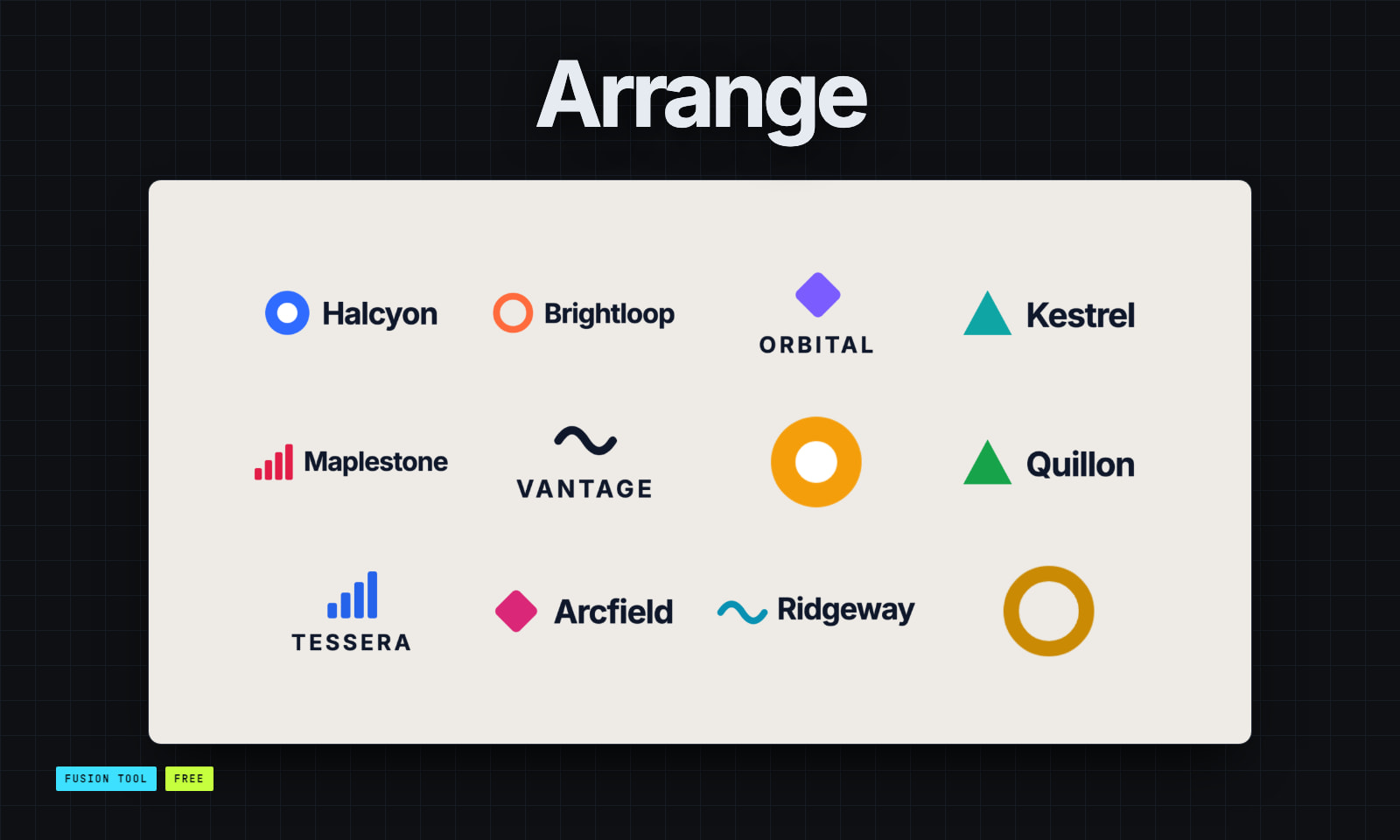
Arrange — Pixel-Exact Grid Layout for Fusion
by Nodeforge
 Preset−50%
You might also like
All Plugins Plugin−25%
Zoom to Audio
by limakpacks
 Plugin
Notewise (Review Notes to Resolve Markers)
by Cutroom Tools
 Plugin
Cover: Thumbnail Studio
by CLICK THEORY
 Plugin
Halide: Film Halation & Bloom
by Halide & Silver