
 AssetFree
Line-Up: Tones, 2-Pops, Bleeps and News Cues
by Signal Atlas
 1 / 7
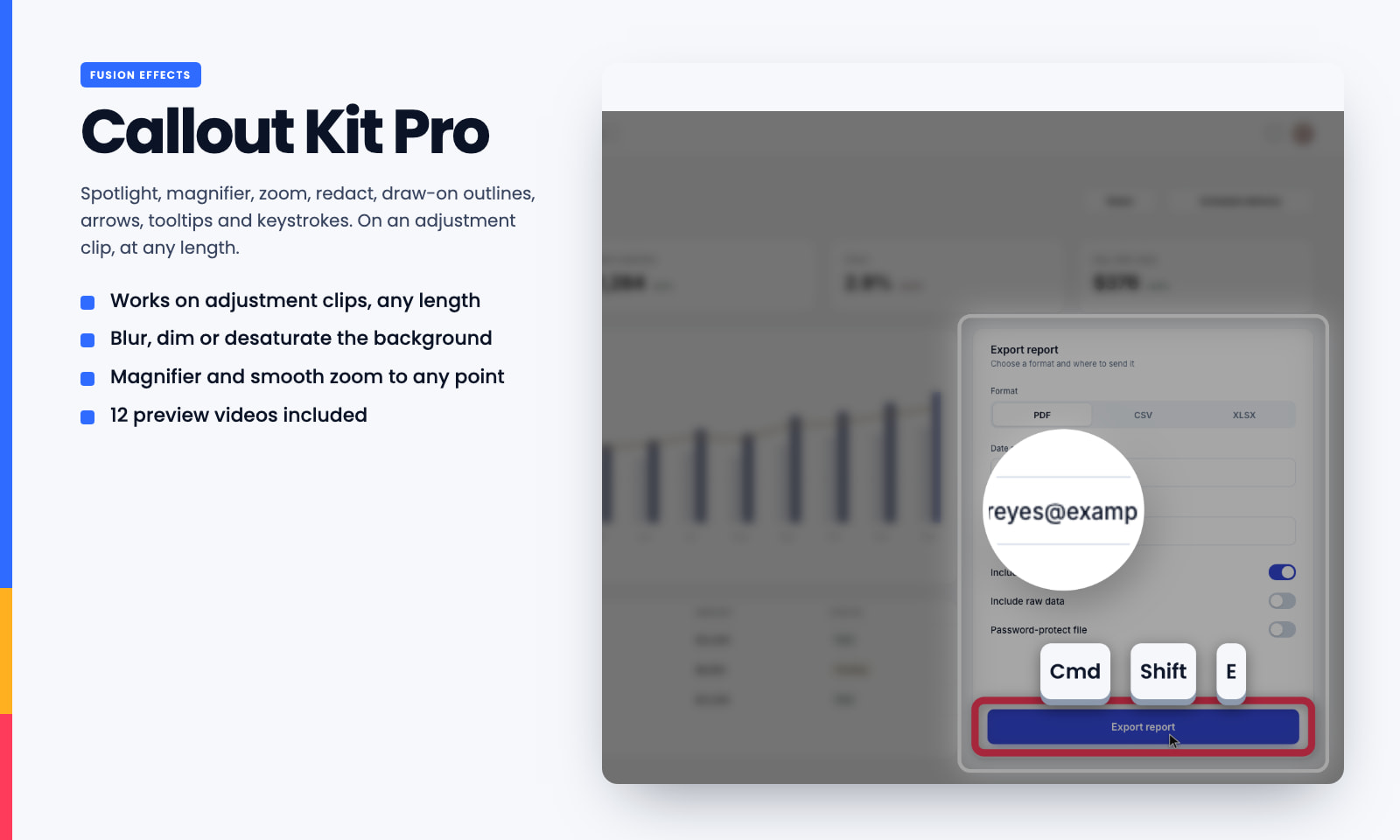
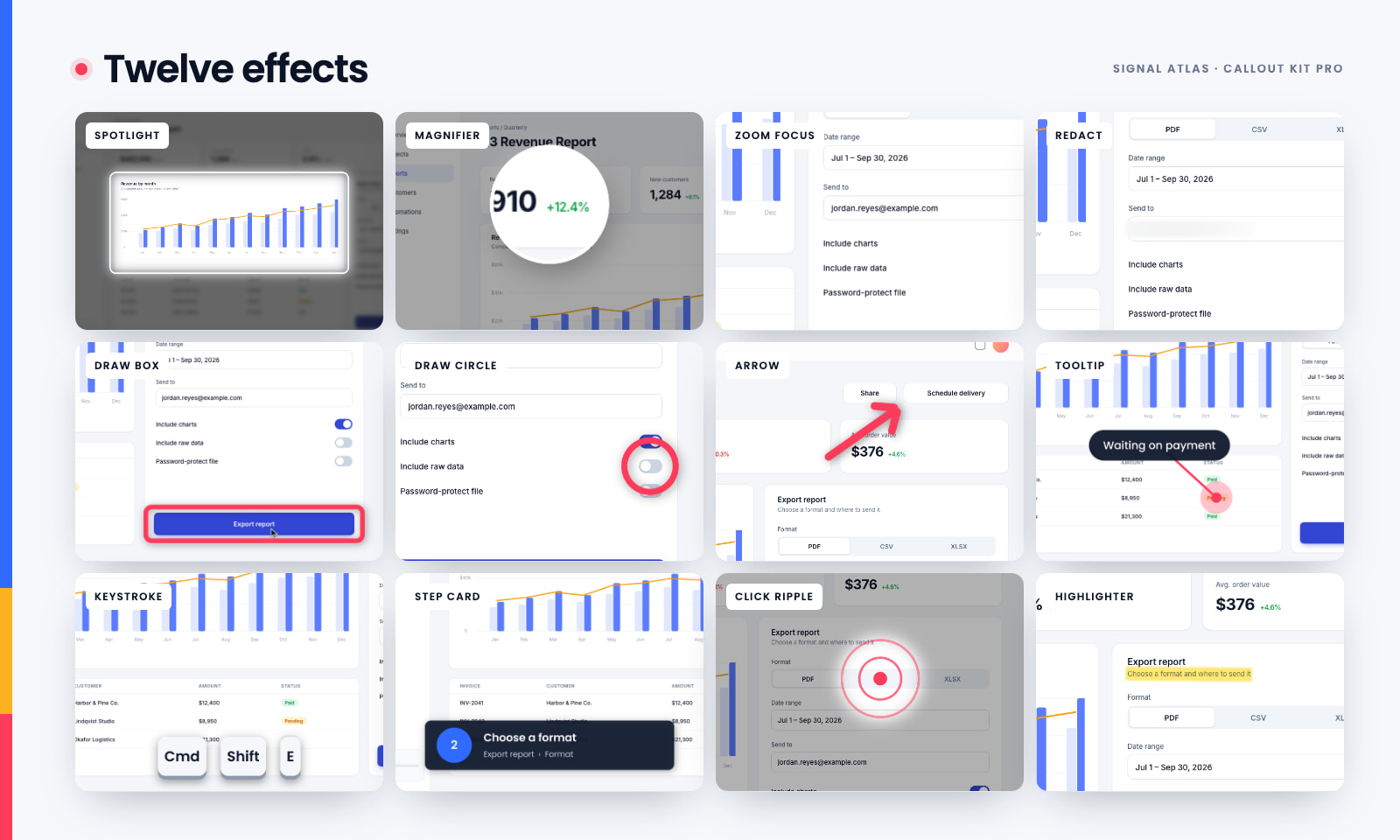
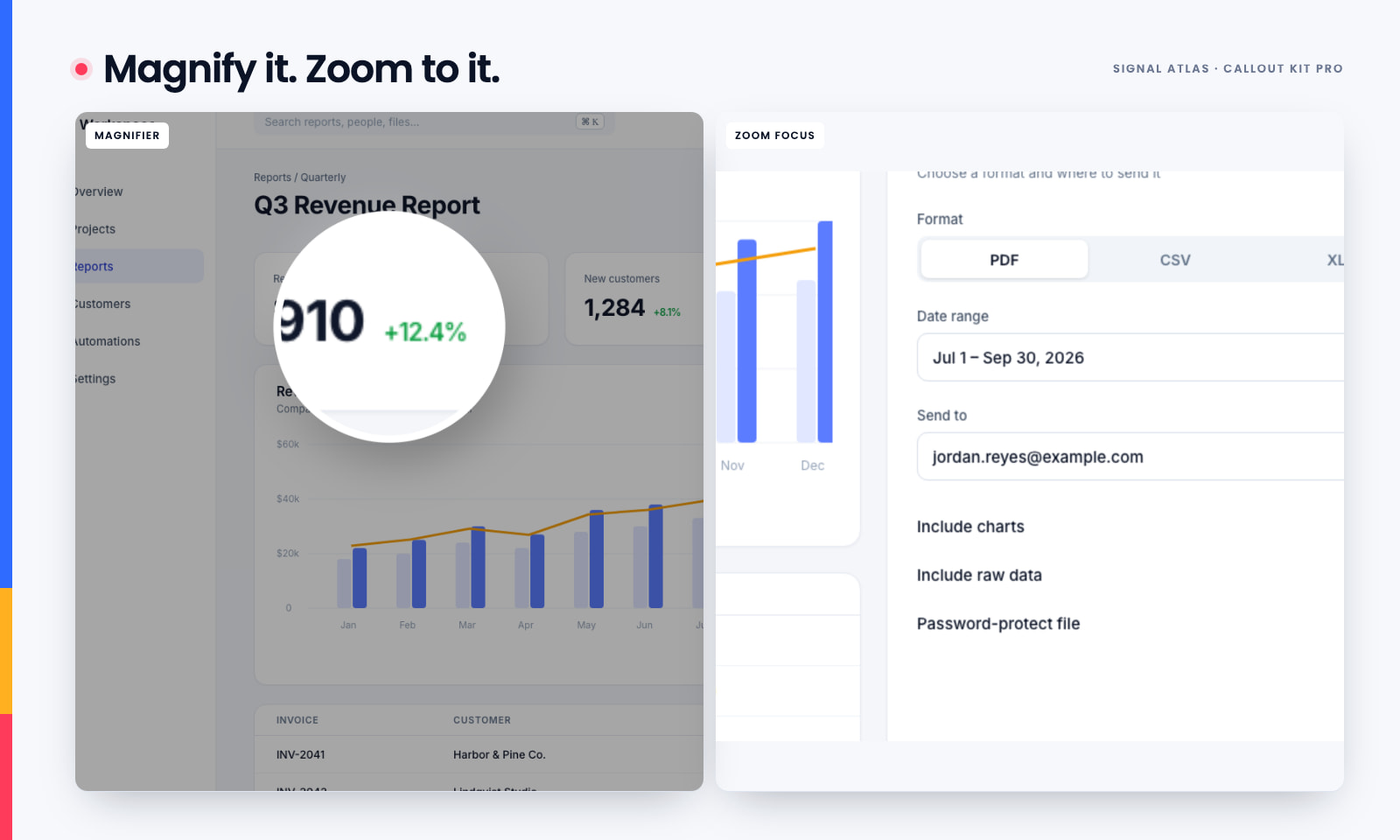
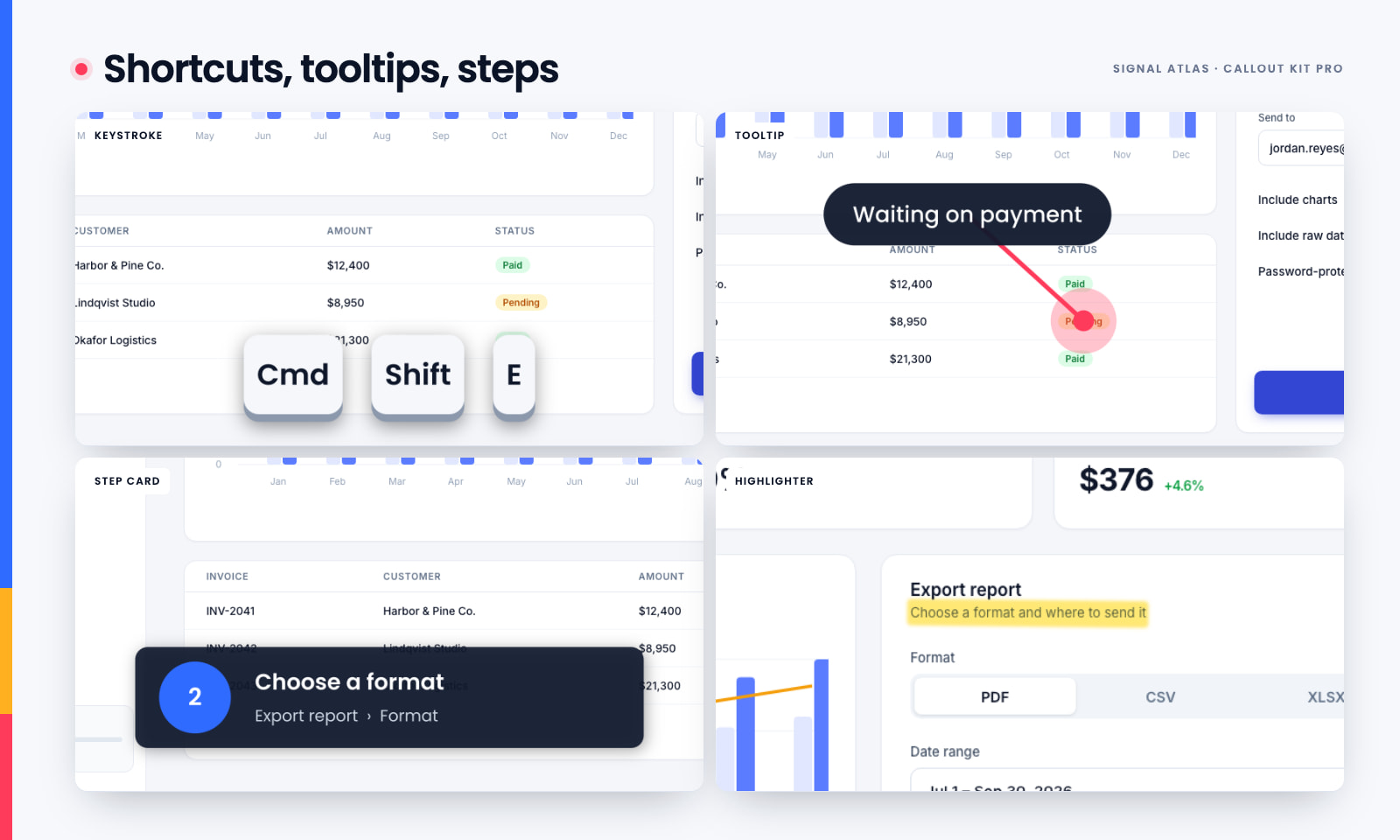
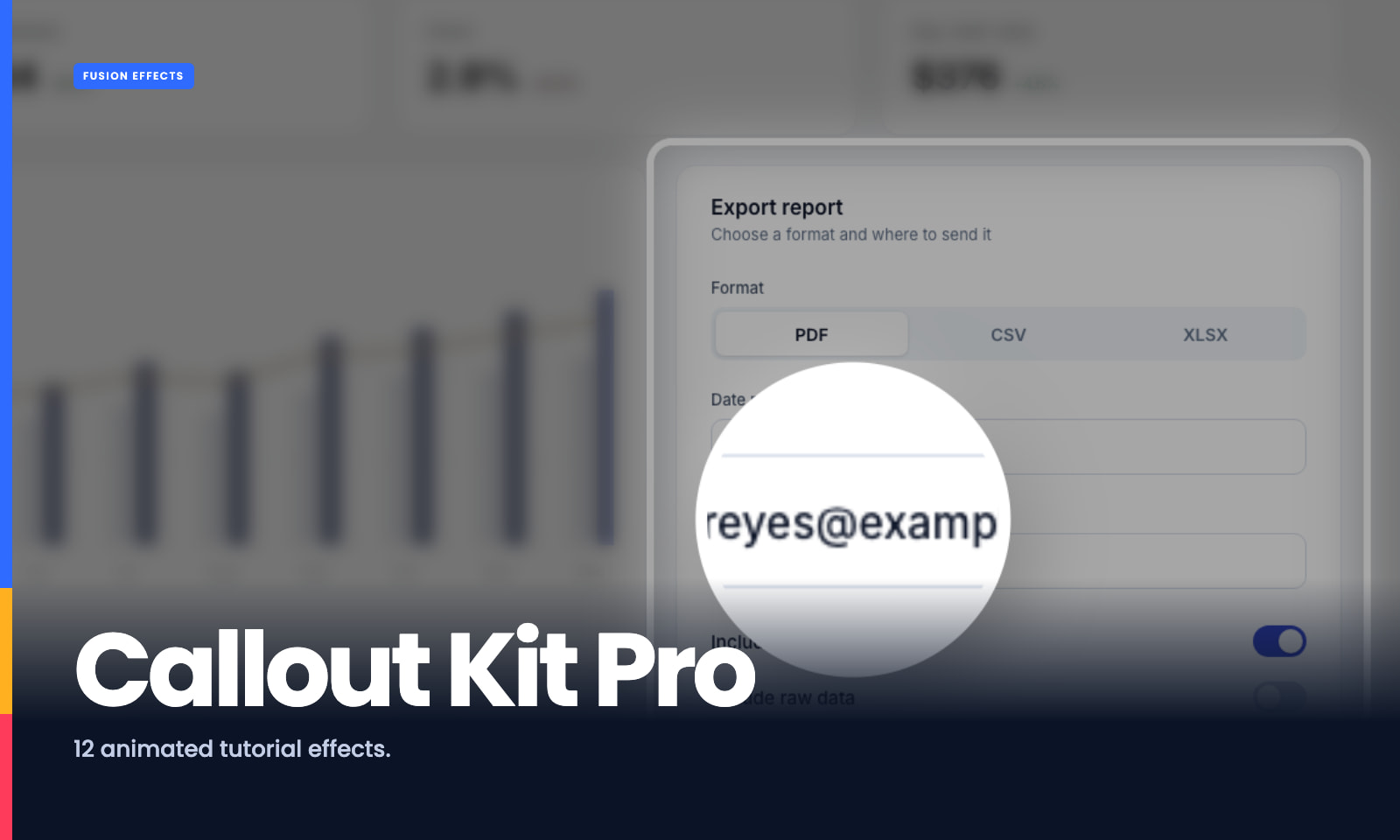
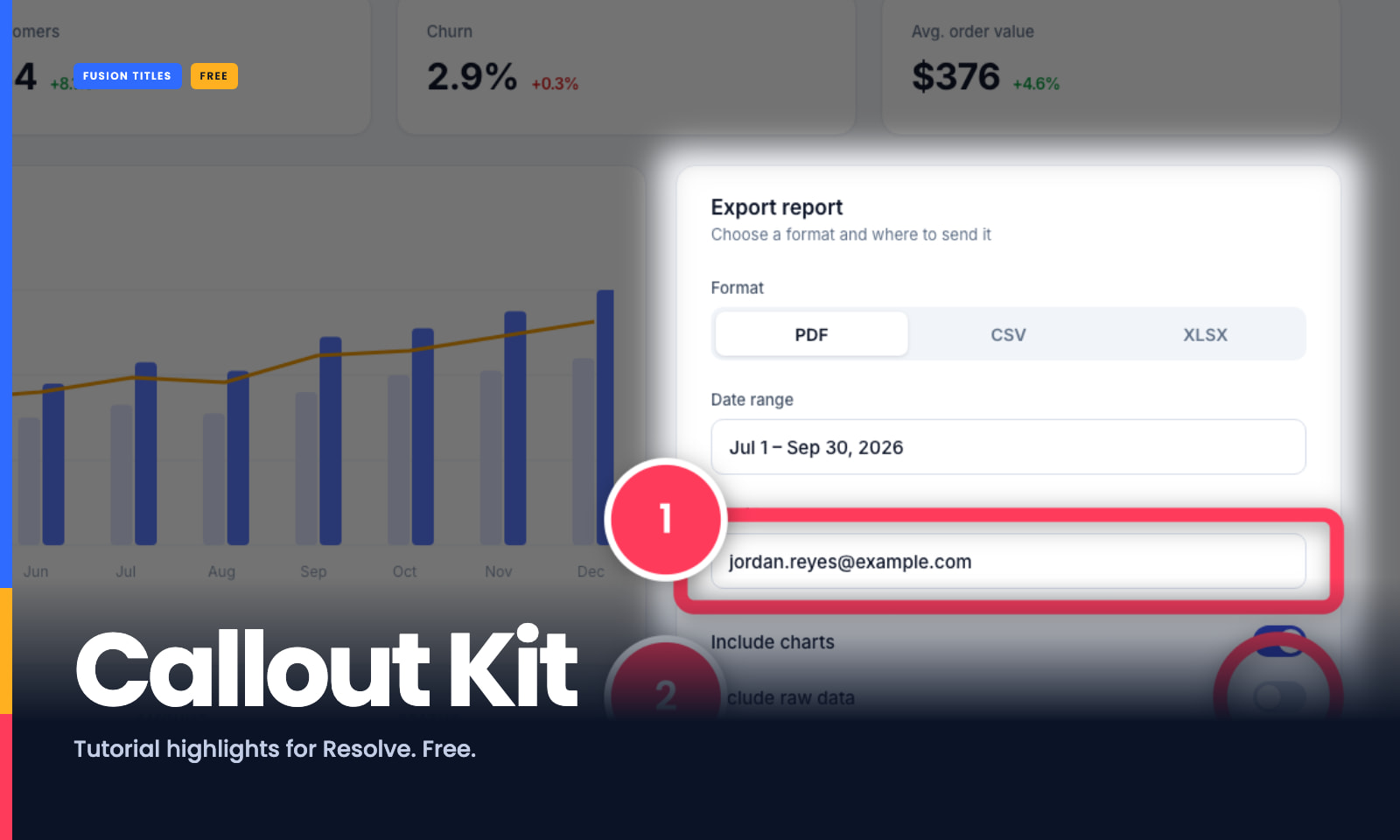
Twelve animated callouts for tutorials, product demos and course videos. Each one is an Edit page effect: put an adjustment clip above your recording, drop the effect on it, and drag the handles into place. Because the effect sees your footage, it can blur it, zoom it and magnify it, not just draw on top.
Effects
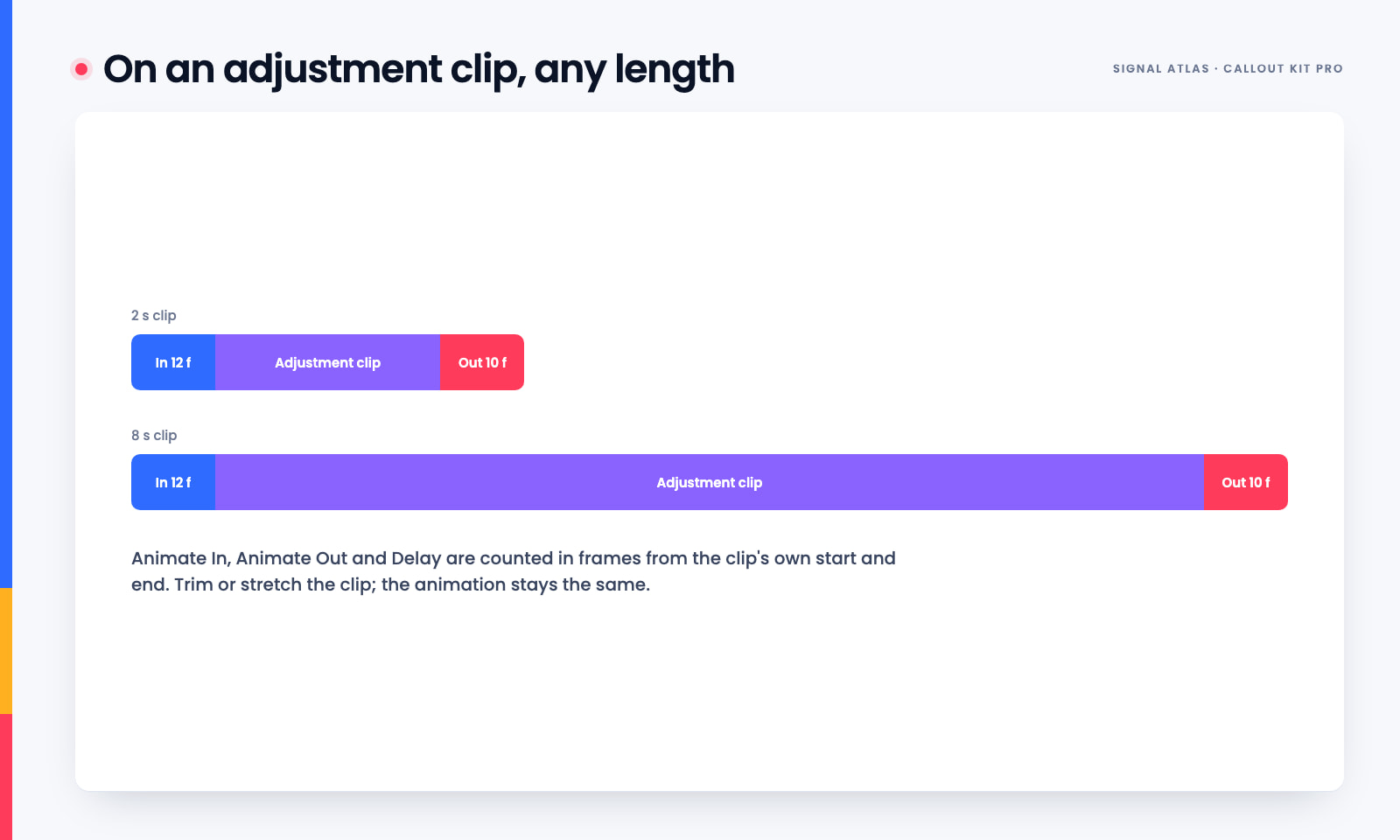
Any length Animate In, Animate Out and Delay are set in frames and measured from the adjustment clip's own start and end. Stretch the clip to two seconds or two minutes and the animation stays the same.
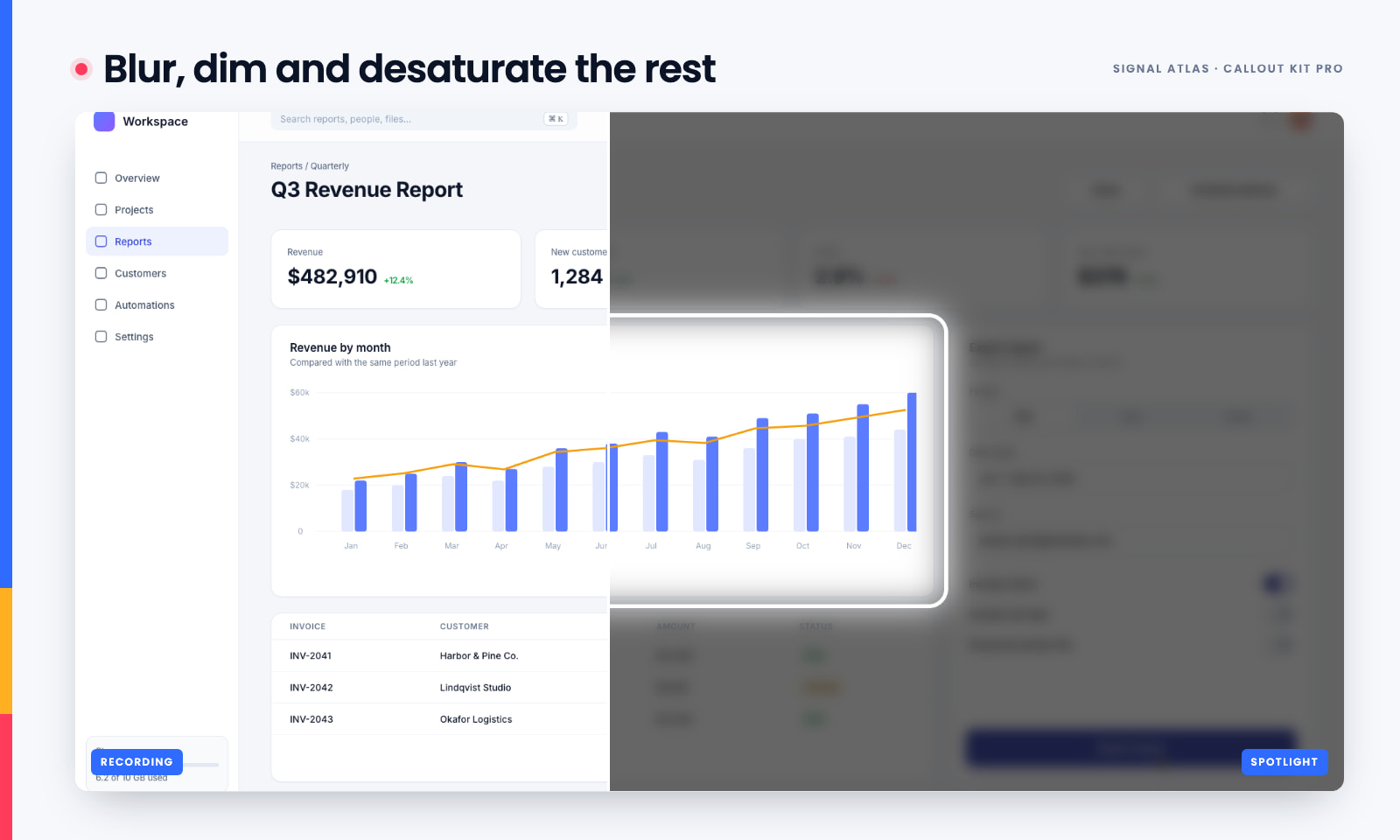
Focus on every shape Spotlight, Magnifier, Draw Box, Draw Circle and Click Ripple can dim, blur and desaturate the rest of the frame, each with its own amount.
Included 12 effects with Effects library thumbnails, a 5-second preview video of each, Poppins (SIL OFL) and a README.
Compatibility: DaVinci Resolve 18 or later, Free and Studio.
AssetFreeby Signal Atlas
 AssetFree
by Signal Atlas
 AssetFree
by Signal Atlas
 PresetFree
by Signal Atlas
 Preset−25%
by Gridlock Motion
 PresetFree
by Nodeforge
 Preset−40%
 Preset−25%
by iamkoltunov