
 Plugin−25%
 1 / 6
Overview
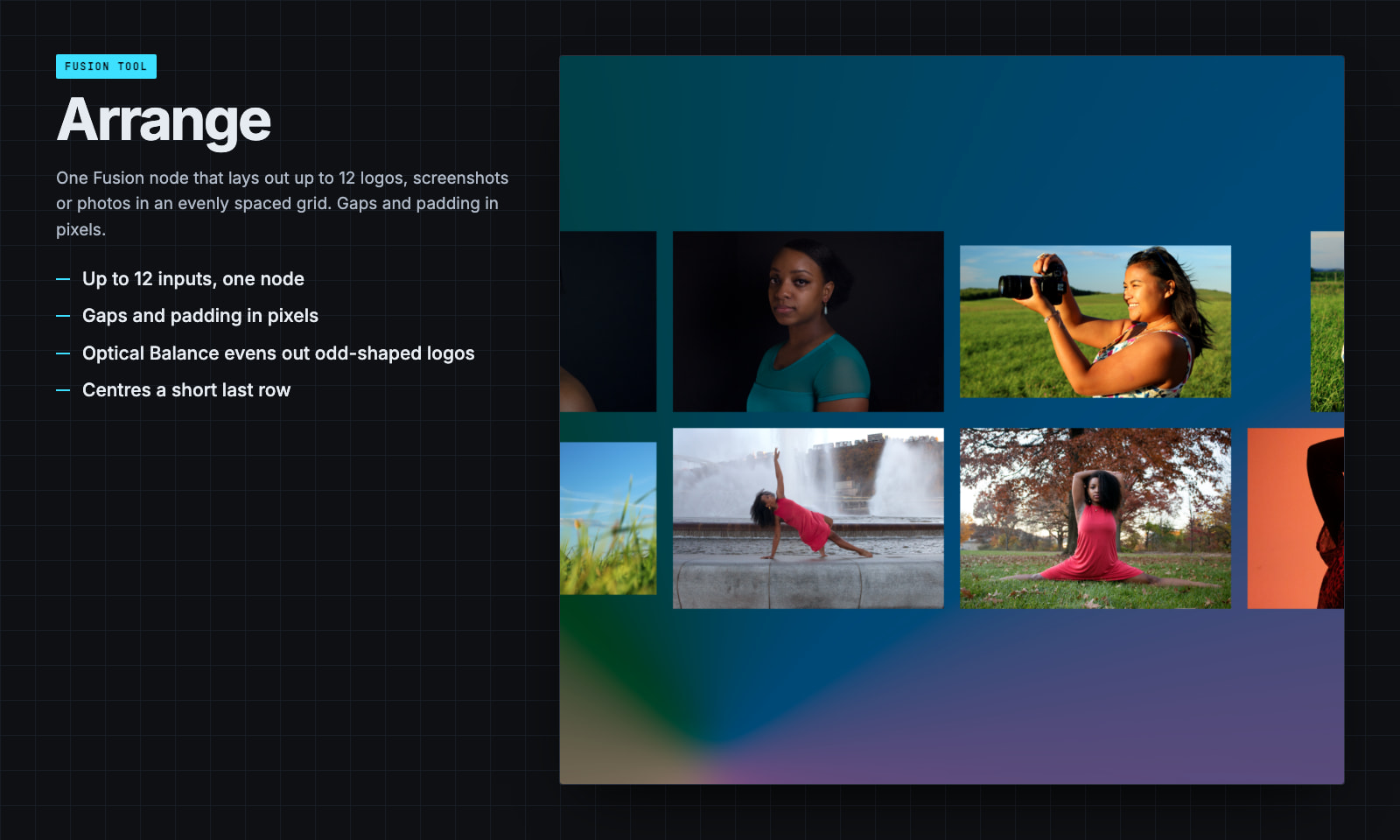
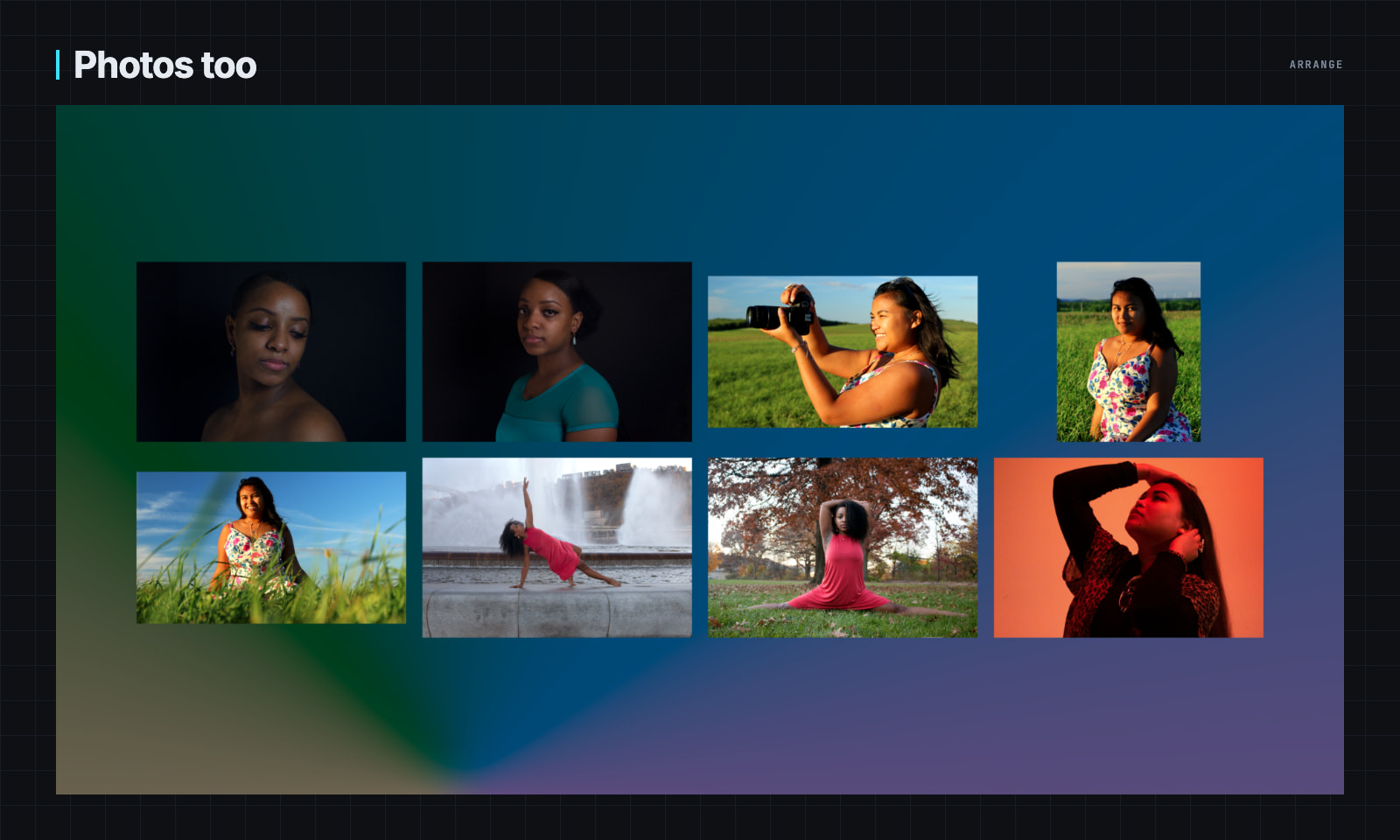
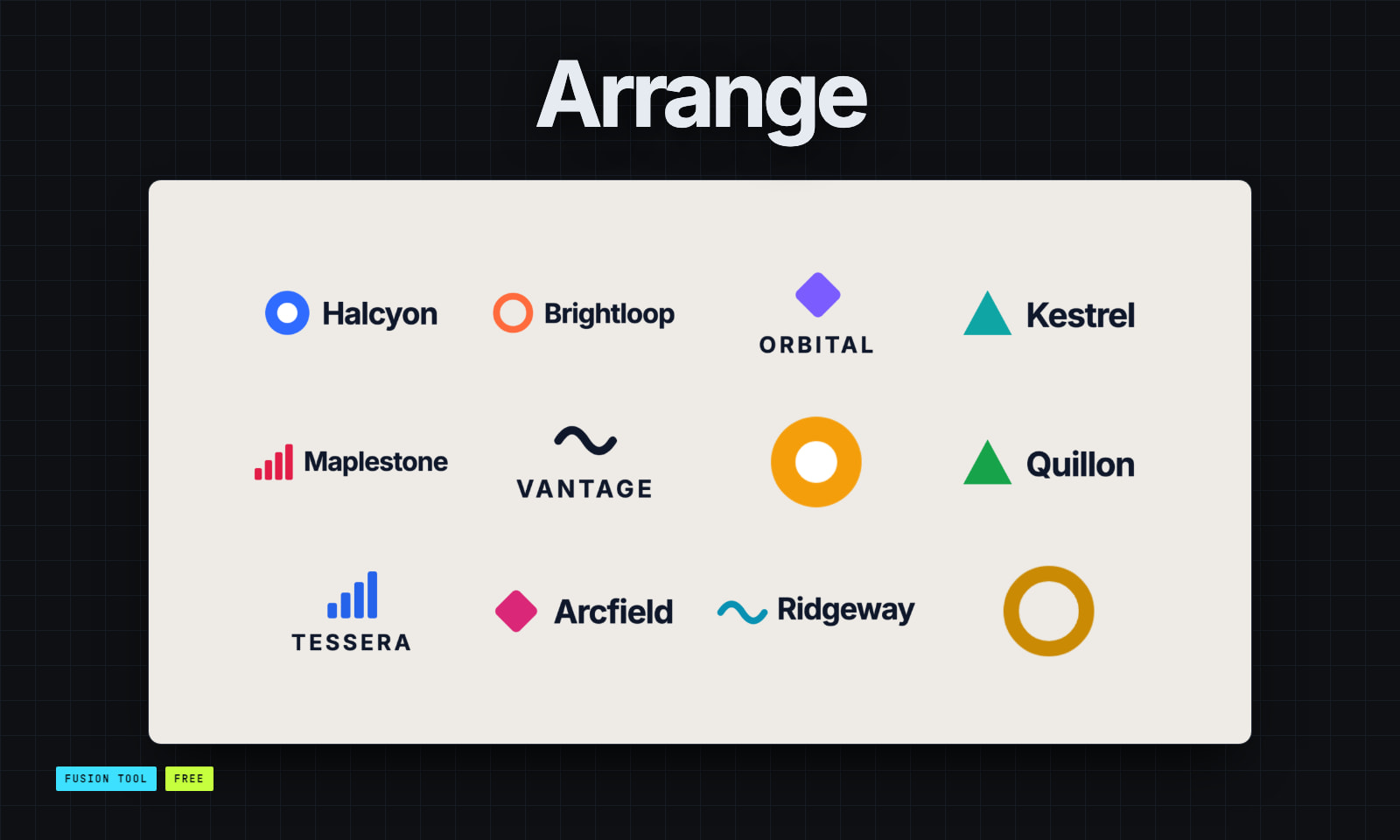
A single Fusion node that takes up to 12 images and lays them out in a tidy grid: sponsor walls, client logos, app screenshots, photo boards. No more stacks of Merge and Transform nodes nudged by eye.
How it works Connect your images to Item 1–12, set Count and Columns, and Arrange does the maths. Every measurement is in pixels of your comp, so a 24 px gap is exactly 24 px at any resolution.
Controls
- Columns and Rows (rows can be automatic)
- Gap and Padding in pixels
- Item Scale and Cell Aspect
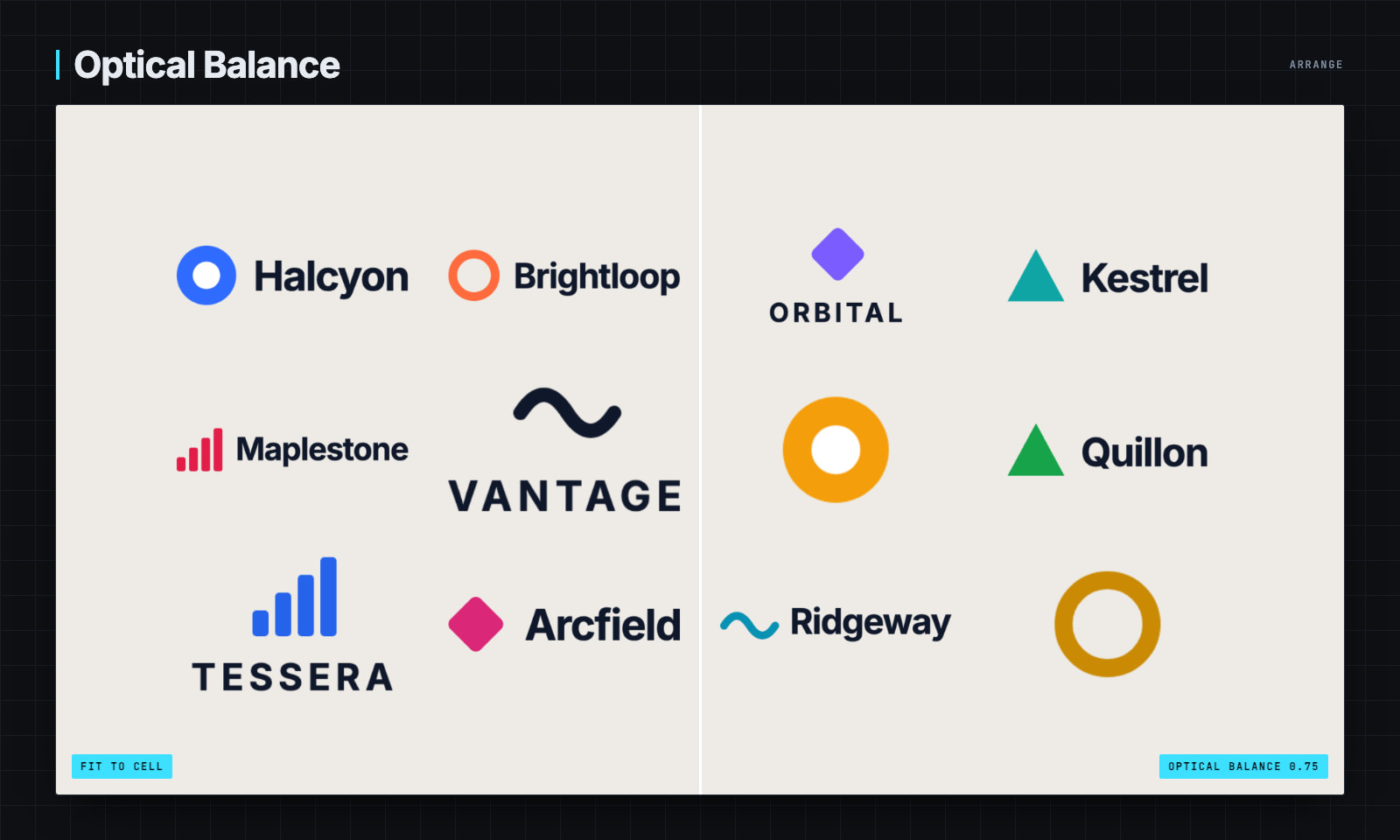
- Optical Balance: a wide wordmark and a square icon look the same size, not the same width
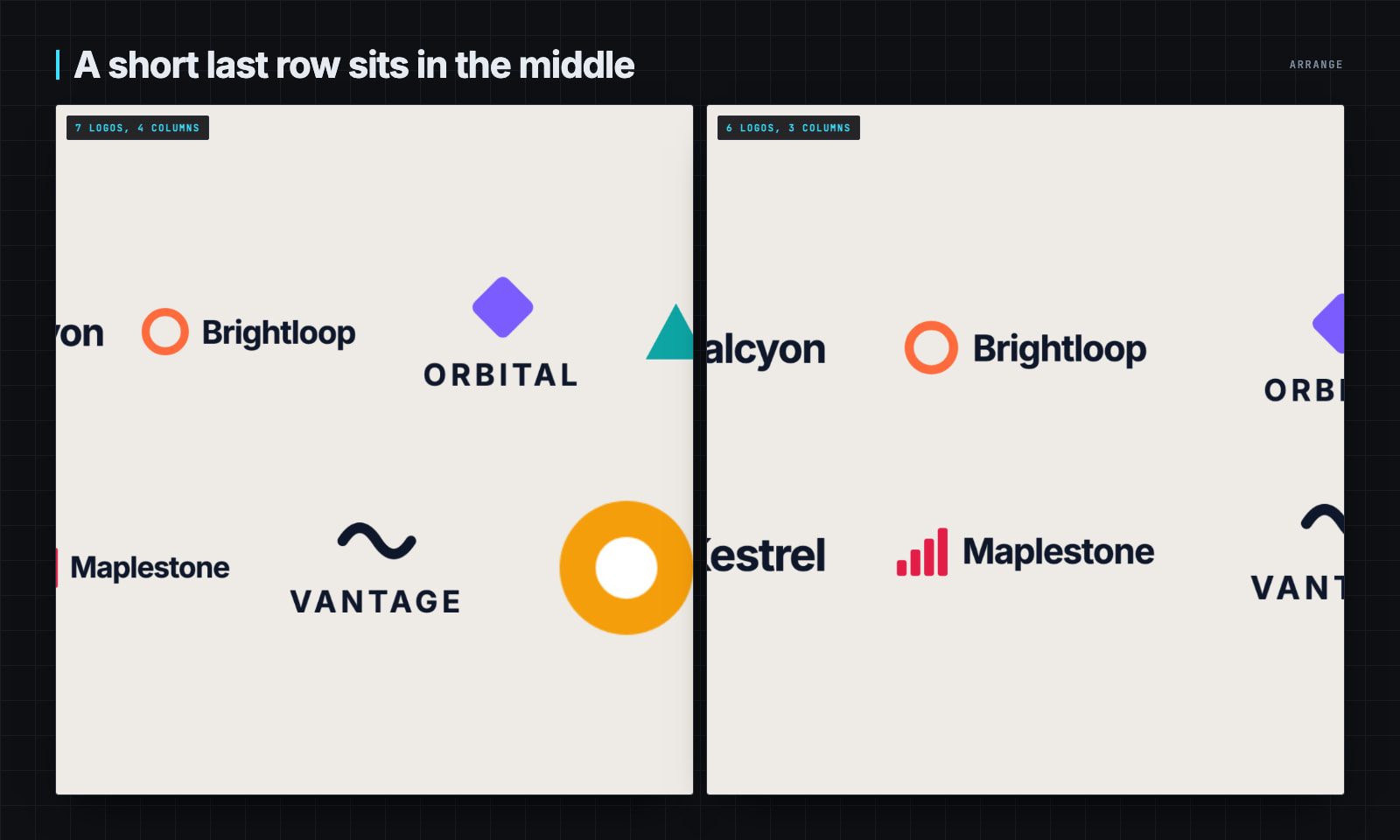
- Centre Last Row: a row of three under a row of four sits in the middle
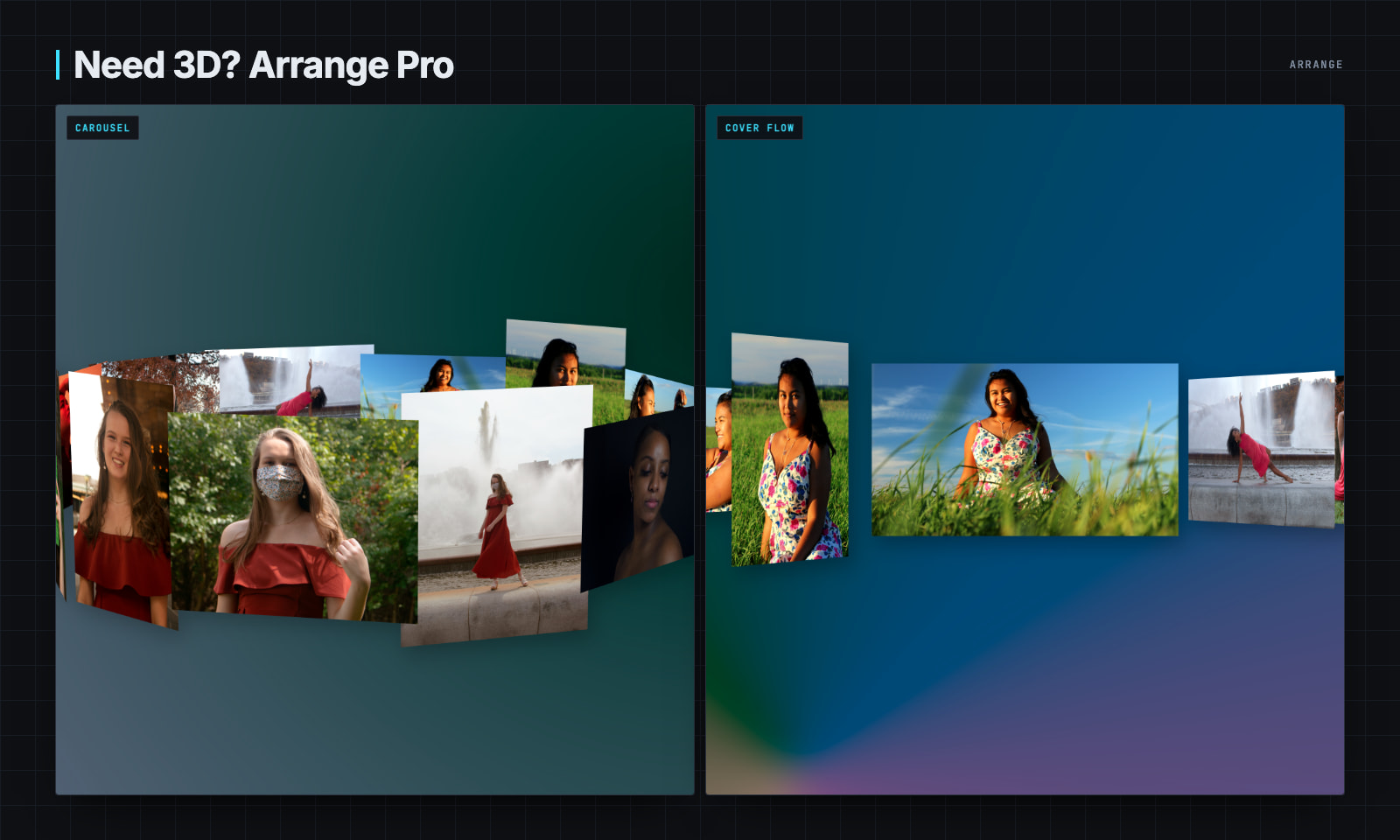
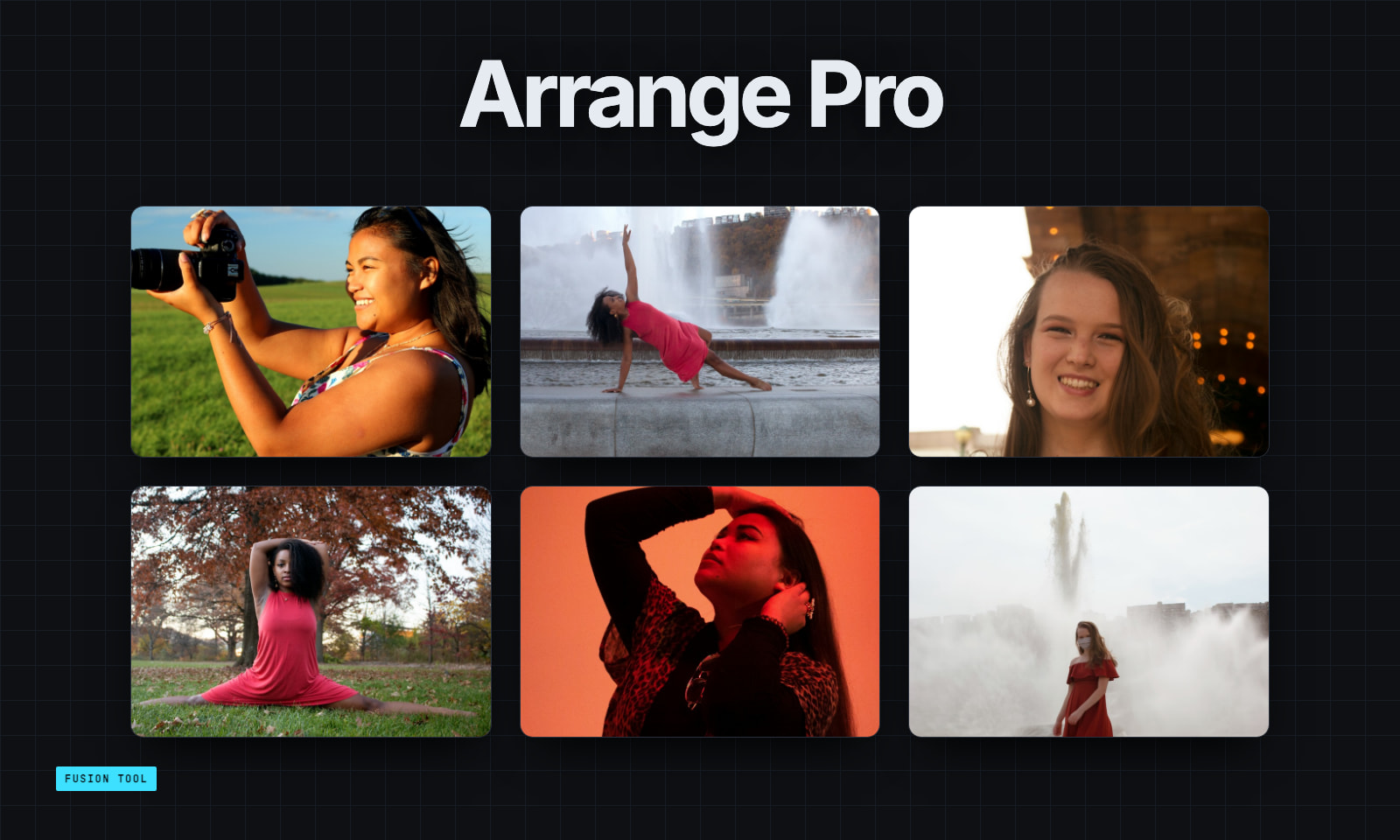
Need carousels, rings, 3D layouts and animated morphs between them? Arrange Pro does that.
Compatibility: DaVinci Resolve 18 or later, Free and Studio. Fusion page or a Fusion clip.
More from Nodeforge
Storefront- Plugin−25%
 Plugin−50%
 Preset−25%
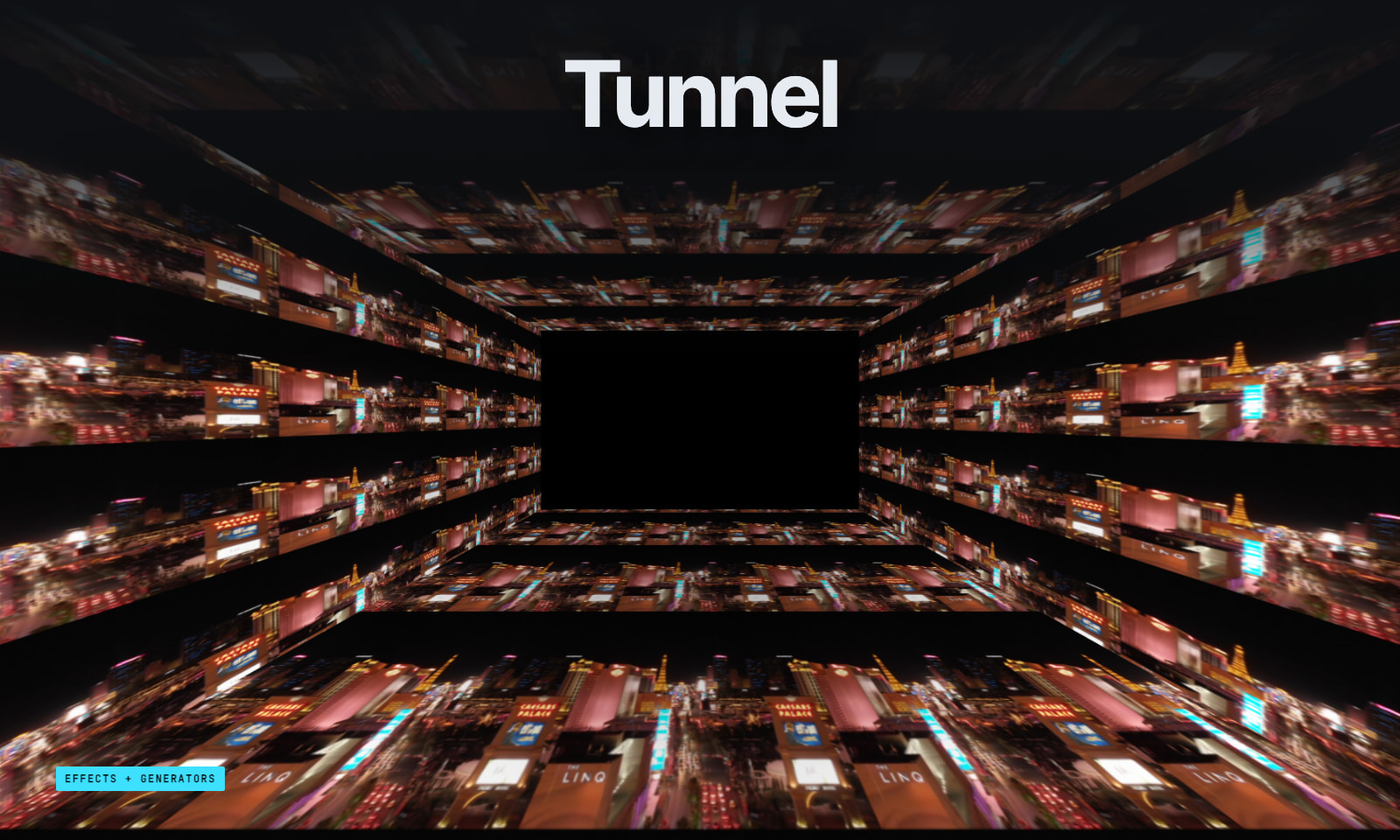
Tunnel — Infinite Perspective Tunnels and Zooms
by Nodeforge
 Preset−50%
You might also like
All Presets Preset−25%
Kinetic — 8 Any-Length Transitions
by Gridlock Motion
 Preset−40%
 Preset−25%
Seamless Transitions Library
by iamkoltunov
 Preset
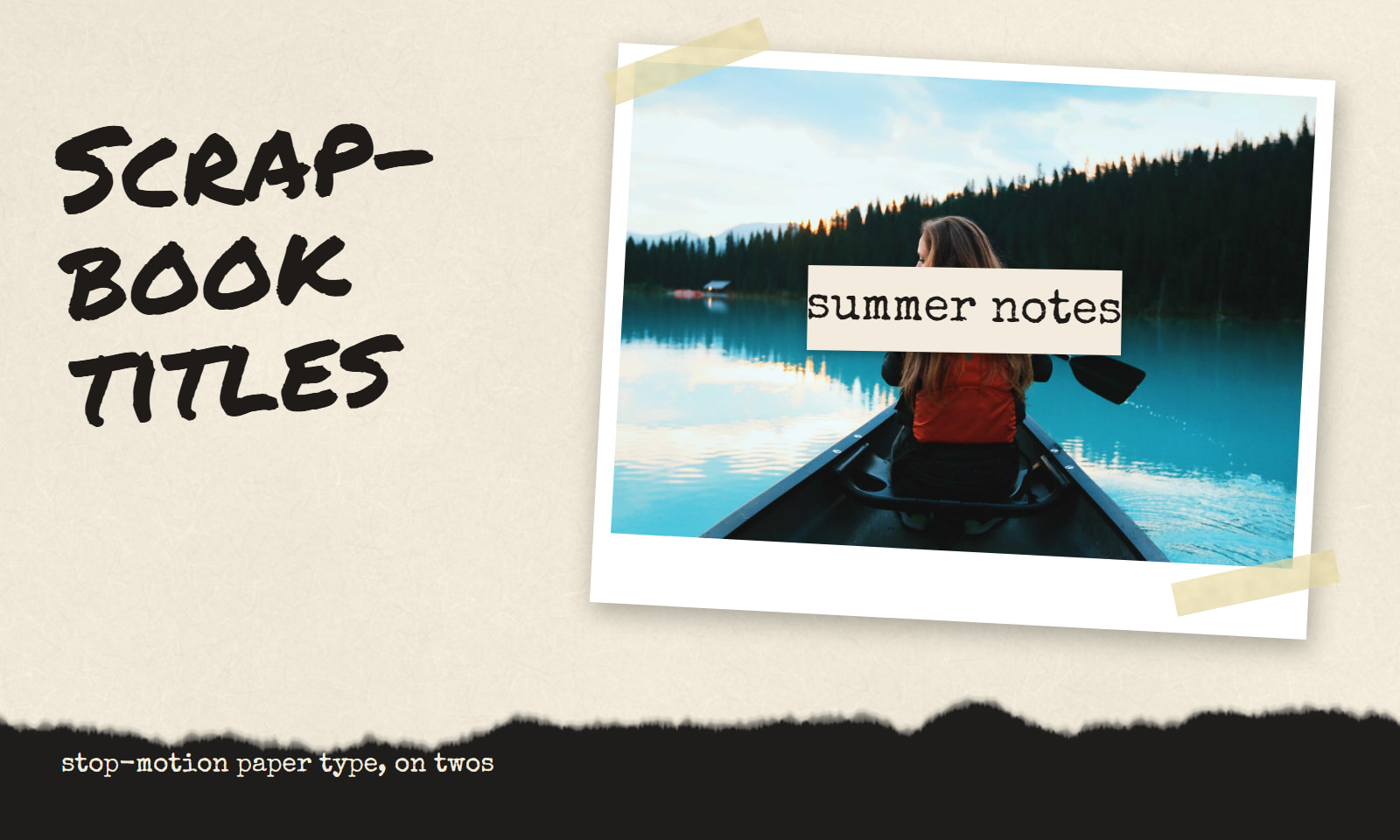
Scrapbook Titles: Stop-Motion Paper Type
by Papermoth