
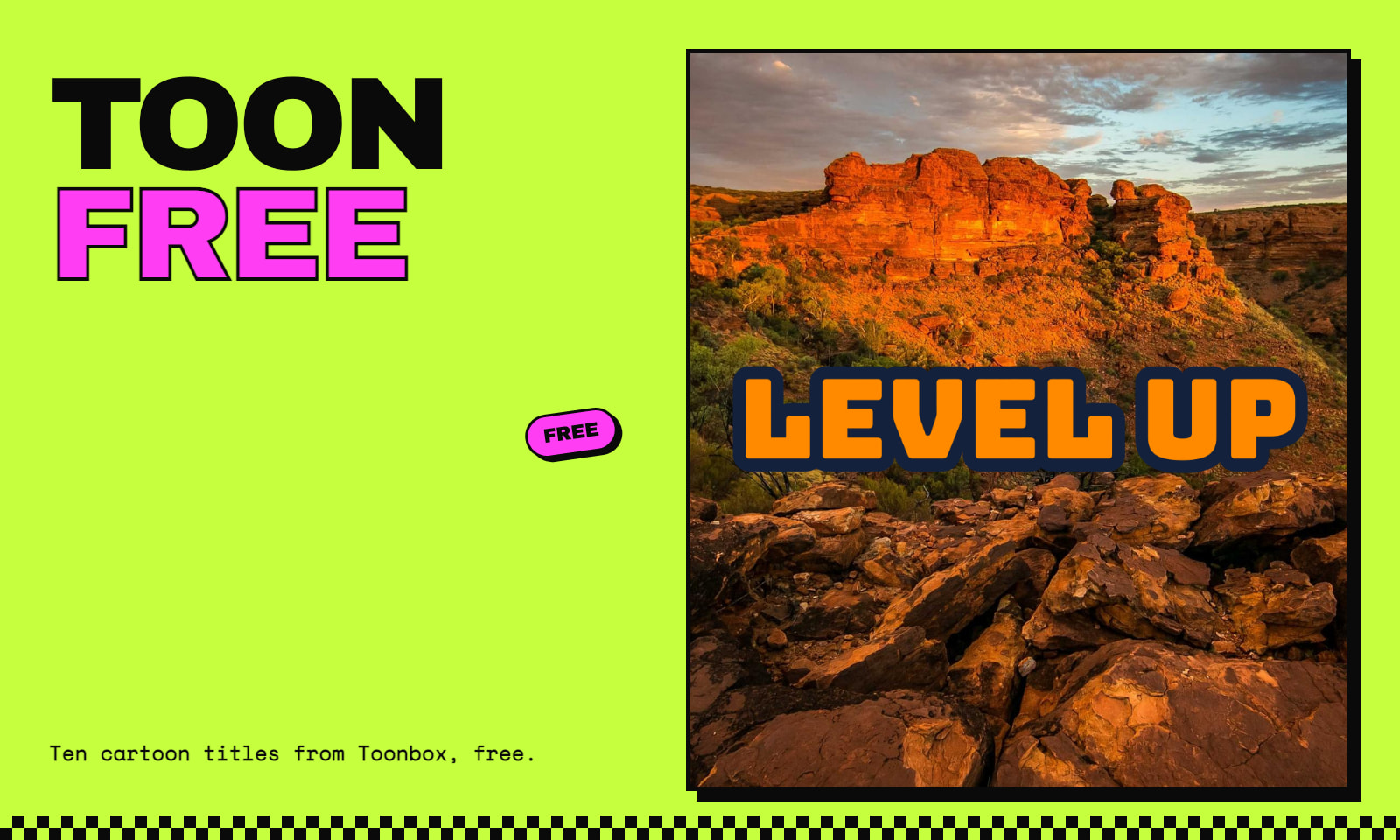
 PresetFree
Toonbox Essentials — 10 Free Cartoon Titles
by Gridlock Motion
 1 / 5
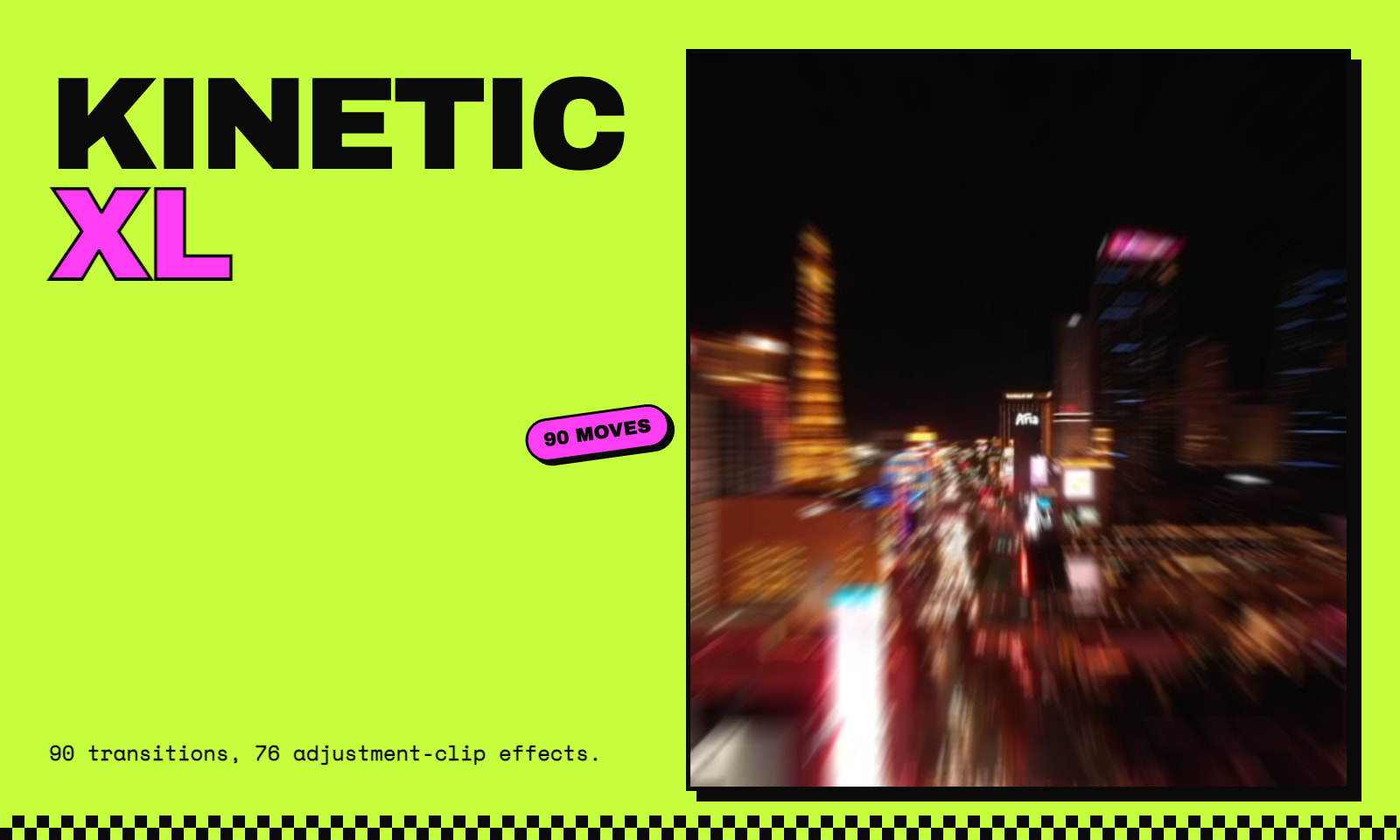
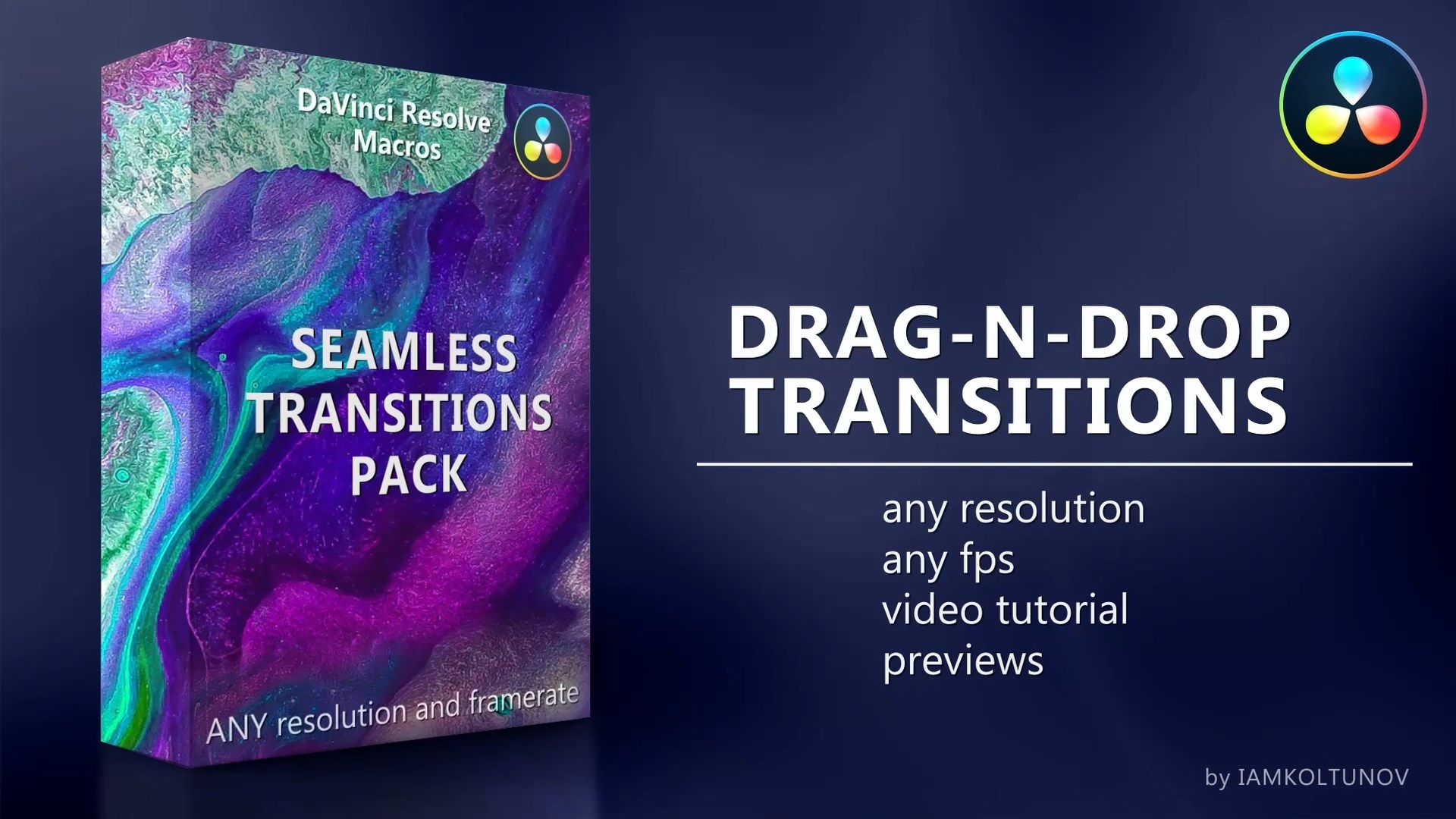
Ninety transitions built for fast edits, each one available two ways.
Two ways to use them
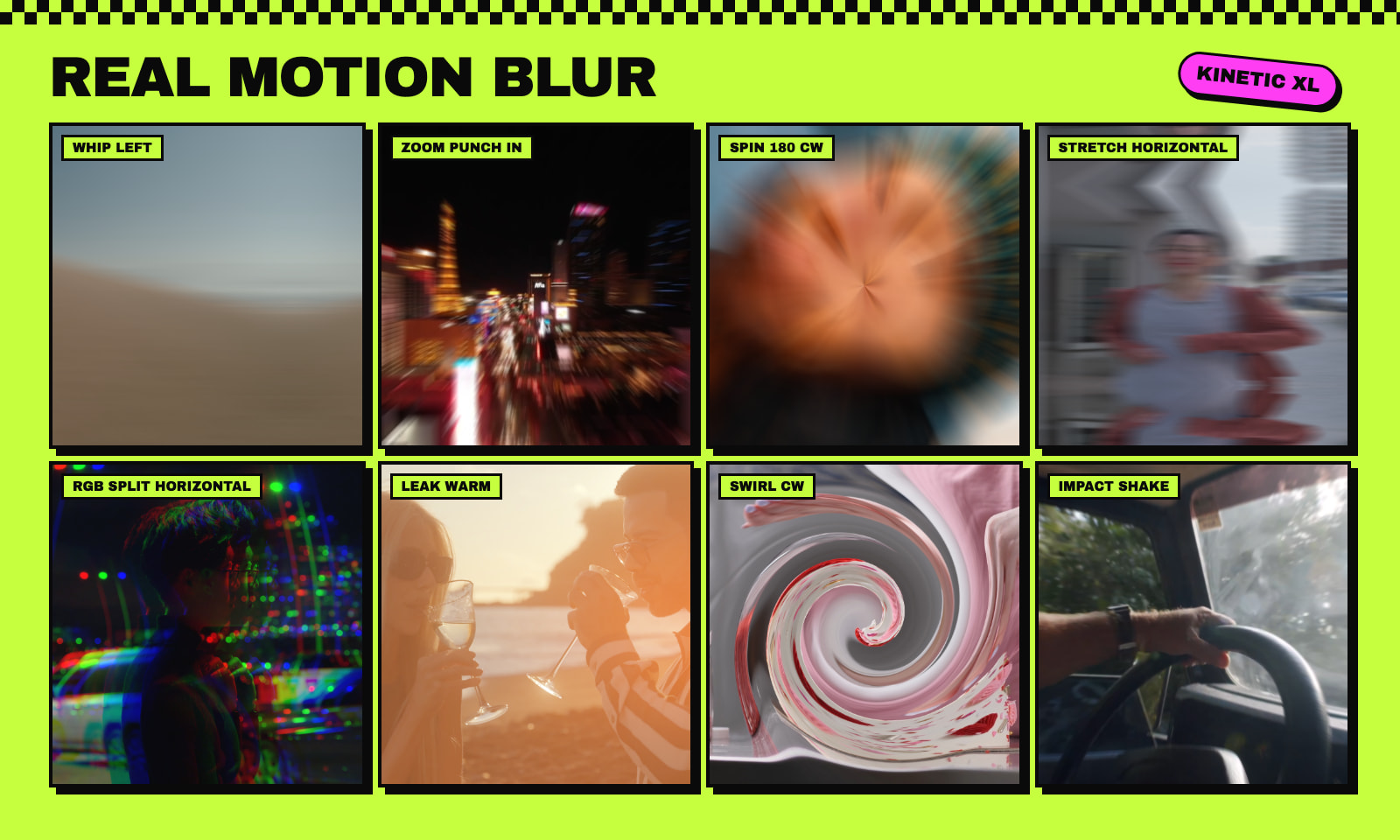
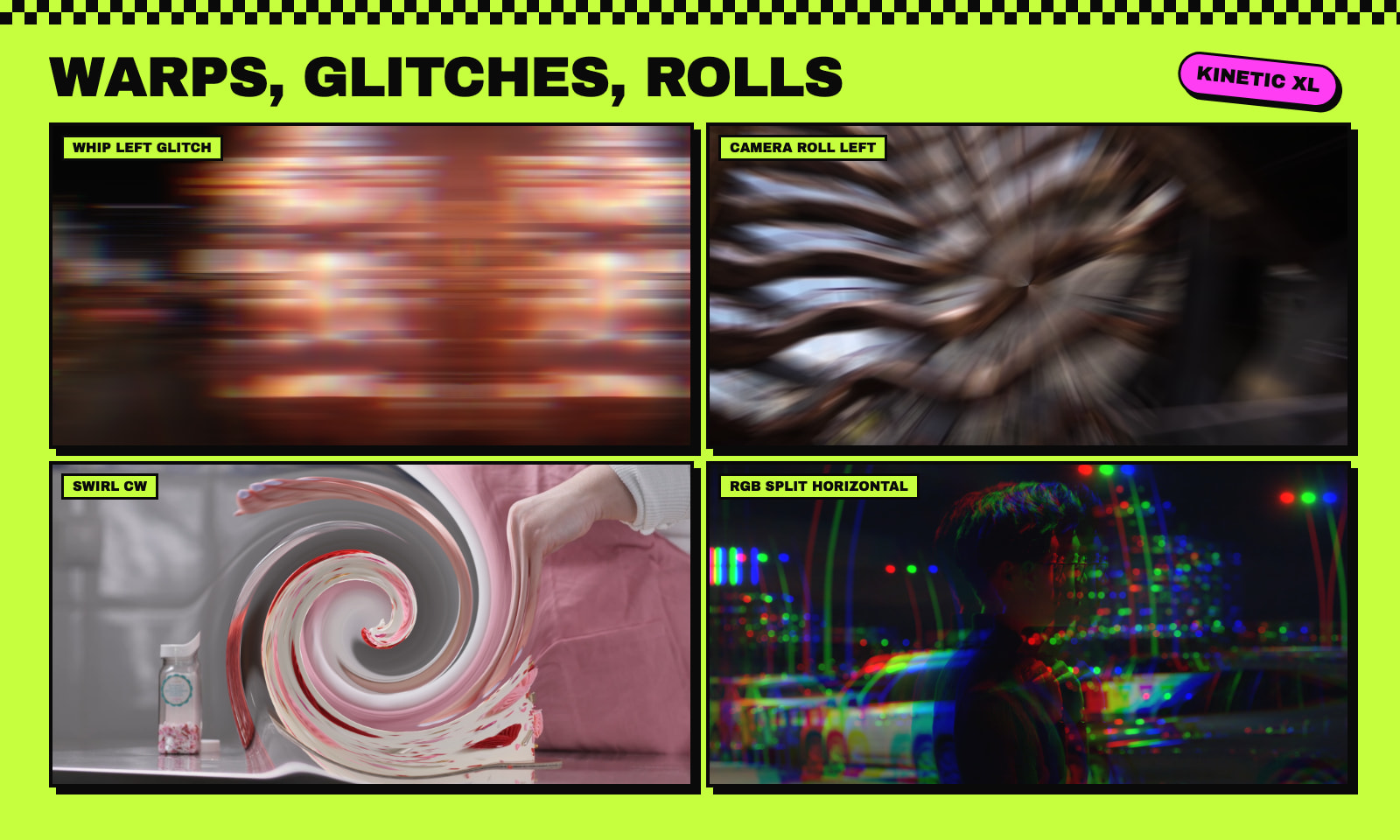
Families Zoom, Whip, Spin, Roll, Stretch, Warp, Glitch, Flash, Light Leak, Blur, Shake, Mirror Slide, Flip, Push, Dissolve and Iris.
Controls Intensity, Snap (how sharp the peak is) and Motion Blur. Zooms, spins, whips and slides use mirrored edges, so the frame never shows black corners.
Included 90 transitions and 76 effects with Effects library thumbnails, and a README.
Want to try them first? Kinetic Essentials has twelve of them for free.
Compatibility: DaVinci Resolve 18 or later, Free and Studio.
PresetFreeby Gridlock Motion
 Preset−25%
by Gridlock Motion
 Preset−25%
by Gridlock Motion
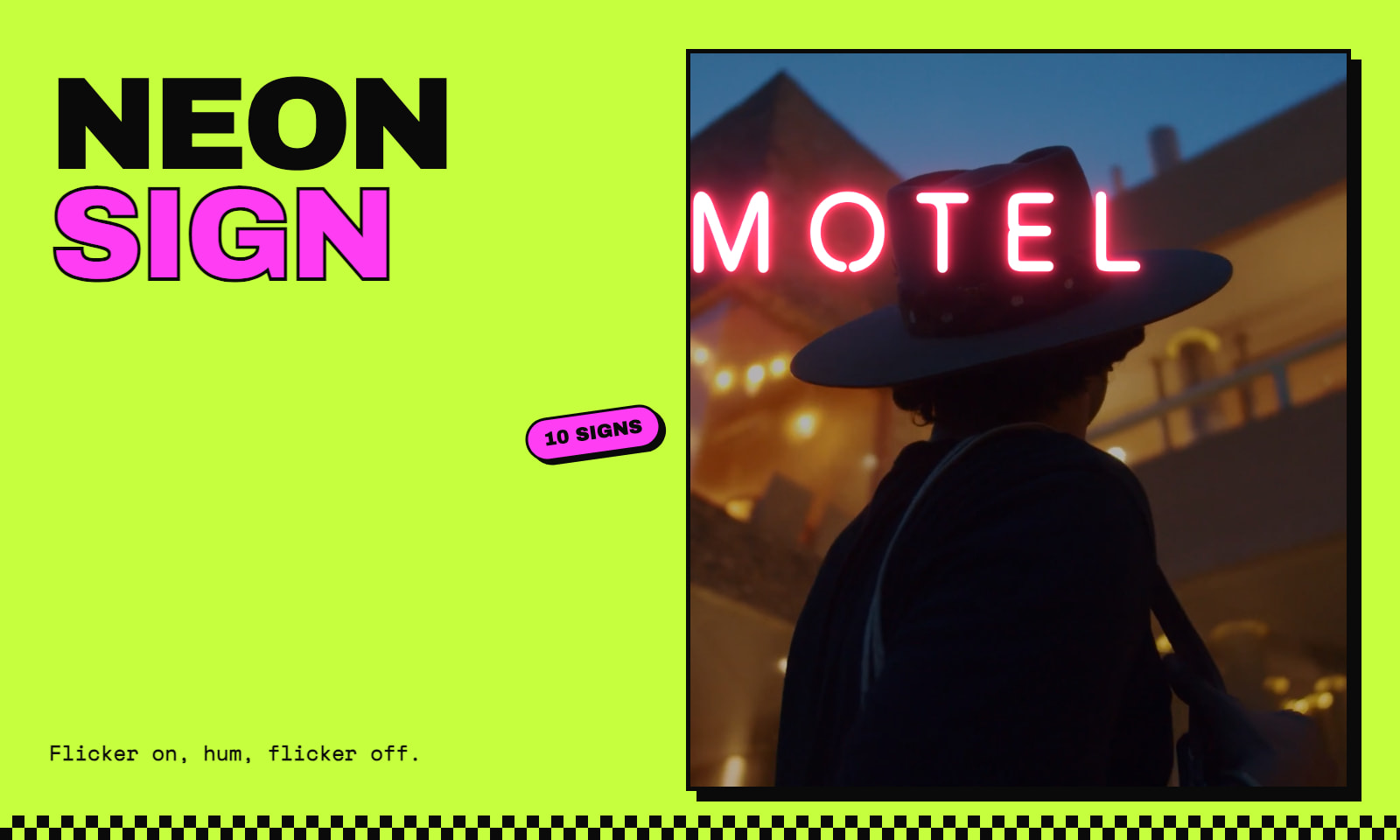 Preset
by Gridlock Motion
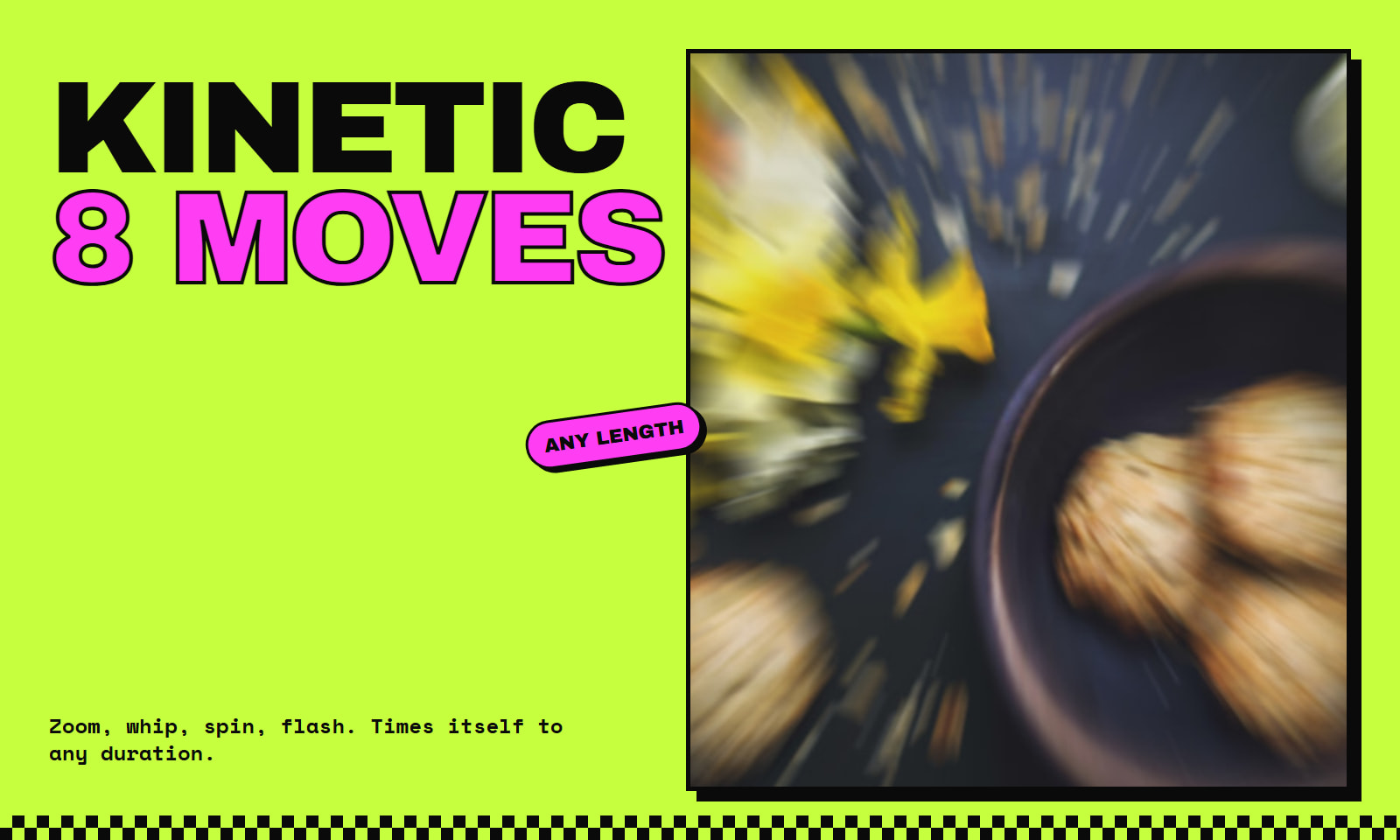 Preset−25%
by Gridlock Motion
 PresetFree
by Nodeforge
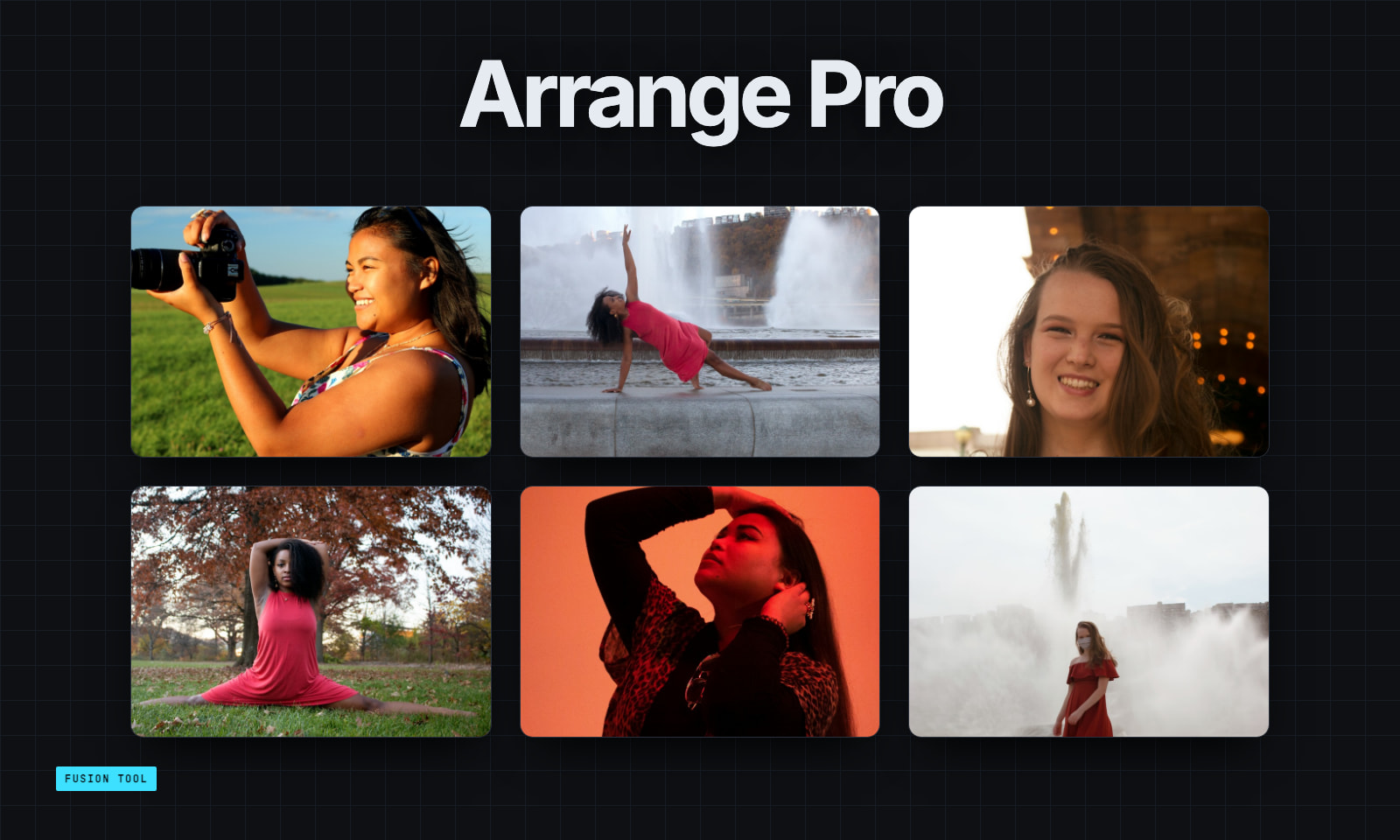 Preset−40%
 Preset−25%
by iamkoltunov