Overview

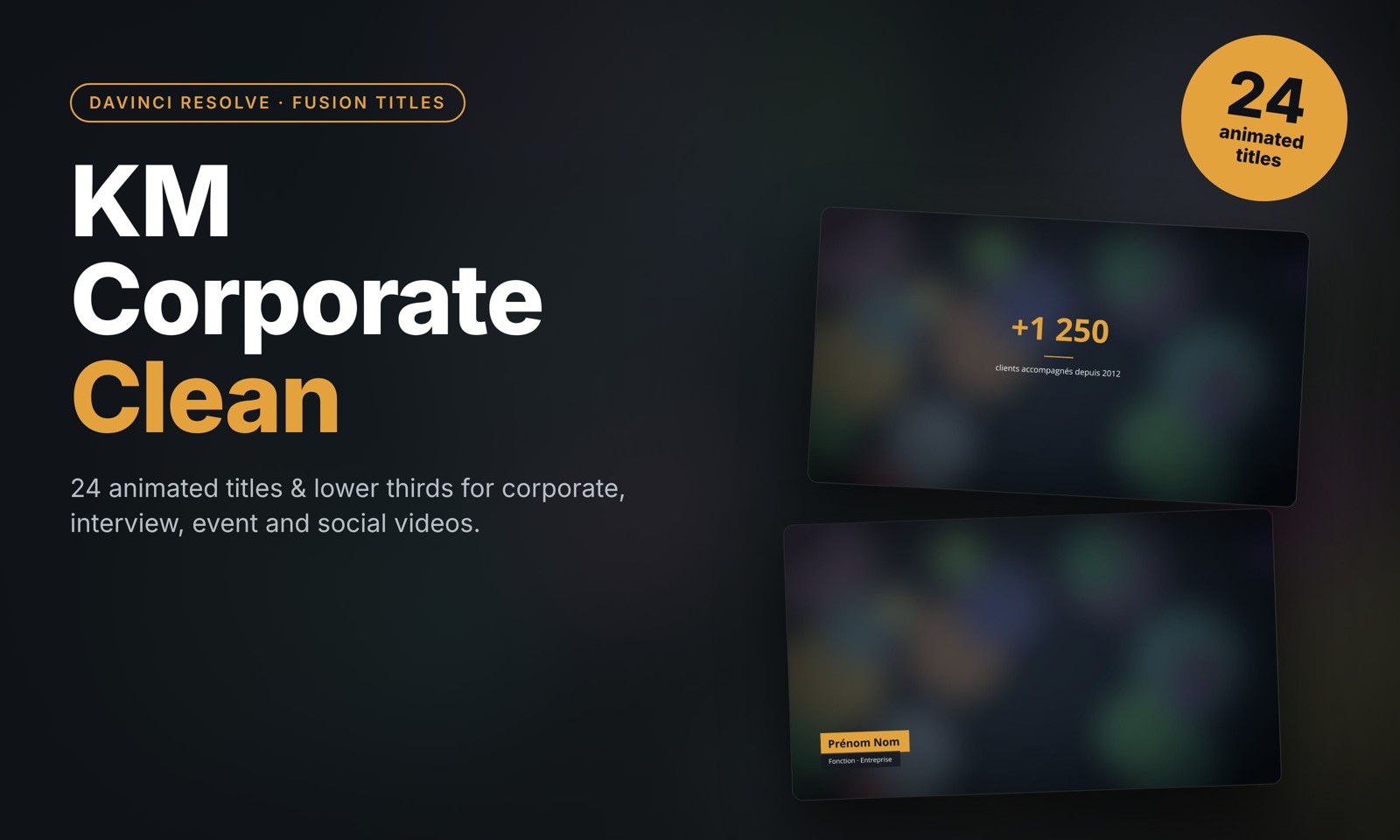
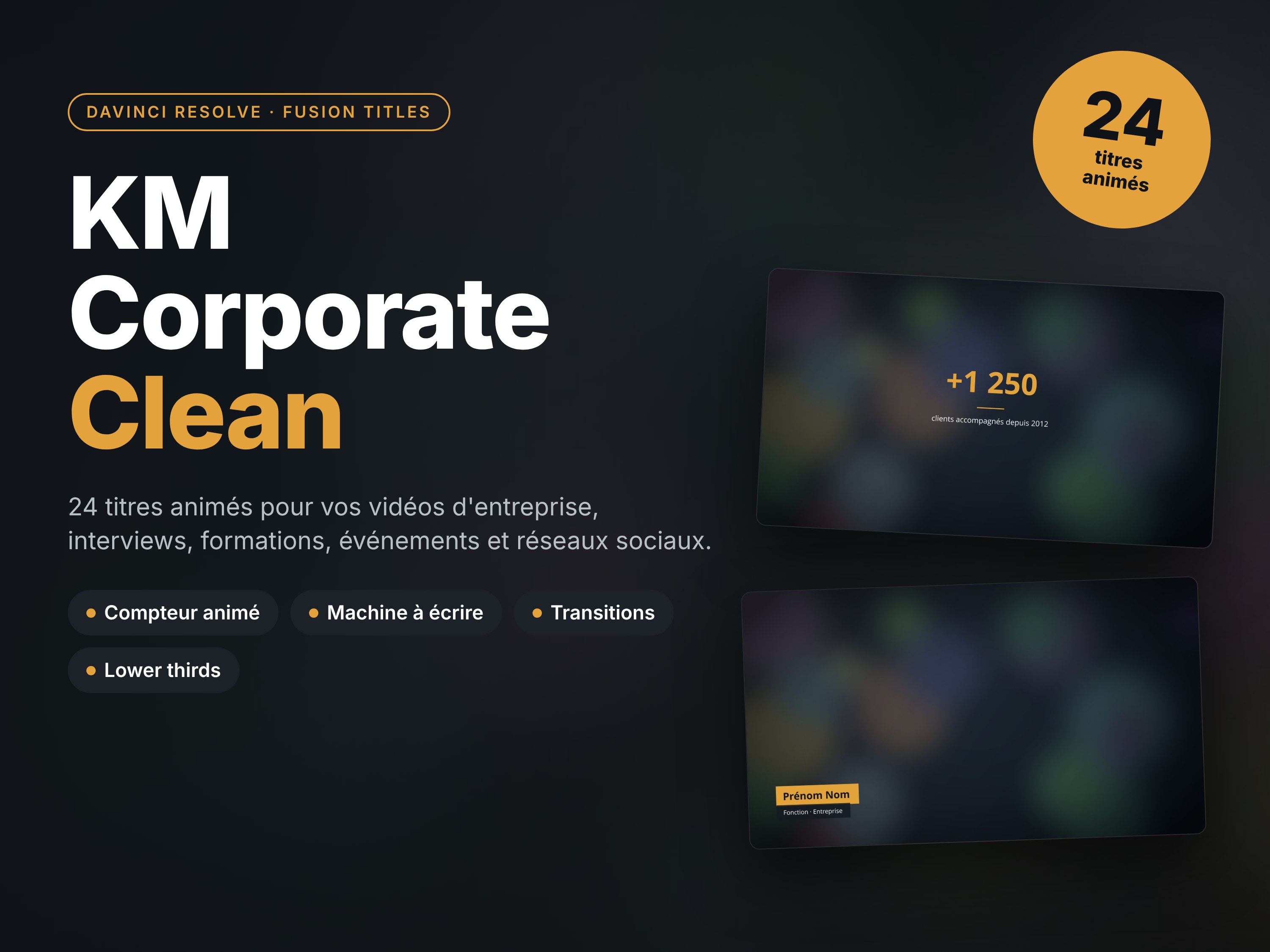
A pack of 24 clean, modern Fusion titles made by a corporate videographer with 14 years of client work. Drop them on your timeline, type your text, done: everything is set in the Inspector, no need to open Fusion.

What's inside (24 titles)

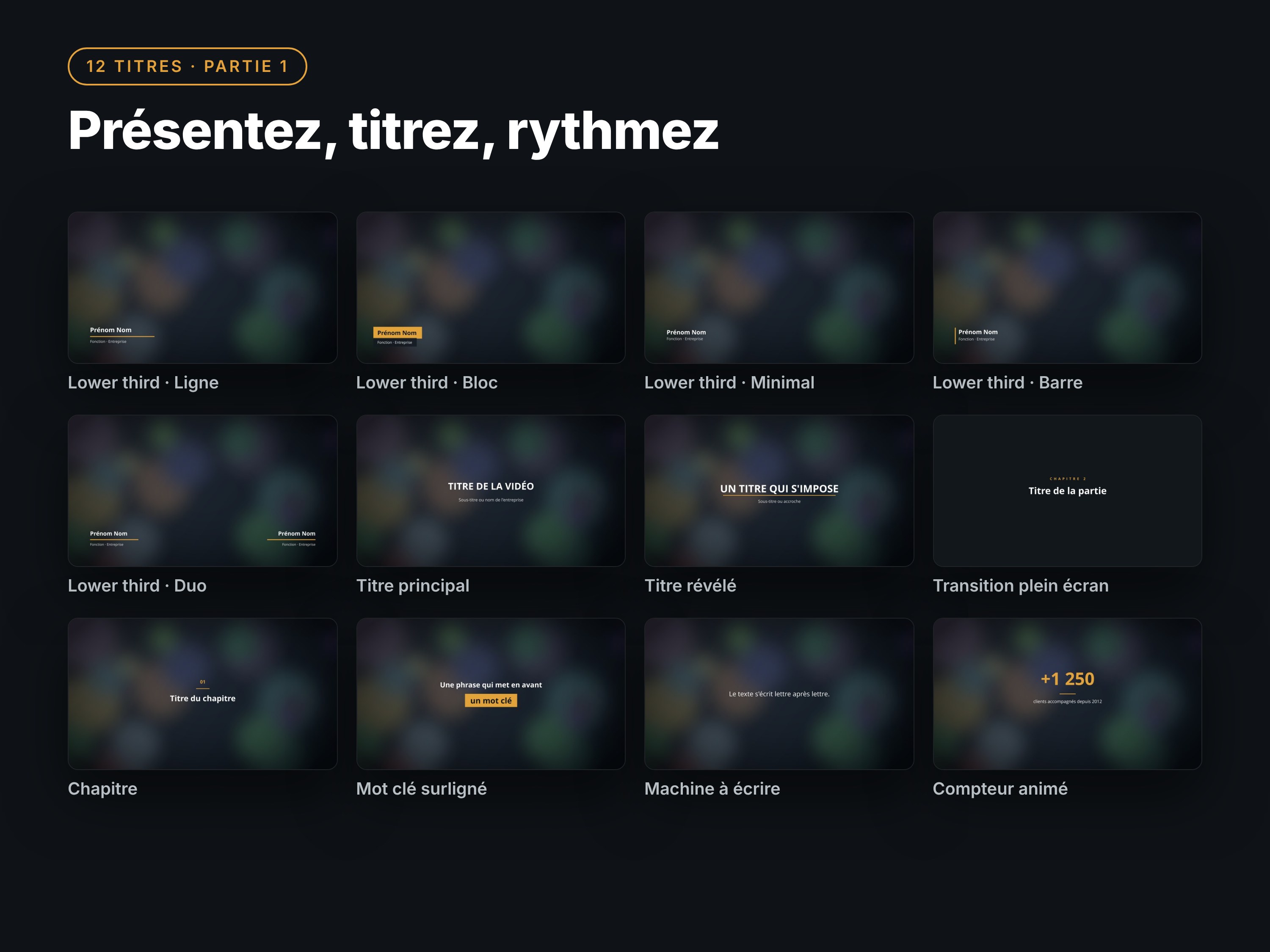
  • 5 lower thirds: Line, Block, Minimal, Bar and Duo (two speakers for interviews)
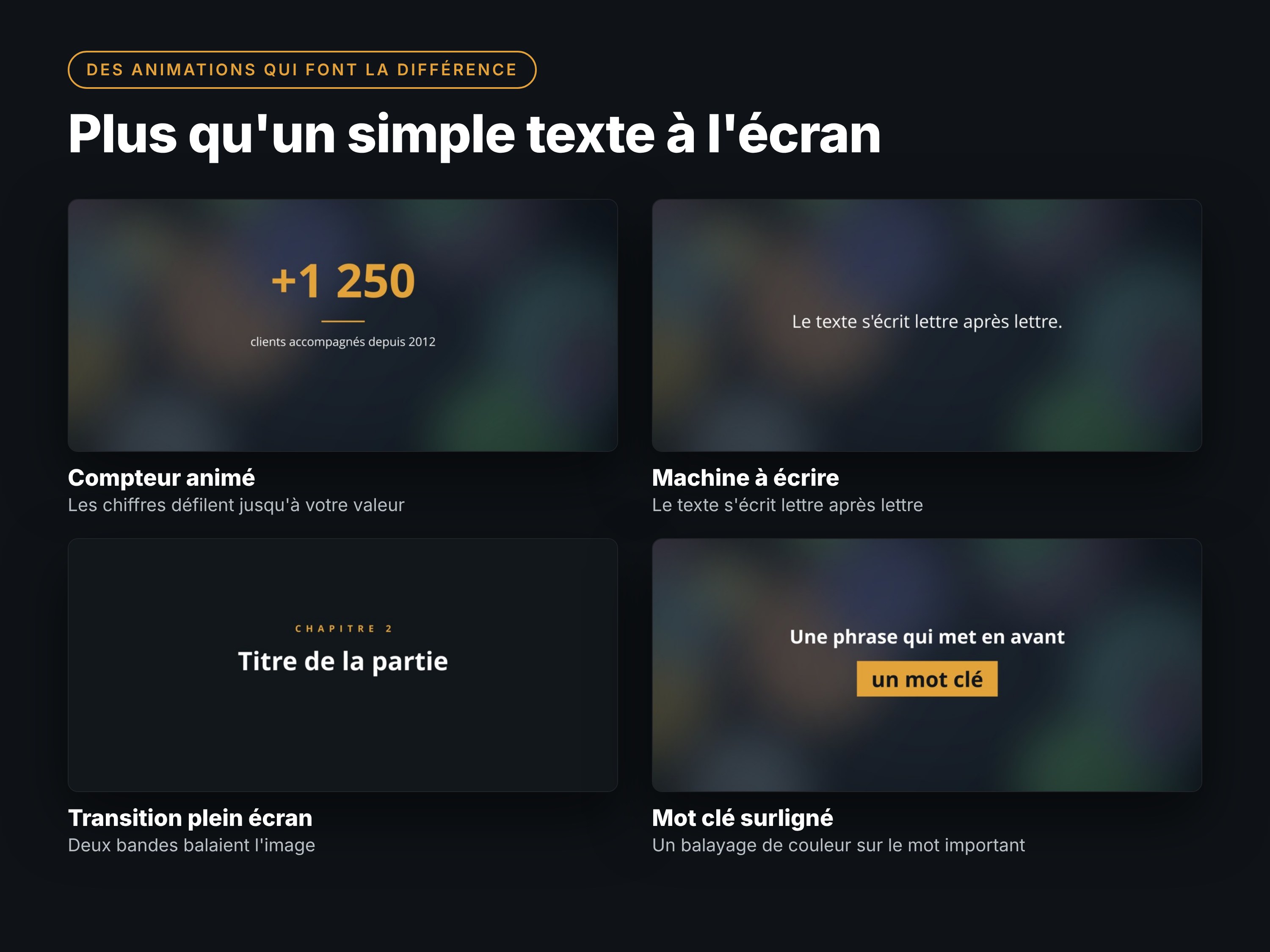
  • Main title, reveal title, chapter title and a full-screen wipe transition
  • Animated counter: numbers count up to your value, with prefix, suffix, decimals and thousands separator
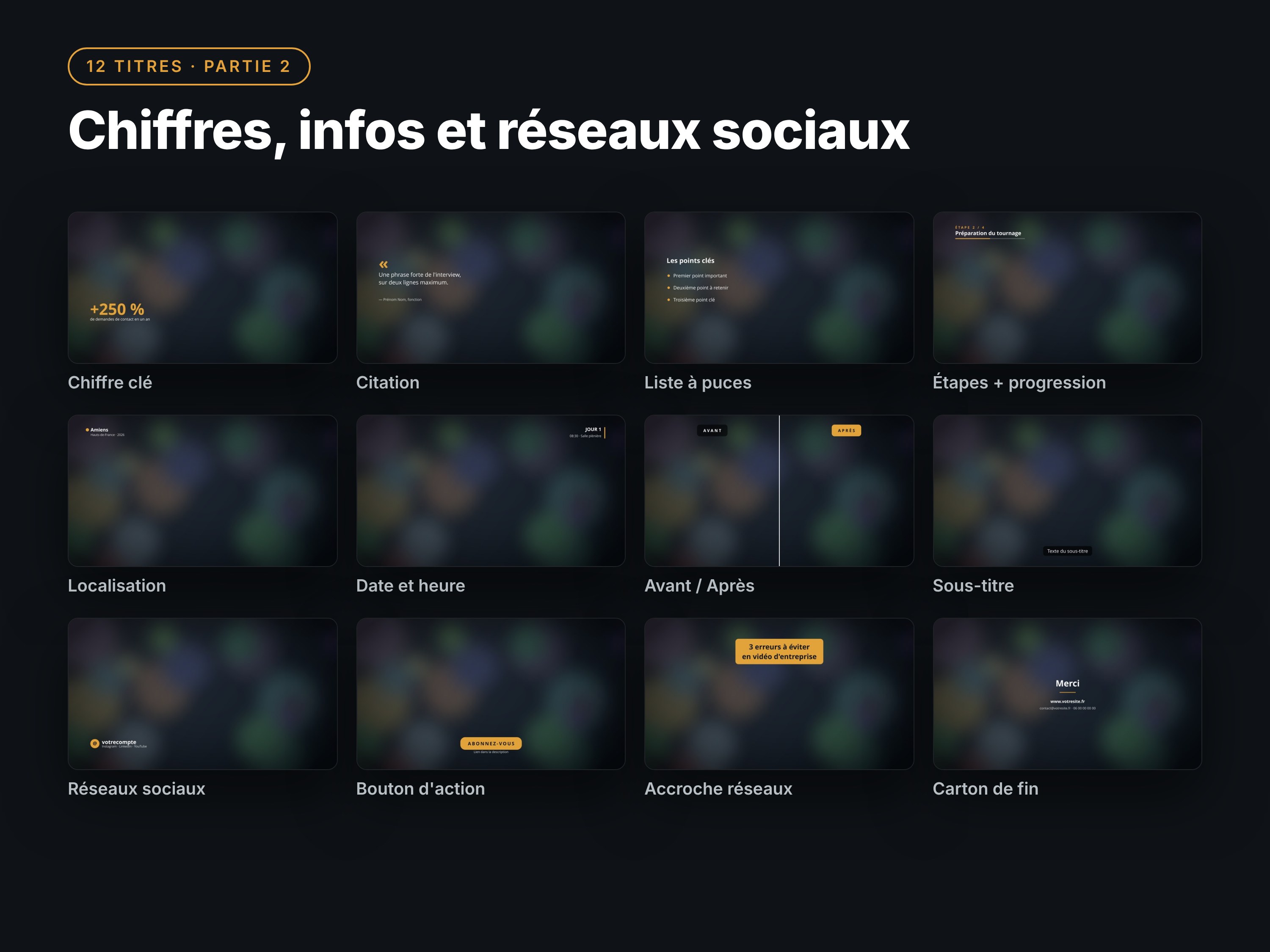
  • Typewriter text, highlighted keyword, quote, animated bullet list
  • Steps with progress bar, location, date and time, before / after labels
  • Subtitle box, social media handle, bouncing call-to-action button, vertical hook title, end card

Easy to customise

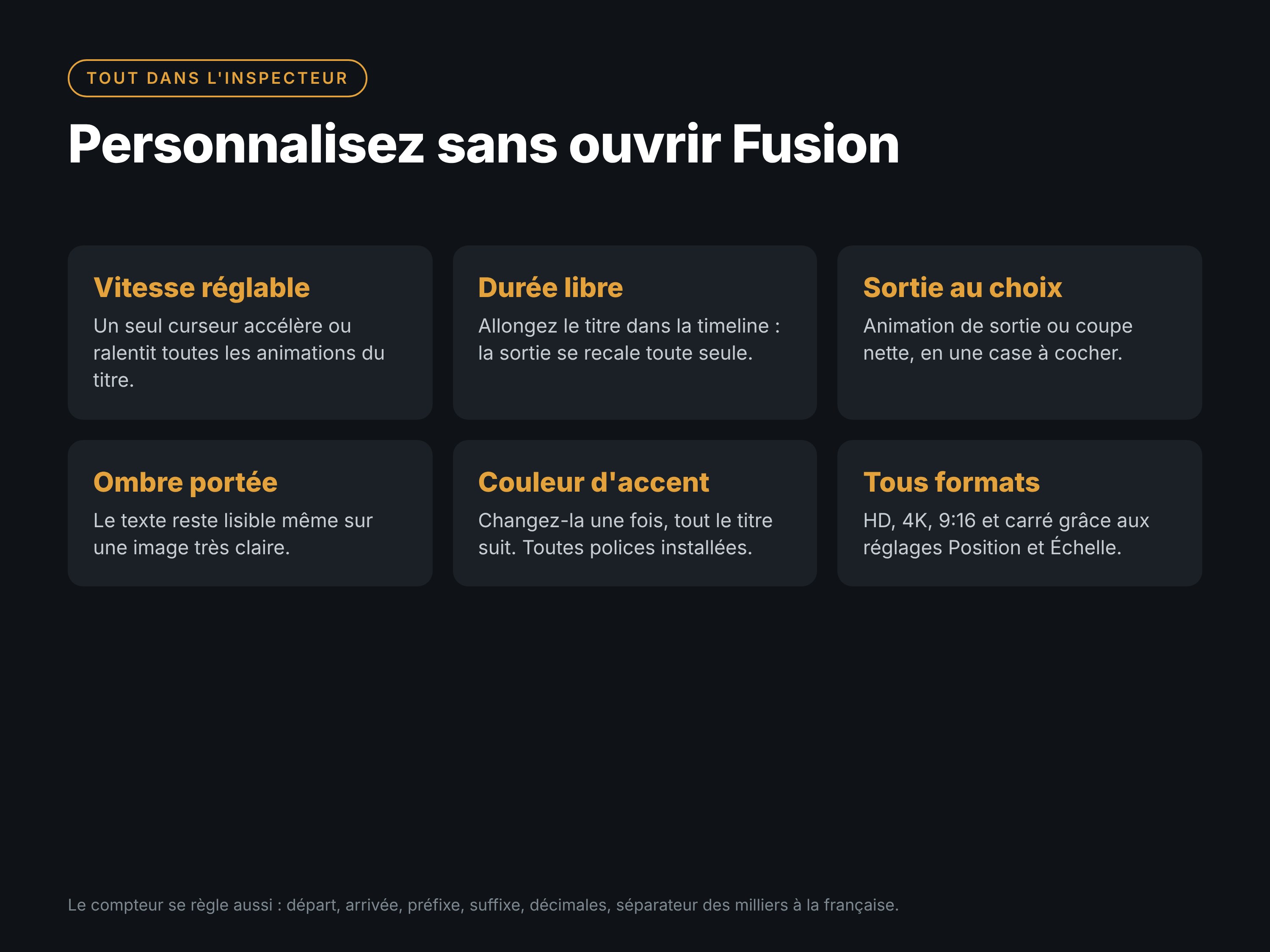
  • Text, font, size, colours and one accent colour for the whole title
  • Global animation speed, optional exit animation and one-click drop shadow on every title
  • Animations adapt to the clip length: stretch the title, the intro and outro stay smooth
  • Position and Scale controls for HD, 4K, 9:16 and square formats

Compatibility

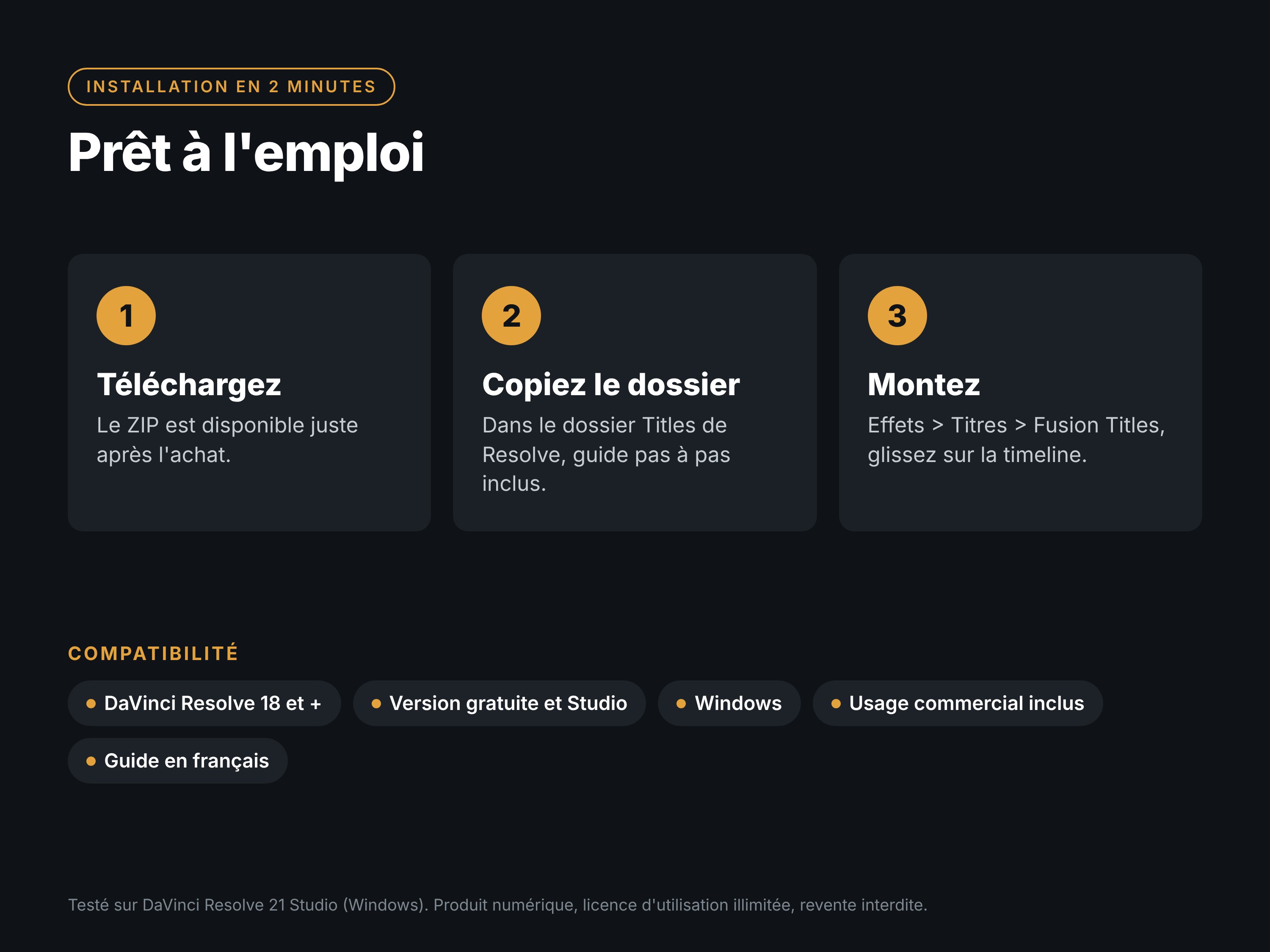
  • Tested on DaVinci Resolve 21 Studio for Windows. Uses only standard Fusion tools also available in the free version of Resolve.
  • macOS: not tested yet, so not listed.
  • Inspector labels and the installation guide are in French; the titles themselves work with any language.

Installation: copy the KM Corporate Clean folder into your Resolve Templates > Edit > Titles folder (step-by-step PDF guide included), restart Resolve, then find the titles under Effects > Titles > Fusion Titles.

  • lower thirds
  • titles
  • fusion titles
  • corporate
  • motion graphics
  • social media
All Presets

Search by product, creator, or workflow.

In the catalogue0 tools

Search Resolve tools, categories, or creators.

Choose a category below or start typing to find a listing.

DaVinci Market

Welcome back

Log in to reach your library, wishlist and downloads.

or with email

New to DaVinci Market?