
 Preset
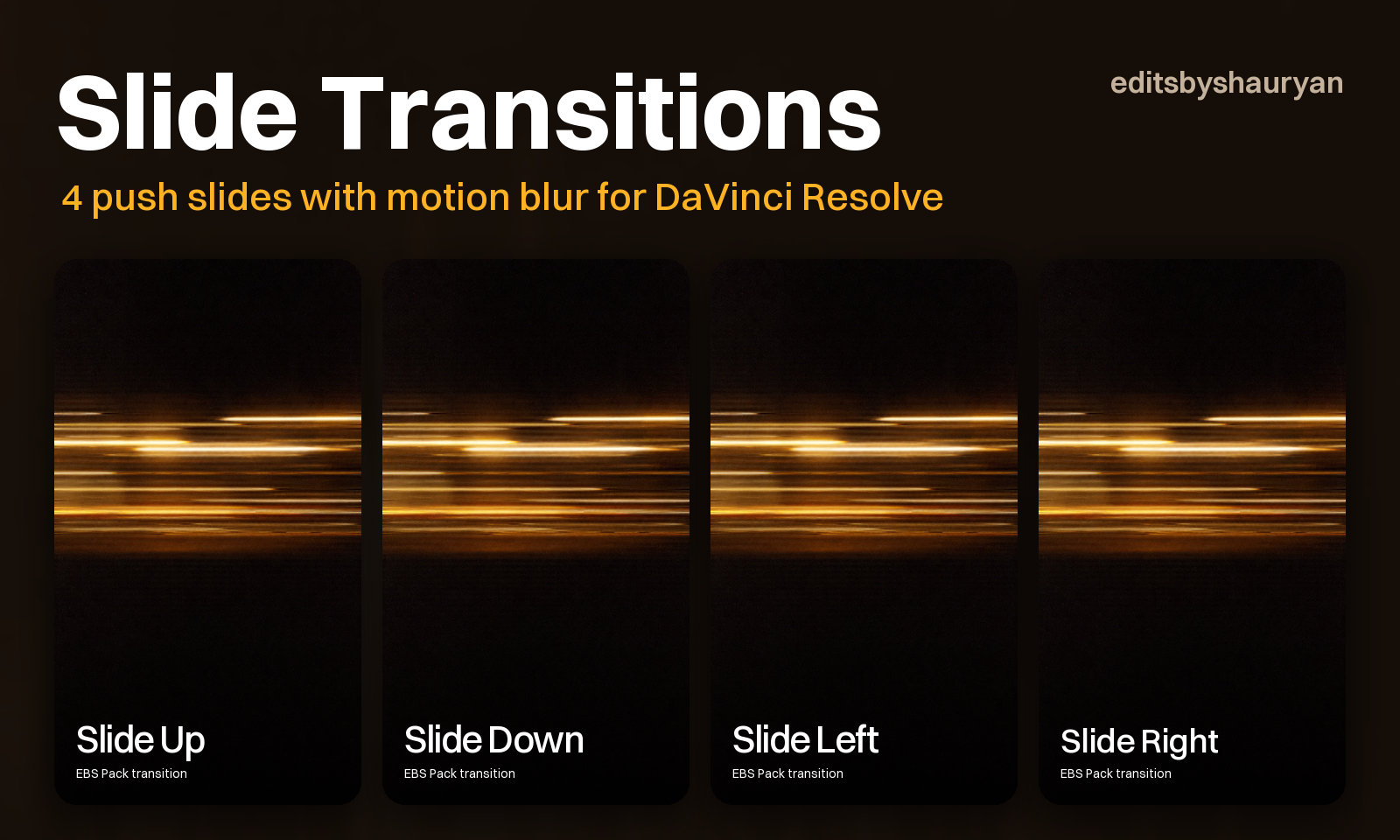
EBS Slide Transitions: 4 Super Smooth Push Slides with Motion Blur
by edits by Shauryan
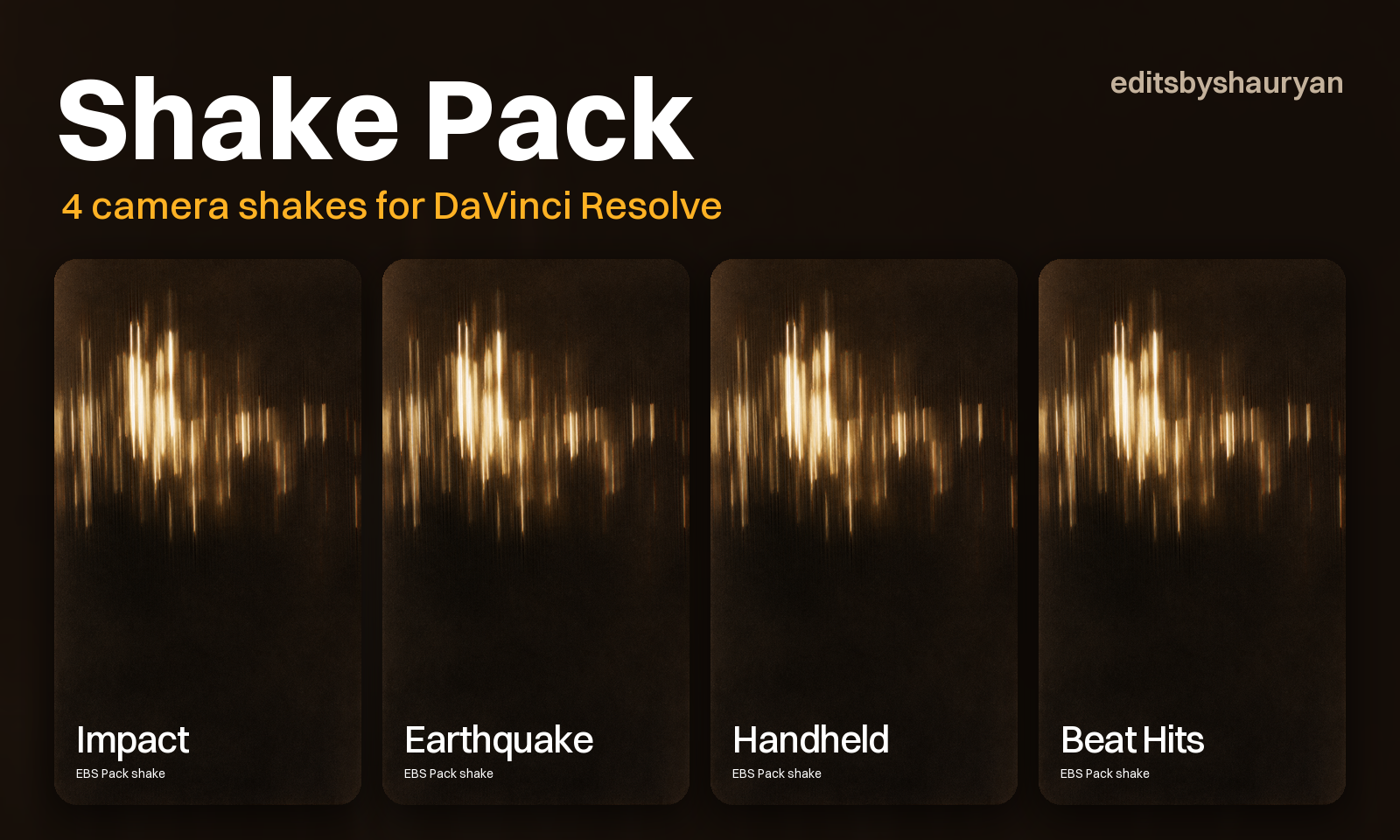
EBS Shake Pack gives you four camera shakes made for Shorts, Reels and fast YouTube edits. Drag one onto a clip on the Edit page and it works right away: no black edges, the same feel at 24, 30 or 60 fps, and the same look at 1080p, 4K or vertical 9:16.
What's inside
Shake Impact: one hard hit that settles fast. Put it on a punchline or a cut.
Shake Earthquake: nonstop heavy rumble with motion blur for the chaos moments.
Shake Handheld: a slow, natural drift, like the phone is in your hand. Fades in and out.
Shake Beat Hits: a punch on every beat. Set the tempo in the Inspector to match your track.
Controls (all in the Inspector)
Mode: Continuous, Single Hit or Repeating Hits
Strength, Rotation, Speed, Roughness, Horizontal and Vertical weight
Hit At, Hit Decay, Repeat Every, Zoom Punch
Fade In and Fade Out
Edge Fill: Auto Zoom (never shows black edges), Mirror or None
Random Seed for a fresh shake with the same feel
Motion Blur, Blur Quality and Shutter Angle
Why editors like it
Speed is capped below the frame rate, so the shake never strobes.
Strength scales with the frame, so one preset looks right in 9:16 and 16:9.
Same seed, same shake: your renders are repeatable.
Install
Double-click EBS Shakes.drfx with DaVinci Resolve open, then restart Resolve. You'll find the shakes in Edit page > Effects > editsbyshauryan Shakes.
Made by @editsbyshauryan, a full-time Shorts editor. Works in DaVinci Resolve and Resolve Studio.
Presetby edits by Shauryan
 Preset−25%
by Gridlock Motion
 PresetFree
by Nodeforge
 Preset−40%
 Preset−25%
by iamkoltunov