
 Preset−25%
EBS Shake Pack: 4 Camera Shakes for Shorts & Reels
by edits by Shauryan
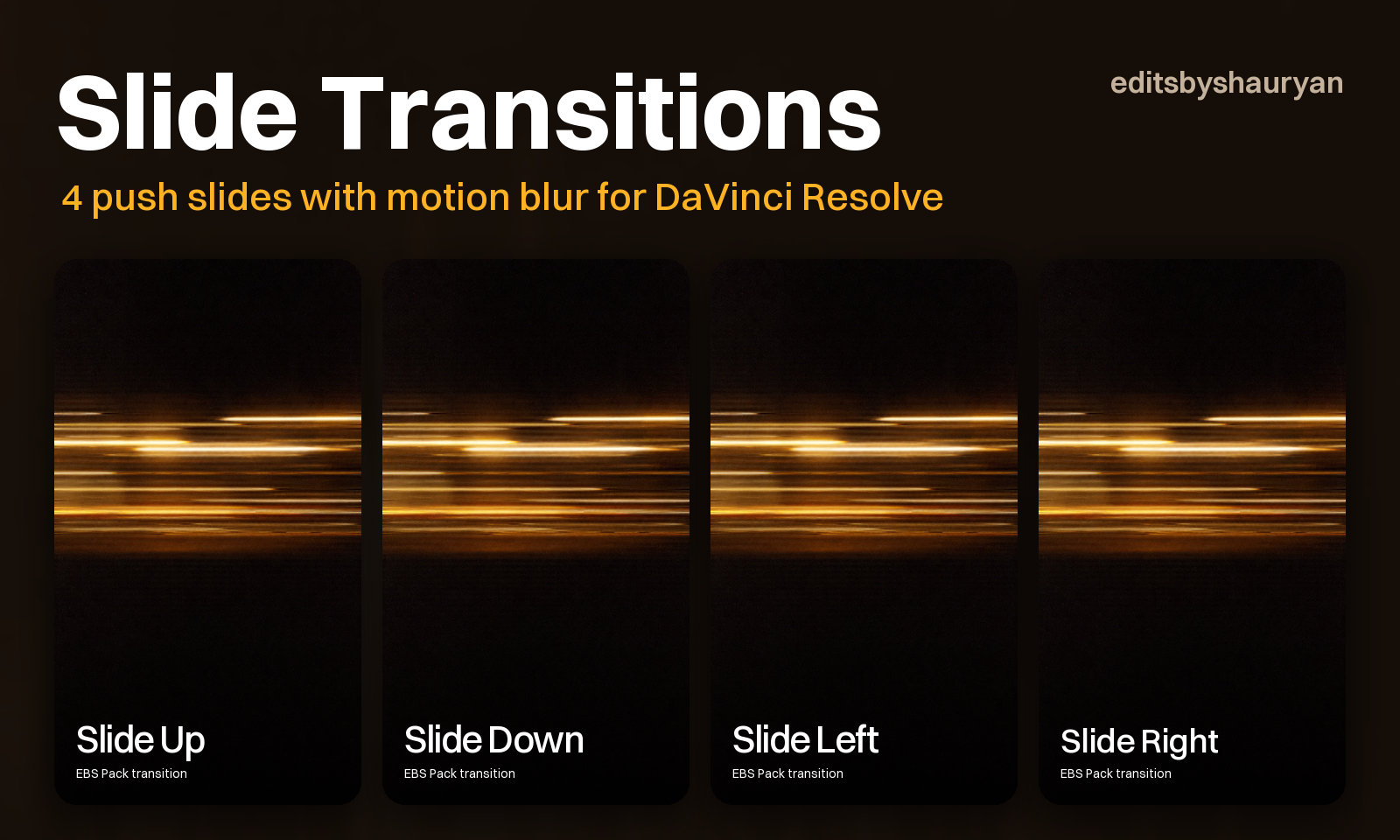
EBS Slide Transitions are four push slides that feel like real camera motion, not a flat wipe. Drop one on a cut and the next clip pushes the last one out of frame: it eases in soft, speeds up with real motion blur in the middle, and lands smooth with zero jitter. That motion is what makes the cut feel expensive in Shorts, Reels and fast YouTube edits.
Most slide transitions just move the picture at one speed and look stiff. These ones are tuned frame by frame: the blur stretches only while the clip is moving fast and is gone by the first and last frame, so both clips stay sharp where the viewer actually looks.
What's inside
Controls (all in the Inspector)
Why editors like it
Install
Double-click EBS Slide Transitions.drfx with DaVinci Resolve open, then restart Resolve. You'll find them in Edit page > Effects > Video Transitions > Fusion Transitions > editsbyshauryan Transitions.
Made by @editsbyshauryan, a full-time Shorts editor. Works in DaVinci Resolve and Resolve Studio.
Preset−25%by edits by Shauryan
 Preset−25%
by Gridlock Motion
 PresetFree
by Nodeforge
 Preset−40%
 Preset−25%
by iamkoltunov