


 Plugin−25%
 1 / 6
Overview
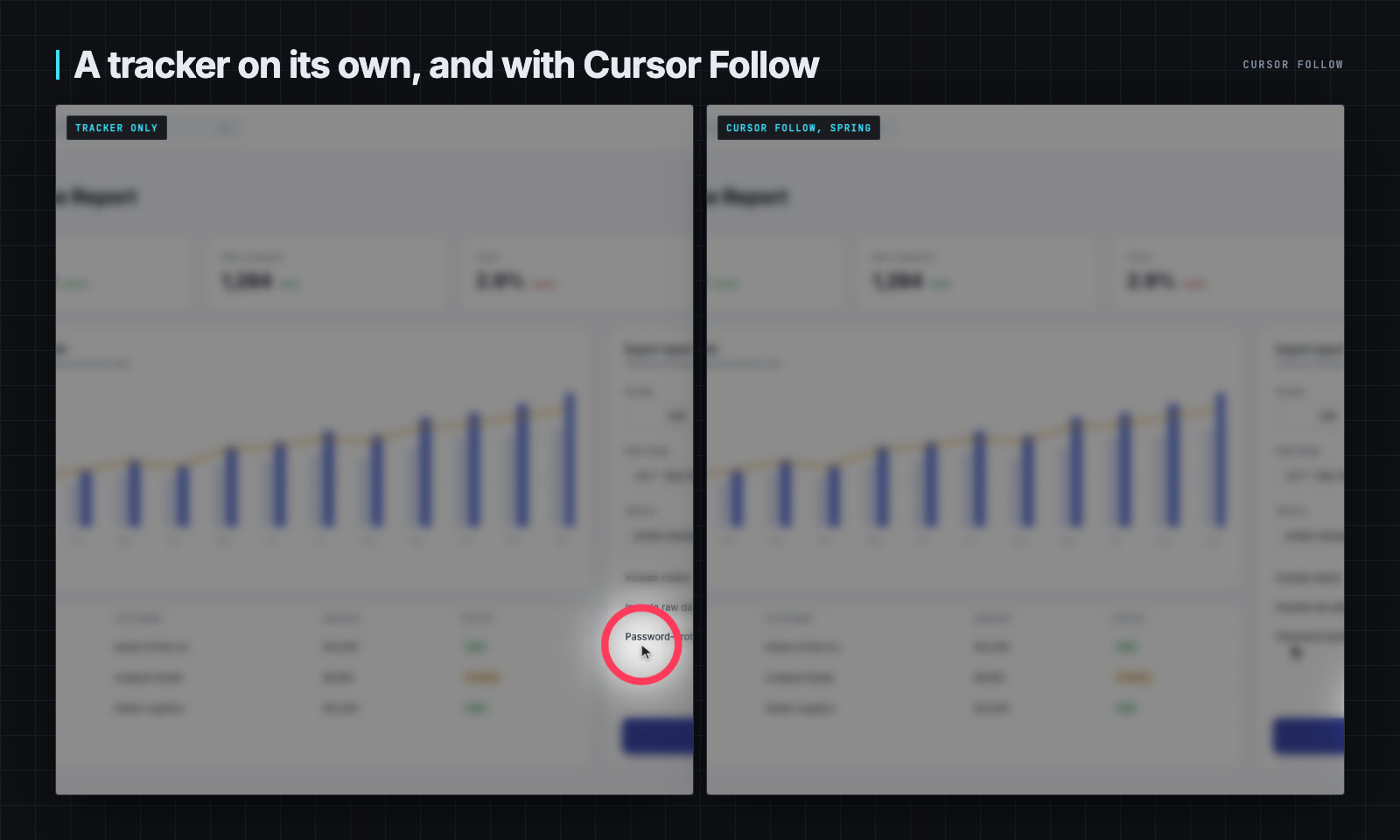
Tracked data is jittery and keyframes are stiff. Cursor Follow sits between the target and whatever follows it and adds weight: a spotlight that glides after the mouse, a label that swings into place, a ring that overshoots and settles.
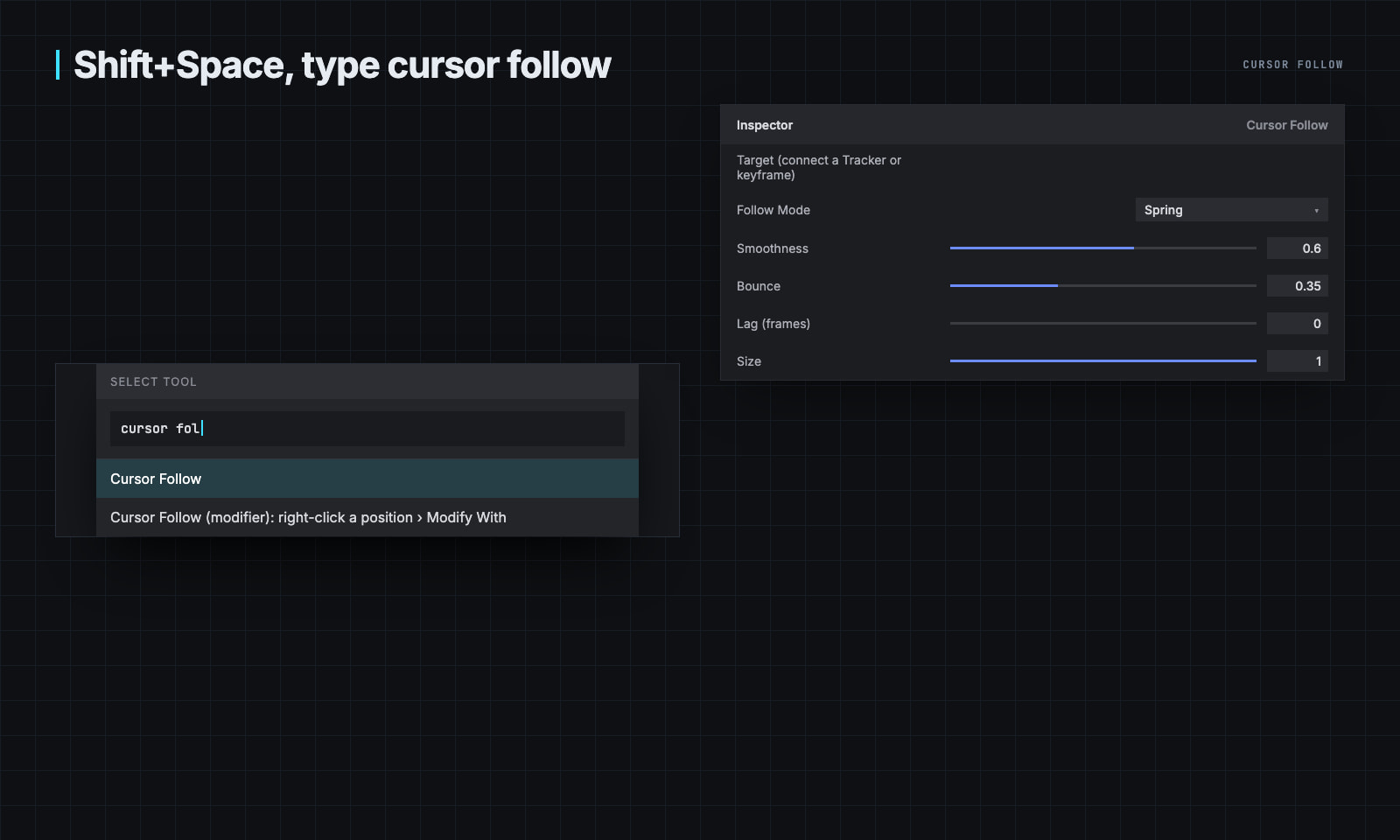
The node On the Fusion page, press Shift+Space and type "cursor follow". Pipe in any graphic (a cursor, a label, a logo), connect Target to a Tracker, and the graphic chases it.
The modifier Right-click any position control, choose Modify With › Cursor Follow, and connect its Target to a Tracker or to your keyframes. Anything with a position can follow: a mask, a light, a particle emitter, a text centre.
Controls
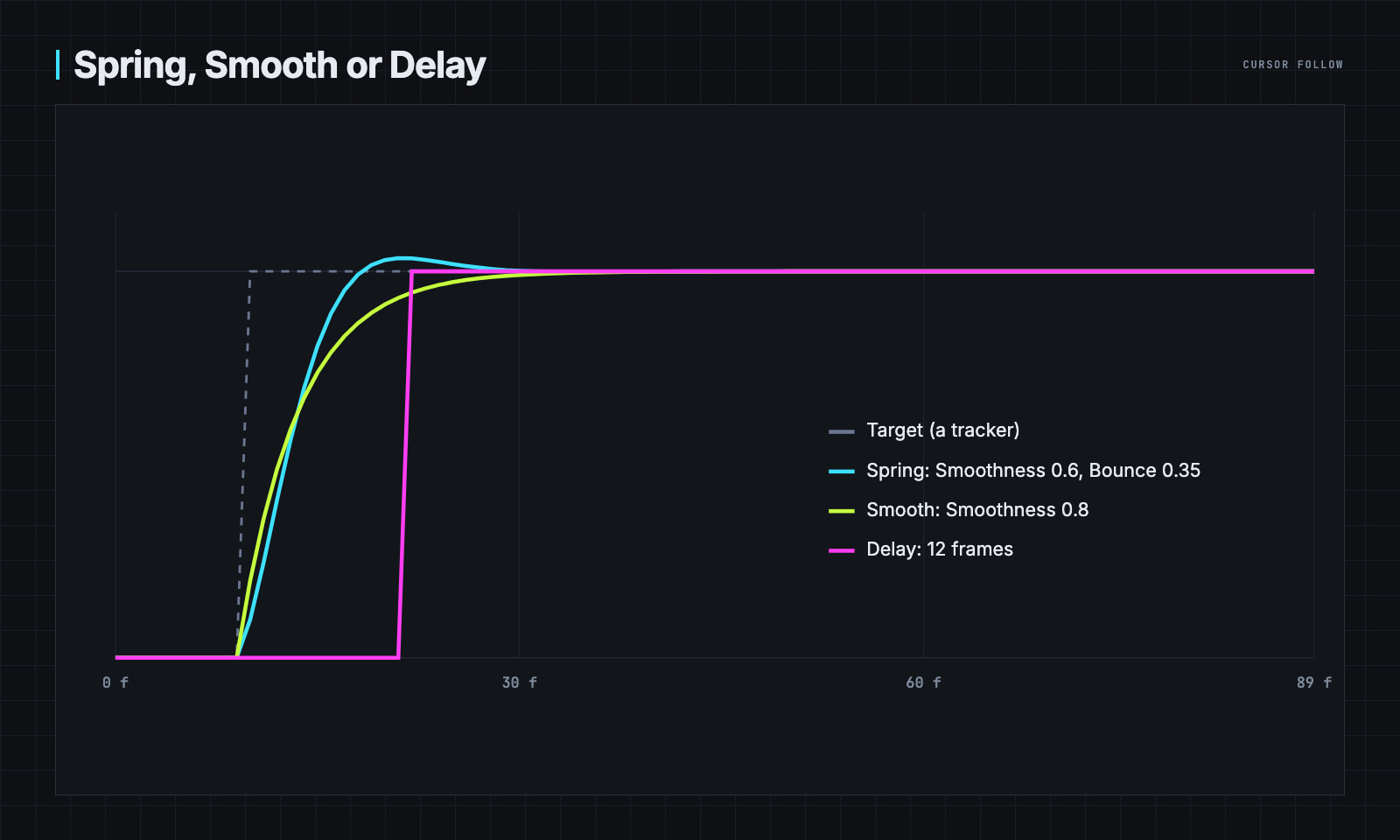
- Follow Mode: Spring, Smooth or Delay
- Smoothness and Bounce shape the spring
- Lag in frames, and an Offset
Five effects for adjustment clips
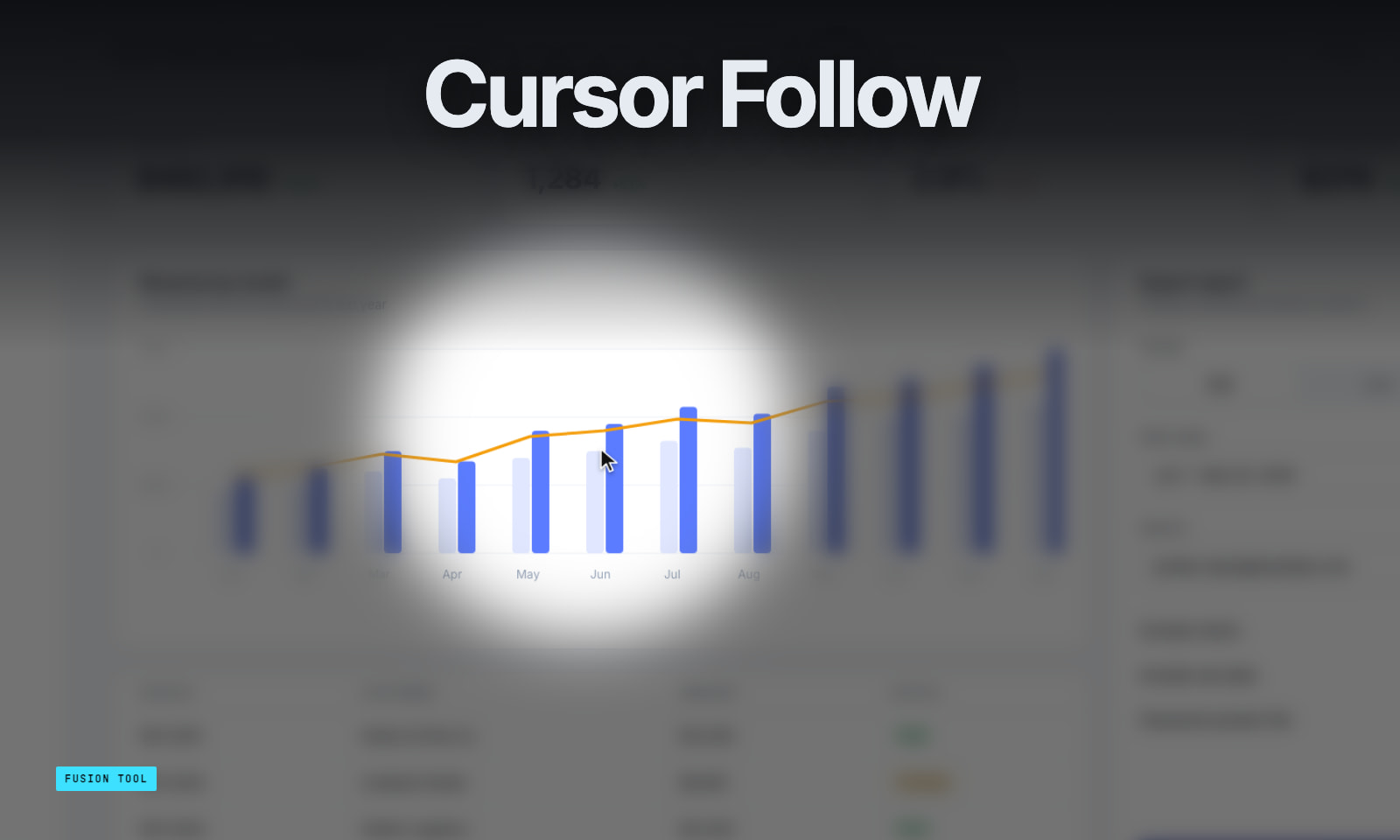
- Follow Spotlight: dims, blurs and desaturates everything around the target
- Follow Magnifier: a lens that rides along and enlarges what's under it
- Follow Ring, Follow Halo and Follow Label
Each effect has Animate In, Animate Out and Delay in frames, so it fits any length of clip.
Built for screen recordings Track the cursor once, and every callout follows it the way a camera operator would.
Compatibility: DaVinci Resolve 18 or later, Free and Studio.
More from Nodeforge
Storefront- Plugin−25%
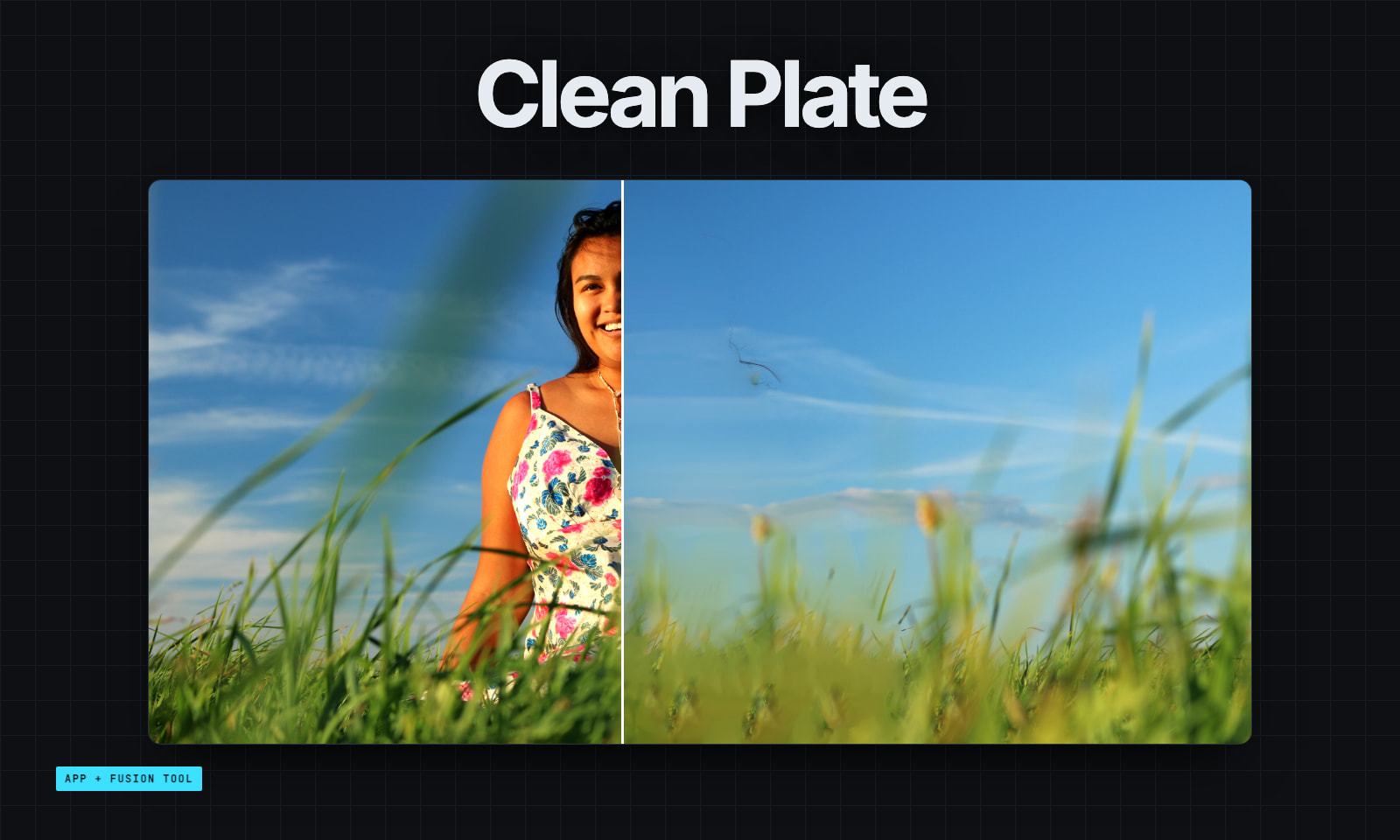 Plugin−50%
 Preset−25%
Tunnel — Infinite Perspective Tunnels and Zooms
by Nodeforge
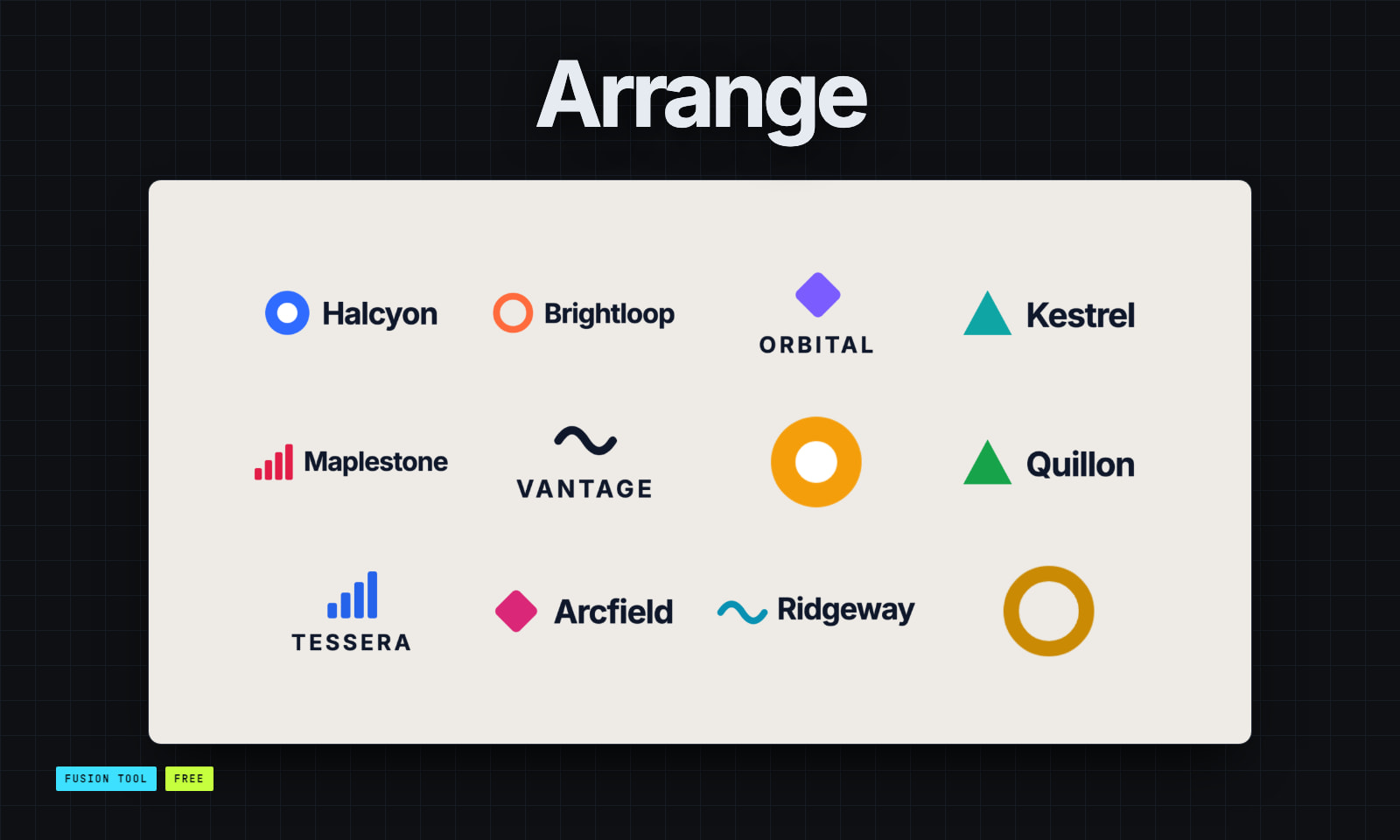 PresetFree
Arrange — Pixel-Exact Grid Layout for Fusion
by Nodeforge
You might also like
All Plugins Plugin−25%
Zoom to Audio
by limakpacks
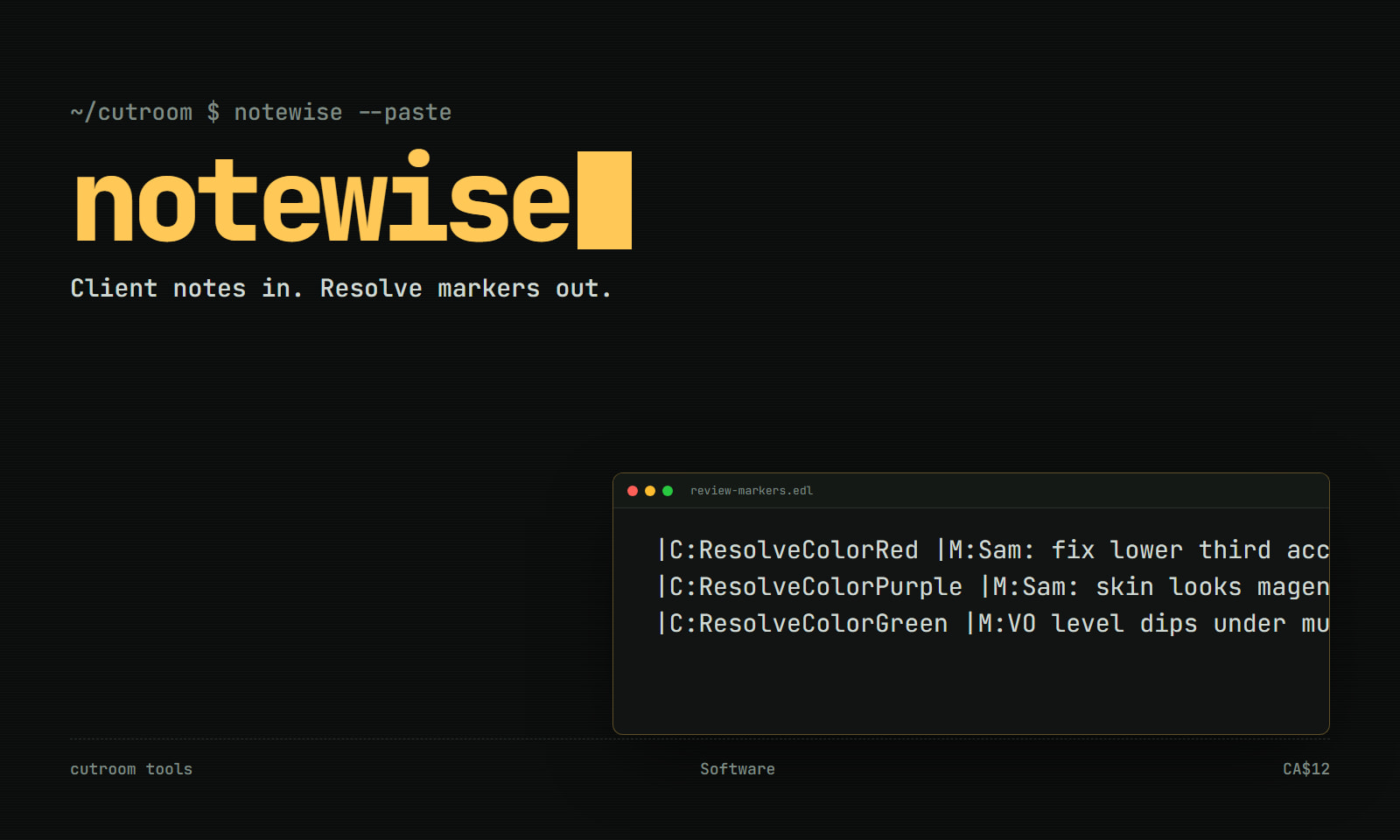 Plugin
Notewise (Review Notes to Resolve Markers)
by Cutroom Tools
 Plugin
Cover: Thumbnail Studio
by CLICK THEORY
 Plugin
Halide: Film Halation & Bloom
by Halide & Silver