
For creators
Answer buyer messages and read feedback
Studio Messages collects questions from people who own your products. Studio Reviews shows ratings and private feedback.
On this page
Studio Messages
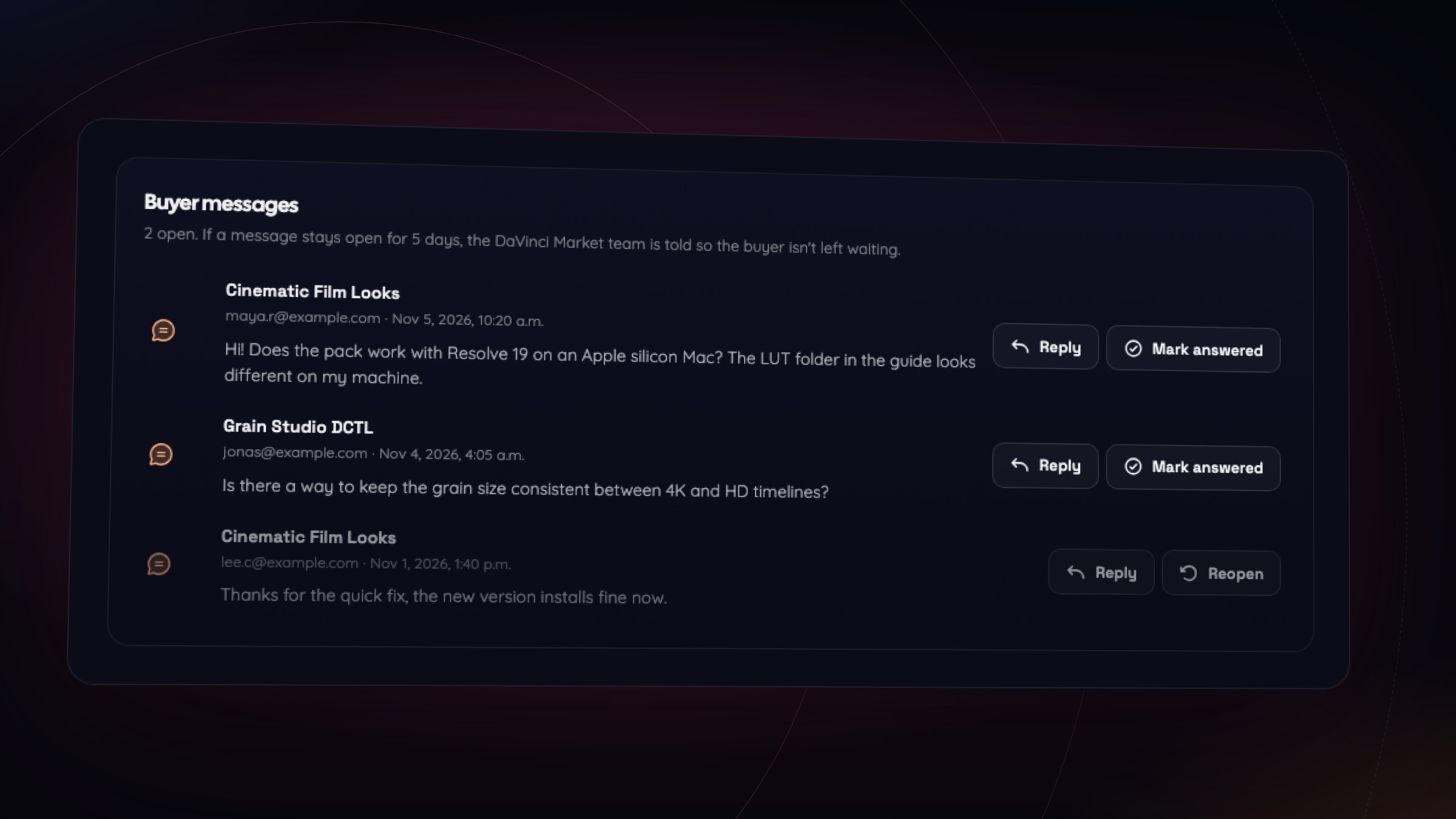
When someone who owns one of your products contacts you, the message arrives in your inbox and appears in Studio → Messages. Each message shows the product, the buyer's email and when it was sent.
- Reply by email
Choose Reply. Your answer goes straight to the buyer from your own email address.
- Mark it answered
Choose Mark answered so the message moves out of your open list. Reopen brings it back if the conversation continues.
Ratings and private feedback
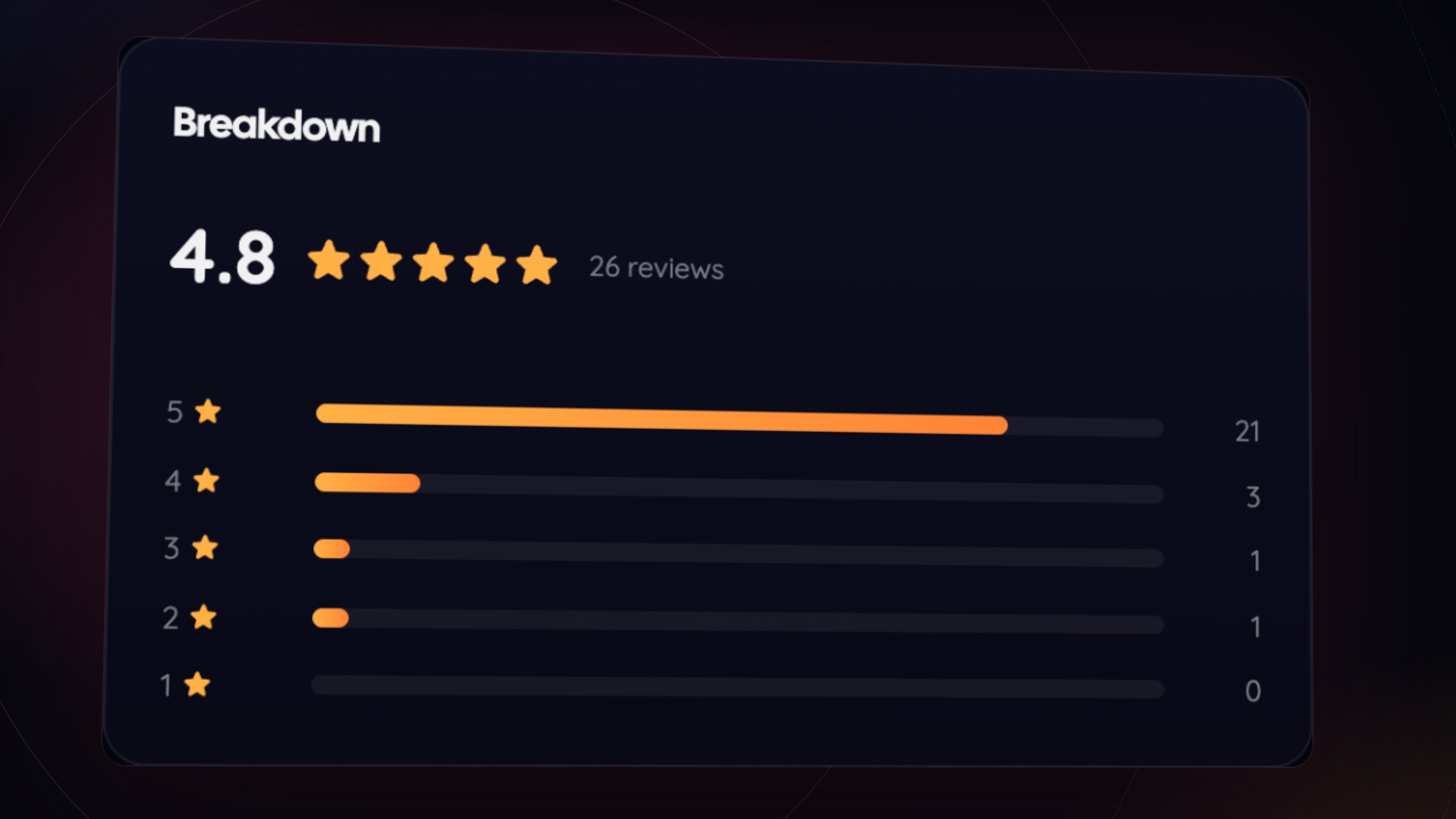
Studio → Reviews brings together ratings from all your listings. A listing's own Reviews page shows its breakdown and recent notes.
| Part | Who sees it | Limit |
|---|---|---|
| Stars (1 to 5) | Everyone: product cards, the product page and your rating badge embed | Required |
| Note | Everyone: the product page's Ratings section | 1,000 characters |
| Feedback | Only you, in Creator Studio | 1,000 characters |
Ratings come only from owners, and each owner has one rating per product that they can update later. Buyers are reminded to rate about a week after they get a product, unless they've turned reminders off.