
For buyers
Rate a product or contact its seller
Leave a star rating and a public note, send private feedback, or ask the seller a question about something you own.
On this page
Only people who own a product, bought or downloaded for free, can rate it or message its seller. That keeps ratings honest and keeps sellers' inboxes free of spam.
Rate a product
- Open your downloads
Go to Account → Downloads and choose the star button next to the product. The link in a review reminder email opens the same form.
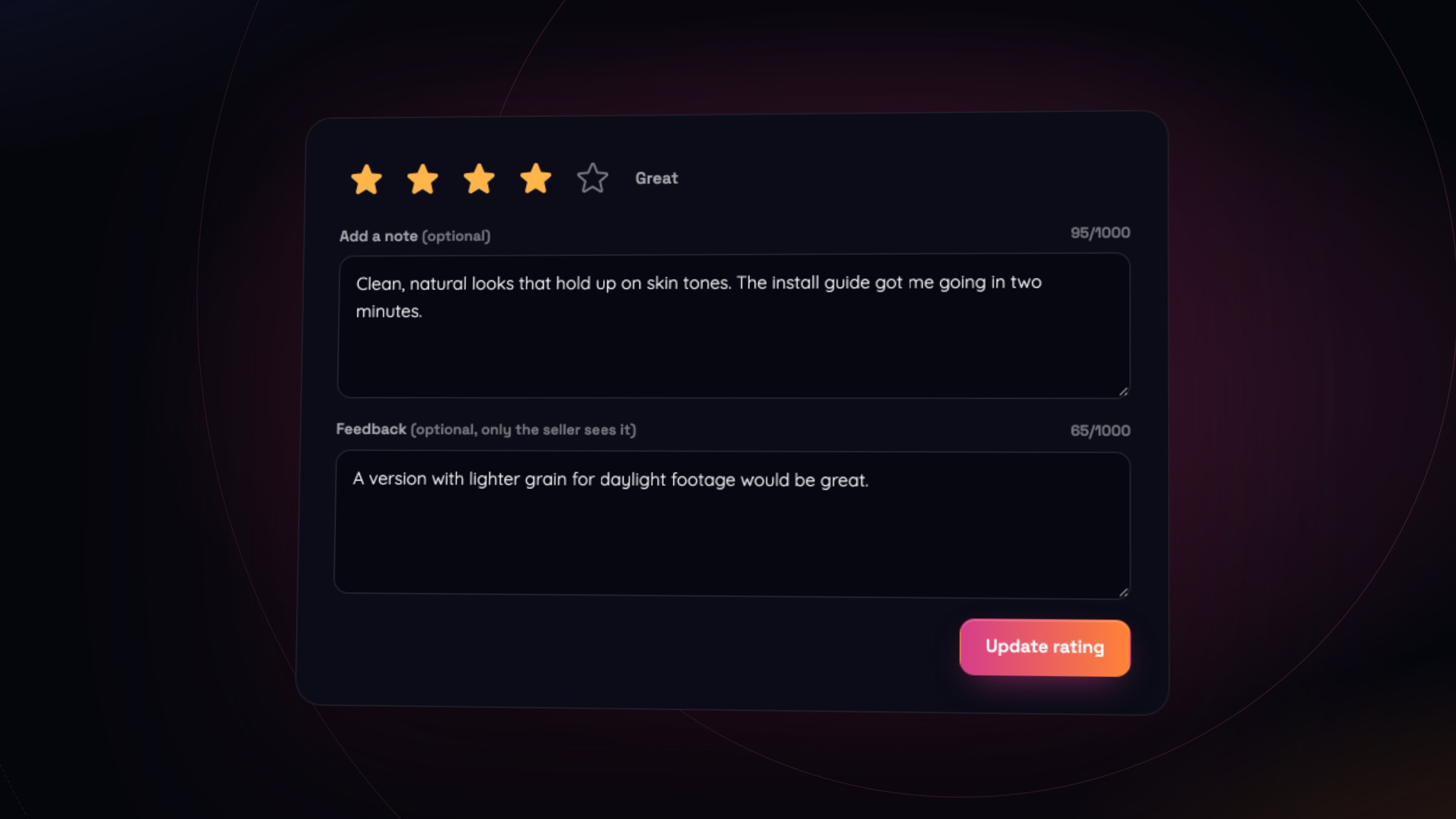
- Choose 1 to 5 stars
The label changes as you go: Poor, Fair, Good, Great, Excellent.
- Add a note (optional)
Your note is public. It can appear on the product page under Ratings with your first name and an Owner label. Up to 1,000 characters.
- Add feedback (optional)
Feedback is private: only the seller sees it, in Creator Studio. Use it for suggestions you'd rather not post publicly. Up to 1,000 characters.
Ask the seller a question
In Account → Downloads, choose Contact the seller on the product. Describe the question or issue, and include your operating system and Resolve version if they matter. Messages are 10 to 2,000 characters.
- The seller replies by email, straight to your address. Replies are always delivered, whatever your email preferences.
- You can send one message per product every 10 minutes, so a double click doesn't send it twice.
- If a seller hasn't answered after 5 days, the DaVinci Market team is told so you aren't left waiting.